Journal16 min read
7 Best Product Demo Video Makers for SaaS Teams (2026)
Compare the 7 best product demo video makers for SaaS teams in 2026, including pricing, features, limitations, and best use cases.
- Published
- Updated
- Written by
- AllCapStudio
7 Best Product Demo Video Makers for SaaS Teams (2026)
Building a good product demo used to take a small production effort of its own. You had to record a clean run-through without a bug interrupting the flow, write a script, add voiceover or captions, then trim it down to something watchable. Three months later the UI changes and you're redoing the whole thing. If your team is already stretched thin around a product launch, that's real time pulled away from actual selling.
AI-powered demo tools exist specifically to cut that production cycle down to something you can finish solo in an afternoon. Some turn a single screen capture into a polished interactive walkthrough automatically. Some generate a presenter-led video from nothing but a script. One lets an AI coding agent write and update the video the same way it writes code. The bottleneck that used to require a video editor or a dedicated production budget has largely disappeared.
What's replaced it is a crowded field of similar-sounding tools making overlapping claims. This guide narrows that down to seven worth trialing, why each one exists, what it actually costs, and how to tell a genuine fit from a tool that just demoed well.
Why Demo Video Matters More Than Ever for SaaS Growth
SaaS buyers have largely made up their minds before a sales rep ever gets on a call. Gartner's 2025 Sales Survey puts B2B buyers spending only 17 percent of their entire purchasing journey interacting directly with suppliers, and finds that 61 percent of buyers say they'd prefer a rep-free buying experience if they could get one. That leaves demo video and interactive product tours doing work that used to belong to a live sales call.
Video specifically carries a disproportionate share of that persuasion. Wyzowl's 2026 Video Marketing Report found that 85 percent of people say watching a video has convinced them to buy a product or service, a figure that's held steady even as buyers spend more research time inside AI tools and less time browsing a vendor's website directly.
None of that matters if the demo shows a product that doesn't exist anymore. Most SaaS teams ship weekly or biweekly, which means a demo recorded once at launch is running against a moving target from day one. That's the real argument for treating a demo video less like a one-time deliverable and more like a piece of the product itself, kept current the way the product is.
Different Types of Product Demo Videos for SaaS
Before comparing individual tools, it helps to know which format actually fits the job. Most of the seven tools below fall into three broad approaches, and picking the right one matters more than picking the highest-rated tool inside the wrong category.
Interactive Demos
Interactive demos work best when a buyer needs to feel like they're the one driving. A prospect clicks through the actual product, or a close clone of it, at their own pace. This format wins in top-of-funnel marketing, on a website or landing page, where the goal is letting someone explore without committing to a sales call. Arcade, Supademo, and Storylane all build this format, with Storylane pushing furthest on literal HTML fidelity.
AI Avatar Video
AI avatar video works best when the message needs to travel further than any one person can personally deliver it. Training content, onboarding, and multilingual rollouts all benefit from a consistent presenter who can be updated in minutes with a script change instead of a new camera shoot. Synthesia and HeyGen both build this format, competing mainly on avatar realism and language coverage.
Screen Recording
Screen recording is the fallback nearly every team already has. It doesn't automate production and it doesn't tie itself to the product, but it's fast, familiar, and usually already installed. Loom fits here, and it's worth keeping in the stack even after adopting one of the more specialized tools above, since not every internal walkthrough needs interactive polish.
7 Best Product Demo Video Makers for SaaS
These seven aren't just the highest-rated tools in the category. Each one earned its spot by solving the production problem in a genuinely different way, covering interactive demos, avatar-led video, code-based generation, and screen recording, rather than offering five variations on the same approach.
1. Supademo
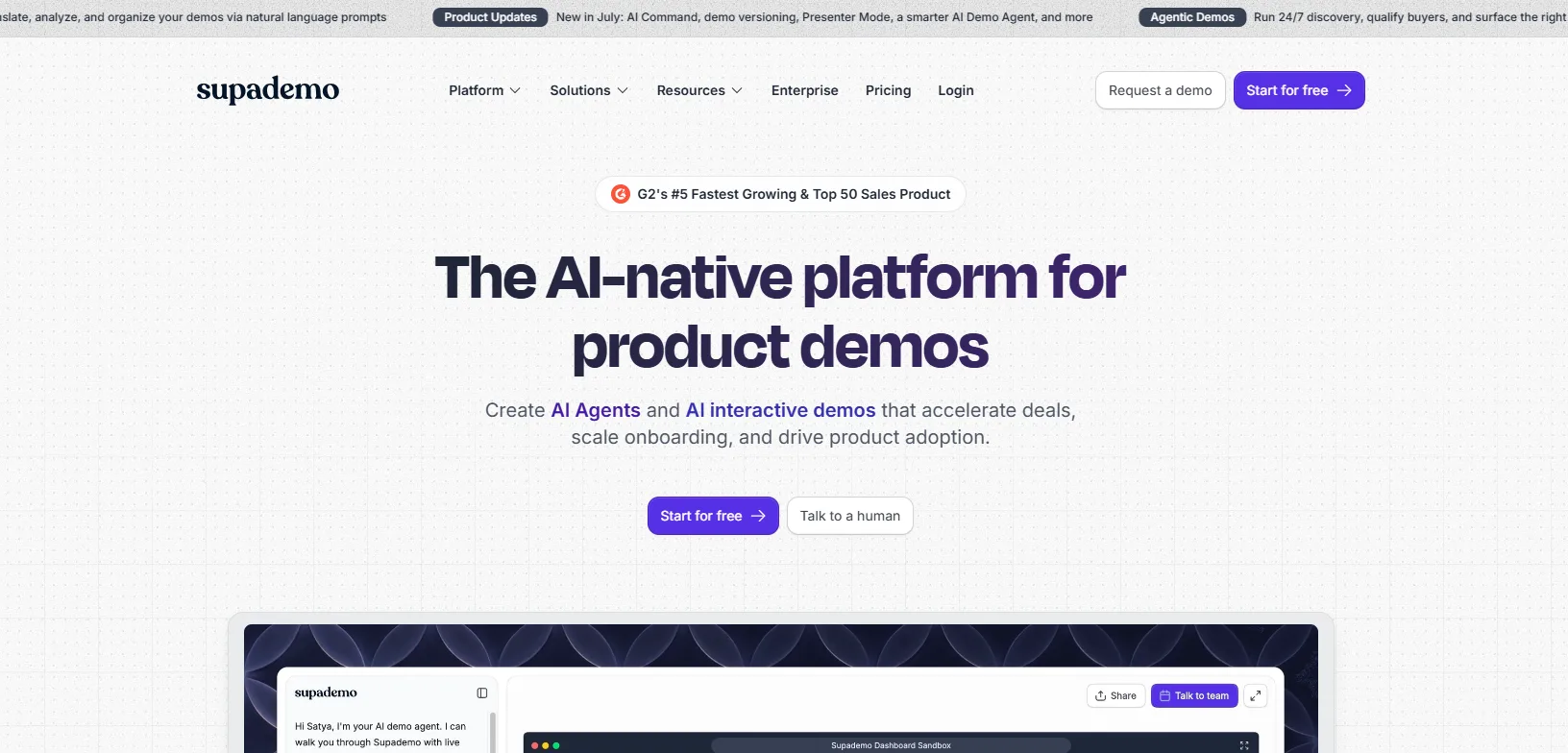
Supademo is an interactive demo platform that records product walkthroughs as screenshots, full video, or a full HTML clone, all from one capture session. It competes directly with Arcade, but its edge is capture depth and a Route Hub for organizing demos into a self-serve library. Customer success, sales enablement, and product marketing teams all lean on it to keep a shared demo library current.
Key Strengths
AI Command editing: Update, translate, or reorganize a demo just by typing an instruction, instead of manually re-editing each step.
Version history: Demo versioning keeps a history of edits, so a team can roll back to an earlier cut if a change doesn't land.
Multi-app capture: The desktop app can capture multiple apps or windows inside a single guided demo.
Self-serve navigation: Route Hub lets viewers pick their own path through a library of demos instead of sitting through one fixed sequence.
Unmetered viewing: Unlimited external views ship even on the Free plan, so distribution never gets metered.
Limitations
HTML and sandbox demos are gated: Both formats are locked behind the Growth tier and above.
Per-creator billing: A five-person content team pays for five seats even if only two people actually record.
Pricing
Free: $0 a month, 1 creator, 5 guided demos, 50 video recordings
Scale: $38 per creator a month, billed annually
Growth: $350 a month for 5 bundled creators, billed annually
Enterprise: Custom pricing, starts at 10 bundled creators
Best fit
Teams that want guided interactive demos and a native video export coming out of the same recording, without switching tools halfway through.
2. CoAnimator
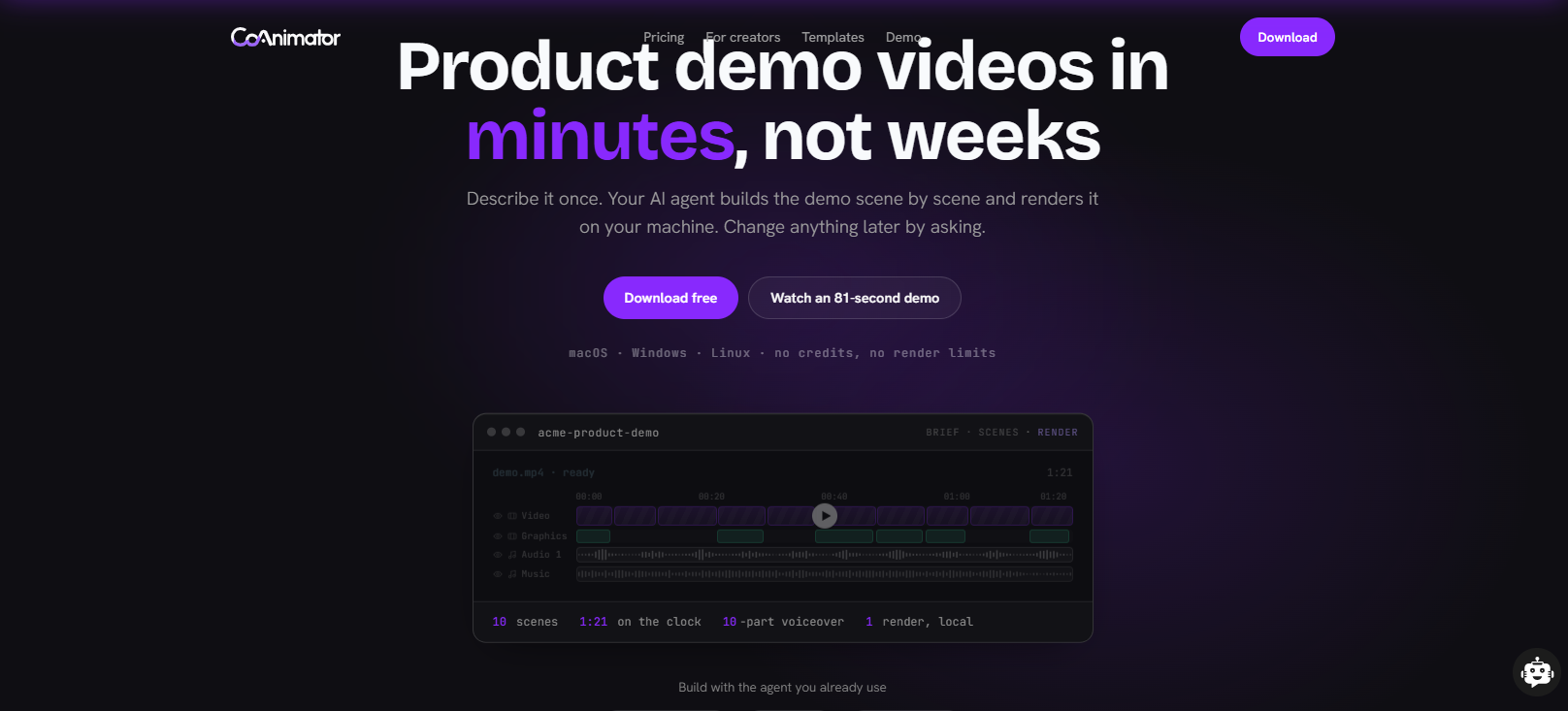
CoAnimator is an agentic AI animation studio that lets AI coding agents such as Claude Code, Codex, or Gemini build and edit product demo videos from a plain-language description. The video is structured as ordinary project files, so updating a demo after a UI change works like any other code edit rather than a full re-shoot. Where the rest of this list assumes a marketer working in a browser, CoAnimator assumes an engineer, or an agent, working from a repository.
Key Strengths
Create videos by describing: a product demo, launch video, or tutorial takes shape on the stage scene by scene, and you redirect at any moment.
Edit videos by describing: say the look you want, and effects, captions, and overlays land on your recording.
Always-editable projects: come back weeks later, change one scene, and re-render. Nothing is ever baked in, and project files are git-friendly.
Agent agnostic: Claude Code, Codex, Gemini, OpenClaw, or any custom agent that can read files and run shell commands.
Fully local rendering: unlimited exports, no watermark on paid licenses, works offline. Unreleased product never leaves your machine.
Coa CLI: headless rendering from scripts, CI pipelines, or autonomous agents like Hermes and OpenClaw. Set it up once and changelog videos generate themselves.
Cross Platform: works on macOS, Windows, and Linux, which almost nothing else in this category does.
Limitations
No built-in analytics: Tracking who actually watched a demo means building that separately.
Assumes agent fluency: Getting real value out of it assumes a team is already comfortable directing an AI coding agent, a bigger lift for a non-technical marketer than opening a browser-based recorder.
Pricing
Free: CoAnimator runs through existing coding-agent access with local rendering and no credit meter
Best fit
SaaS teams with engineers, or coding agents, already woven into their workflow who want demo videos that keep pace with the product instead of falling behind it.
3. Arcade
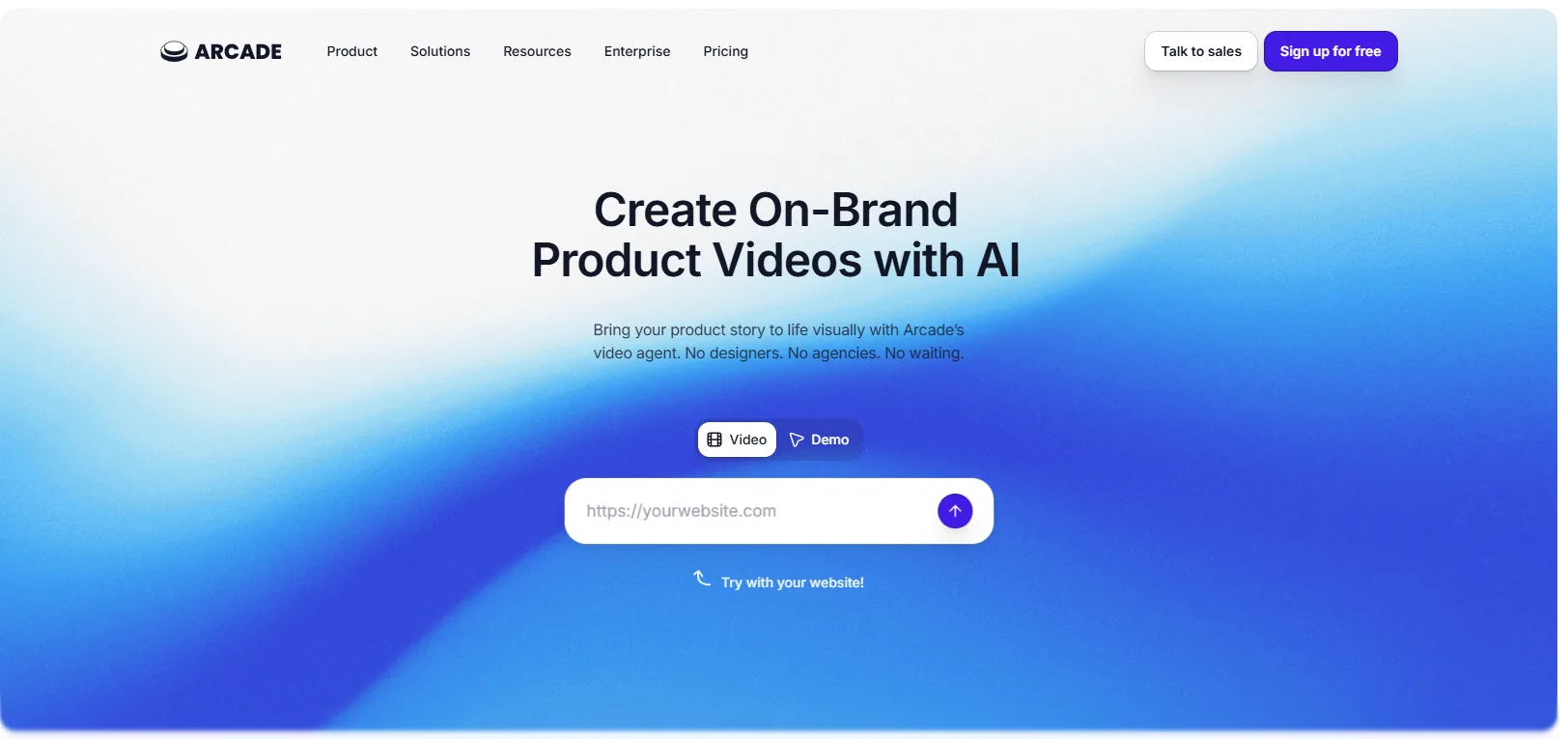
Arcade is an AI-powered demo platform that captures a live product flow through its Chrome extension or desktop app, then publishes the same recording as an interactive demo, a downloadable MP4, or a GIF. Most competitors force a choice between a clickable walkthrough and a video file. Arcade doesn't. It's a common pick when a demo needs to work across a landing page, an email, and a sales deck without recording it twice.
Key Strengths
Multi-format export: One capture produces an interactive demo, an MP4, and a GIF, so there's no need to record the same flow twice for different channels.
Automatic polish: Hotspots, captions, and pan-and-zoom get applied automatically rather than added by hand after the fact.
Demo branching: A single demo can split into different paths depending on what a viewer clicks, useful for showing different personas different flows.
AI-assisted scripting: AI voiceover and AI copy drafting take a real bite out of the scripting work.
Drop-off analytics: Paid-tier analytics pinpoint exactly where viewers stop watching inside a demo.
Limitations
HTML capture is Enterprise-only: The feature that clones a product pixel for pixel rather than screenshotting it is reserved for the top tier.
Free plan is a trial, not a workflow: Branching, custom domains, and CTAs all sit behind Growth, which leaves the free tier working more as a trial than something usable on its own.
Pricing
Free: $0 a month, 1 published demo, 1 published video, 200 AI credits a month
Growth: $42.50 per seat a month, billed annually
Enterprise: Custom pricing
Best fit
Marketing teams that want one tool covering both interactive product tours and short AI-generated demo videos. It's the safest single default on this list if a team only wants to evaluate one product.
4. Storylane
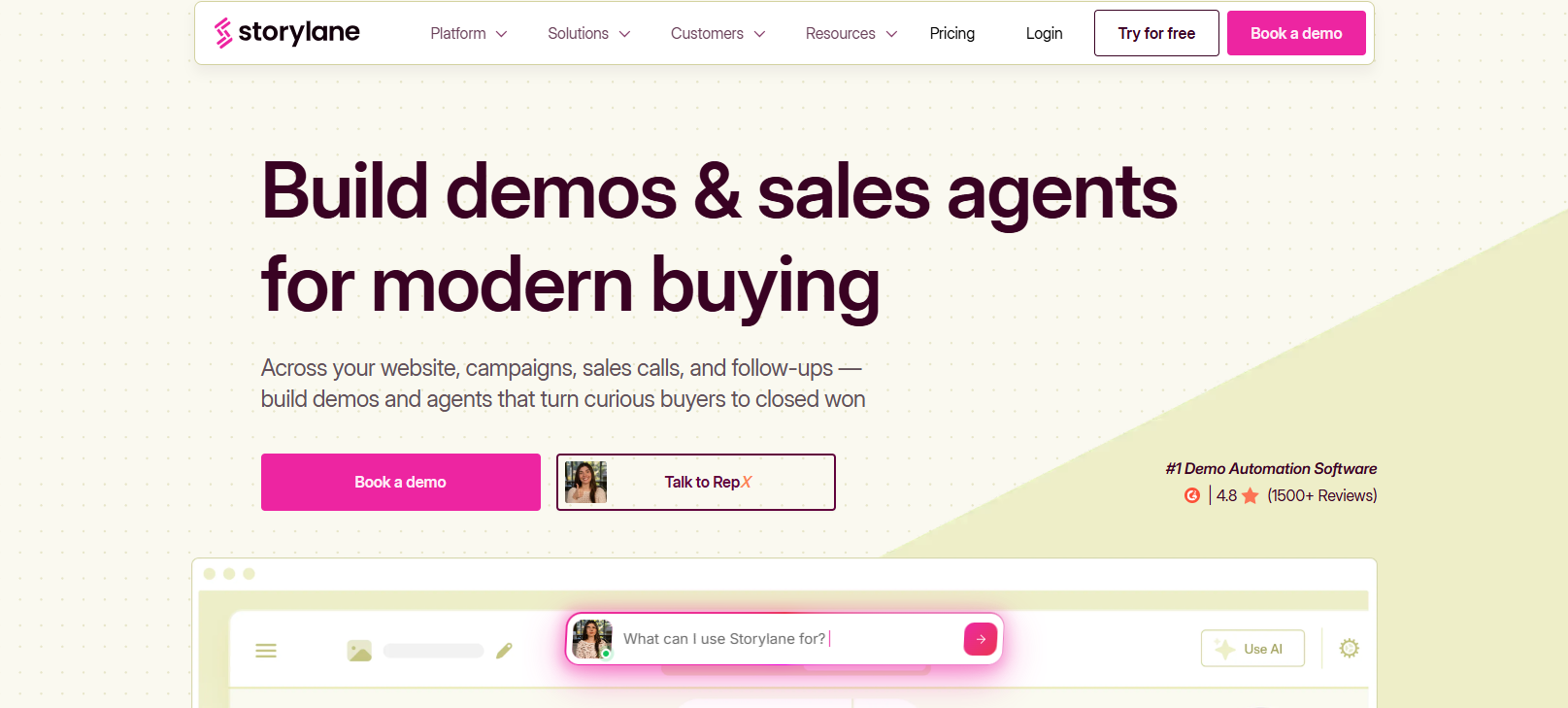
Storylane is an interactive demo platform that clones a product's actual HTML and CSS to build a pixel-accurate, clickable demo rather than stitching together screenshots or video frames. That fidelity is why sales teams reach for Storylane on CRM-integrated, self-serve product tours rather than a downloadable video file. Sandbox demos push it further, handing a prospect a fully working, personalized version of the product before they've signed up.
Key Strengths
True HTML fidelity: Interactive elements behave like the actual app rather than an image with hotspots layered on top.
Sandbox demos: A prospect can click through a working, personalized version of the product ahead of signup.
AI content drafting: The AI Content Assistant drafts tooltip copy and voiceover directly from a recorded flow.
CRM integrations: Deep Salesforce and HubSpot integrations feed demo engagement straight into a rep's pipeline view.
Compliance on every plan: SOC 2 Type 2 and GDPR compliance ship on every tier, Free included.
Limitations
Steep jump to Growth: Growth carries a five-seat minimum even for a two-person team.
Limited shell customization: Details like a custom loader or modal design stay limited next to a fully coded solution.
Pricing
Free: $0 a month, 1 published demo
Starter: $40 per seat a month, billed annually
Growth: $500 a month flat, 5 seats included, billed annually
Premium: $1,200 a month, billed annually
Enterprise: Custom pricing
Best fit
Sales and marketing teams that need a fully cloned, clickable replica of the product for prospects to explore on their own.
5. Synthesia
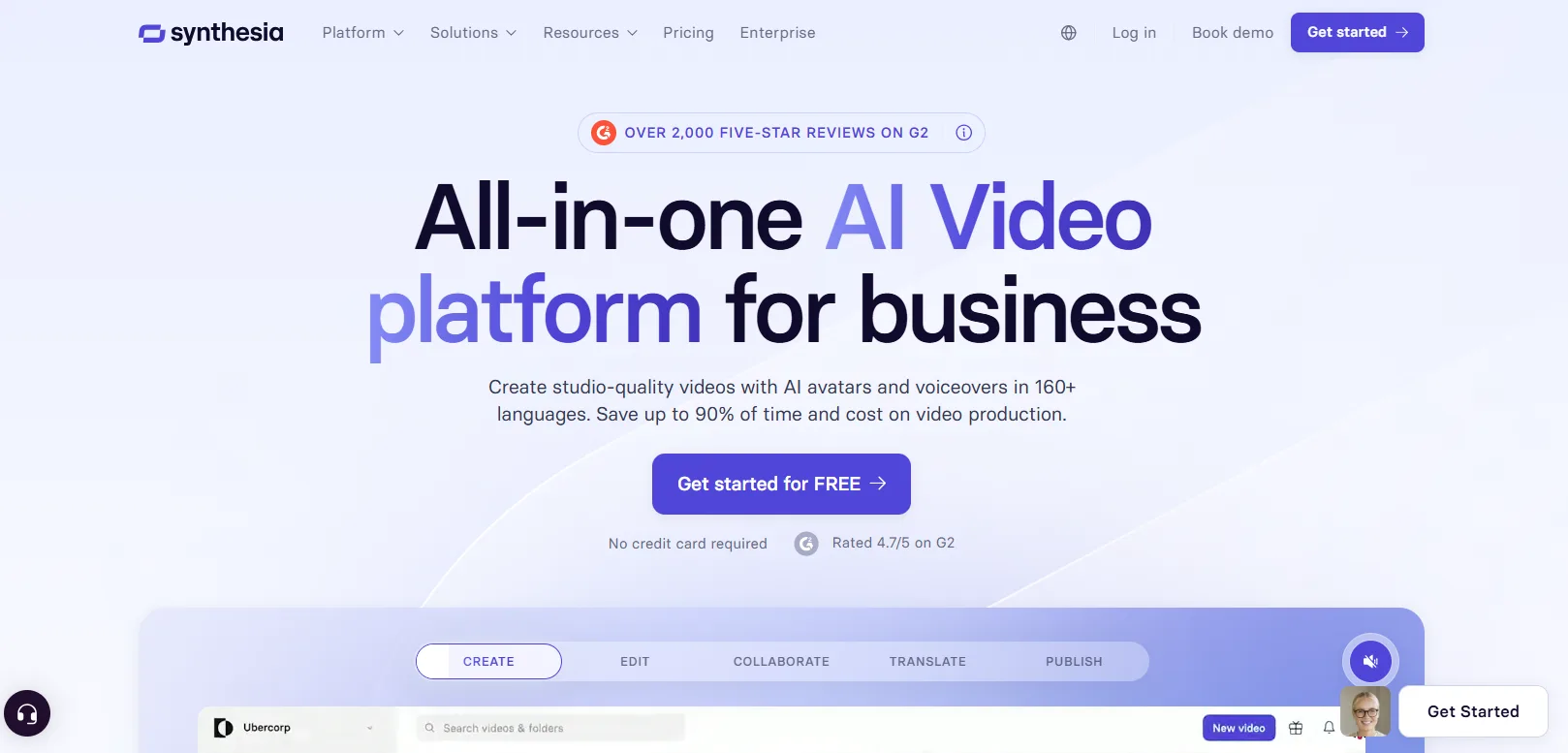
Synthesia is an AI video platform that generates presenter-led video from a text script, using one of 240-plus stock avatars or a personal avatar cloned from your own face and voice. It's one of two avatar-led tools on this list, both replacing a human presenter with an AI one. Synthesia leans hardest into localization, with support for more than 160 languages, where HeyGen differs mainly in avatar style and pricing.
Key Strengths
Bulk personalization: Generate hundreds of personalized videos at once from a spreadsheet of variables, useful for account-based outreach.
Interactive quizzes: Quizzes can be built directly into a video, with viewers seeing their score at the end.
PowerPoint import: Turn an existing deck into a narrated video in a few clicks.
Smart Updates: An embedded or shared video reflects the latest edit without needing a new link.
Standard compliance: SOC 2 Type II, ISO 42001, and GDPR compliance ship as standard, which eases security review conversations.
Limitations
Minutes don't roll over: An unused allowance simply resets to zero each period.
Custom avatars cost extra: Custom Studio avatars and unlimited personal avatars sit behind a paid add-on or the Enterprise tier.
Pricing
Basic: $0 a month, 10 minutes of video a month, 9 avatars
Starter: $18 a month, billed annually
Creator: $64 a month, billed annually
Enterprise: Custom pricing
Best fit
Training and onboarding teams that need a consistent on-camera presenter without ever booking a camera crew.
6. HeyGen
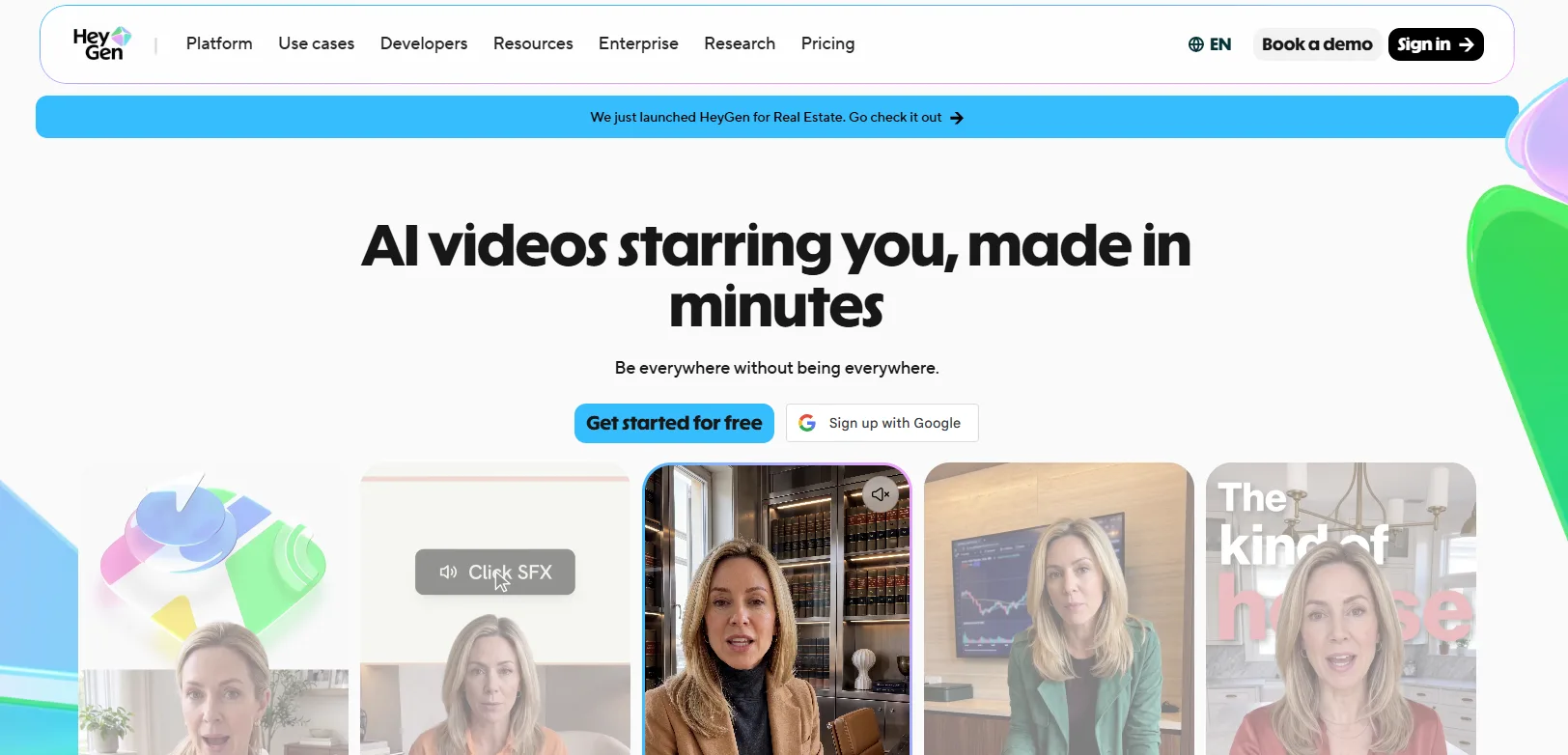
HeyGen is an AI avatar video platform that generates presenter-led video from a script, drawing on more than 500 stock avatars or a custom digital twin, with support for upward of 175 languages. It plays in the same category as Synthesia, with the clearest difference being avatar expressiveness, since HeyGen's Avatar IV model moves more naturally than most competitors, at a higher credit cost per finished minute.
Key Strengths
Lip-synced translation: Video translation dubs a video's audio into another language and adjusts the avatar's lip movements to match, rather than just adding subtitles.
500-plus avatars on Free: A custom digital twin setup is also available on the free tier.
Talking Photo: A static portrait can be animated into a speaking avatar without recording any video at all.
API access: A separate API wallet lets engineering automate video generation outside the web app.
Shared workspaces: The Business plan adds shared workspaces and centralized billing for teams recording in parallel.
Limitations
Avatar IV burns credits fast: High-fidelity clips burn through a monthly allowance faster than standard avatar renders.
No more flat-rate plan: The older unlimited Team plan is gone, so teams now have to plan around credit tiers instead.
Pricing
Free: $0 a month, 3 videos a month, 1-minute cap
Creator: $24 a month, billed annually
Pro: From $49 a month
Business: From $149 a month plus $20 per added seat
Enterprise: Custom pricing
Best fit
Teams that need the same demo script delivered by an avatar in a dozen languages without re-recording it each time.
7. Loom
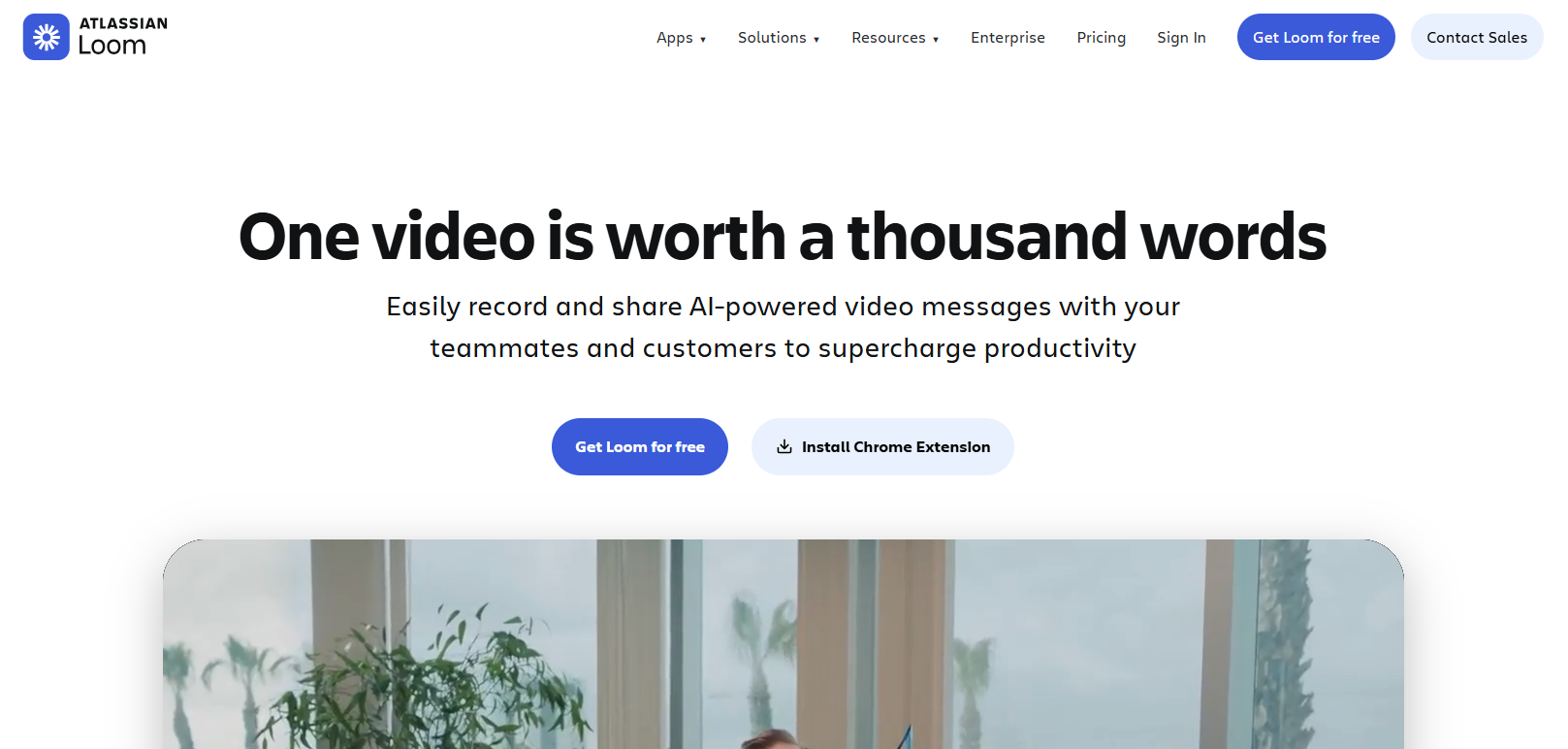
Loom is a screen and webcam recording tool built for fast, async video messages rather than heavily produced demo content. It isn't a demo tool by design, but it earns a spot here because nearly every SaaS team already has it installed and recording starts in seconds. Owned by Atlassian, it integrates natively with Jira and Confluence, a default for teams already living inside that ecosystem.
Key Strengths
4K on Business: Video quality is capped at 720p on the free tier.
Video variables: A single recorded template can be personalized with different names or details for different viewers.
Auto recap emails: A recording's key points get summarized and sent to viewers automatically.
AI-assisted editing: Generated titles, summaries, and filler-word removal cut down on post-recording editing time.
Timestamped comments: Viewers can comment directly on a timestamp, turning a one-way recording into an actual conversation.
Limitations
AI polish costs extra: Filler-word removal, auto-titles, and auto-summaries all sit behind the pricier AI tier.
Free plan caps at 25 videos total: That's for the life of the account, not per month, so it runs out fast.
Pricing
Starter: $0 a month, 25 videos total, 5-minute limit per video
Business: $18 per creator a month, billed annually
Business plus AI: $24 per creator a month, billed annually
Enterprise: Custom pricing
Best fit
Quick, informal async walkthroughs recorded straight from the desktop, not a polished demo asset.
Product Demo Video Makers Comparison
Tool | Best For | Output Format | Starting Price |
|---|---|---|---|
Interactive demos plus AI video from one capture | Interactive demo, MP4, GIF | Free, then $42.50 per seat per month (annual) | |
Guided demos with native video export | Interactive demo, MP4, GIF | Free, then $38 per creator per month (annual) | |
Teams who want professional product videos without a video editing skills | MP4, local render | No published per-seat pricing | |
Fully cloned, clickable HTML product replicas | Interactive HTML demo | Free, then $40 per seat per month (annual) | |
Avatar-led training and onboarding video | MP4 | Free, then $18 per month (annual) | |
Multilingual avatar-led demo video | MP4 | Free, then $24 per month (annual) | |
Quick async screen recordings | MP4, shareable link | Free, then $18 per creator per month |
How to Test a Product Demo Video Maker
Most of these tools offer a free plan or a trial, which makes it tempting to sign up, poke around for ten minutes, and pick whichever one feels the least confusing. That's not enough to judge fit. Three checks are worth doing before committing a team to one tool for the next year.
Test the real product, not the sample. Every trial looks polished when it's showing off a demo dashboard built to make the editor look good. The real test is whether the tool handles the product's actual complexity, its modals, multi-step flows, and edge cases, cleanly.
Price out the tier a team will actually need. Trial tiers rarely include the features that matter most once a team scales up. Check the plan a team will need in six months, not the one that got a demo approved this week.
Time a single update. This is the test most teams skip, and it's the one that predicts whether the tool gets used after month one. Make a small change to the product, then time how long it takes to get the demo caught up. If the honest answer is hours instead of minutes, the tool is solving a different problem than the one that made this guide matter in the first place.
Demo Video Is Starting to Behave Like Software
The pattern running through this whole list is bigger than any single tool. Video has traditionally been a deliverable, produced once and left alone until it visibly breaks. The tools built to regenerate from source material instead of locking in a final render, CoAnimator's project files and Synthesia's Smart Updates being the clearest examples, are betting that video should behave more like software instead. Software gets updated when the thing it describes changes. A deliverable doesn't.
A vendor's regeneration model is worth weighing more heavily than this year's feature list. Buy for the specific problem a team has today, but when two tools are otherwise close, the one built around staying current is the one still worth using once the product looks nothing like it does now.
None of that solves a different problem though, having no one in-house who can actually turn a script into something polished, no matter which tool sits behind it. For teams in that spot, AllCapStudio assigns a real director, editor, and animator to a product demo or explainer video instead of leaving it to a template, which is worth a look before adding another self-serve subscription to the stack.
Written by the AllCapStudio team. We publish what we would tell you on a call, which occasionally costs us the project.
Read next
All articles- JournalWhat is an AI marketing agent, actually?A plain definition of an AI marketing agent: how it differs from a chatbot and an agency, what it does well, and what it should…
- GeneralProduct demo video vs. explainer video: which one do you actually need?The practical difference between a product demo video and an explainer video, which funnel stage each serves, and how to tell which…
- JournalHow much does an explainer video cost in 2026?Real explainer video costs in 2026, broken down by style, length and vendor type, with the line items that move the number and the…