Journal18 min read
6 Best Tutorial Video Maker Tools for SaaS (2026)
Compare the 6 best tutorial video maker tools for SaaS onboarding in 2026, including pricing, features, limitations, and best use cases. Tutorial video makers…
- Published
- Updated
- Written by
- AllCapStudio

Compare the 6 best tutorial video maker tools for SaaS onboarding in 2026, including pricing, features, limitations, and best use cases.
Tutorial video makers for SaaS onboarding split into four real approaches: AI tools that auto-generate a narrated video and written guide from one screen recording (Guidde, Trainn, WowTo), an agentic tool that builds the tutorial as editable code (CoAnimator), avatar-led script video (Synthesia), and plain screen recording (Loom). The right pick depends on whether a tutorial needs to update itself when the product does, not on which one has the shiniest demo.
A new user signs up, opens your product, and hits a screen with four tabs and no idea which one matters first. Somewhere in your help center there's a tutorial for this. It was recorded eleven months ago, before the last redesign, and half the buttons in it no longer exist. So the user closes the tab and emails support instead.
That's the actual cost of a stale tutorial. Not that it looks unpolished, that it quietly stops being watched, and the questions it should have answered end up in a support queue instead. Recording a walkthrough is the easy part. Keeping it accurate as the product ships weekly is the part most SaaS teams lose to.
A newer set of tools treats this as a production problem worth automating, not a content problem you staff around. Some turn a single screen recording into a narrated video and a written guide at the same time. One lets an AI coding agent build the tutorial as project files that update the way code does. This guide compares six of them, what each actually costs, and which onboarding problem it's built to solve.
Why Tutorial Video Speeds Up SaaS Onboarding
When Wyzowl asked people how they'd rather learn about a product, 63 percent said they'd choose a short video over a text article, an ebook, or a sales call combined. That's not a close race. Text-based onboarding content is competing for attention it mostly isn't winning.
The support-side numbers back this up from the other direction. In Wyzowl's 2026 State of Video Marketing report, 57 percent of video marketers said video content directly reduced their support queries, and 93 percent said it increased how well users understood the product. Onboarding video specifically has become common enough to be its own line item: 23 percent of video marketers surveyed said they created customer onboarding video in 2026, tied with training video and just behind product demos at 39 percent, all pulling from the same underlying shift toward showing new users what to do instead of telling them.
None of that holds if the tutorial shows a product that no longer exists. A walkthrough recorded once at launch is already stale by the second sprint. That's the real argument for treating a tutorial less like a one-time deliverable and more like documentation that has to stay current on the same schedule as the product itself.
Different Types of Tutorial Video for SaaS Onboarding
Before ranking individual tools, it helps to know which production approach you're actually choosing between. The six tools below split into four distinct mechanisms, and picking the wrong mechanism for your workflow matters more than picking the highest-rated tool inside it.
AI Auto-Generated Video Guides
This is the largest category here: record your screen once, and the tool automatically writes a script, adds an AI voiceover, and structures the result into steps, without opening a video editor. Guidde, Trainn, and WowTo all work this way, differing mainly in what happens to the tutorial after it's created, whether that's export flexibility, hosting, or a full training platform around it.
Agentic, Code-Based Tutorials
CoAnimator sits alone in this category. Instead of capturing a screen recording at all, an AI coding agent builds the tutorial as project files from a plain-language description, so updating one after a UI change is an edit, not a re-shoot.
AI Avatar-Led Training Video
Synthesia replaces the on-camera presenter with an AI avatar reading a script, useful when a tutorial needs the same consistent presenter across a dozen languages instead of a single English recording.
Screen Recording
Loom is the fallback nearly every team already has installed. It doesn't automate the production step, but it's fast, familiar, and worth keeping around even after adopting a more specialized tool for the tutorials that matter most.
Scribe and Tango are deliberately absent from this list. Both are good at turning a workflow into a written, screenshot-based guide, and both show up constantly in roundups like this one. Neither makes video. If a tutorial specifically needs to be something a new user watches rather than a page they read, that's a different job, whatever a generic documentation-tools comparison lumps together.
6 Best Tutorial Video Makers for SaaS Onboarding
These six aren't just the highest-rated tools in the category. Each earned its spot by solving the onboarding tutorial problem through a genuinely different mechanism, rather than offering six variations on the same screen-capture-plus-voiceover idea. Every price below comes from the vendor's own page and is linked to the tool's site, so check the current number there before budgeting, since pricing moves faster than a guest post gets updated.
1. Guidde
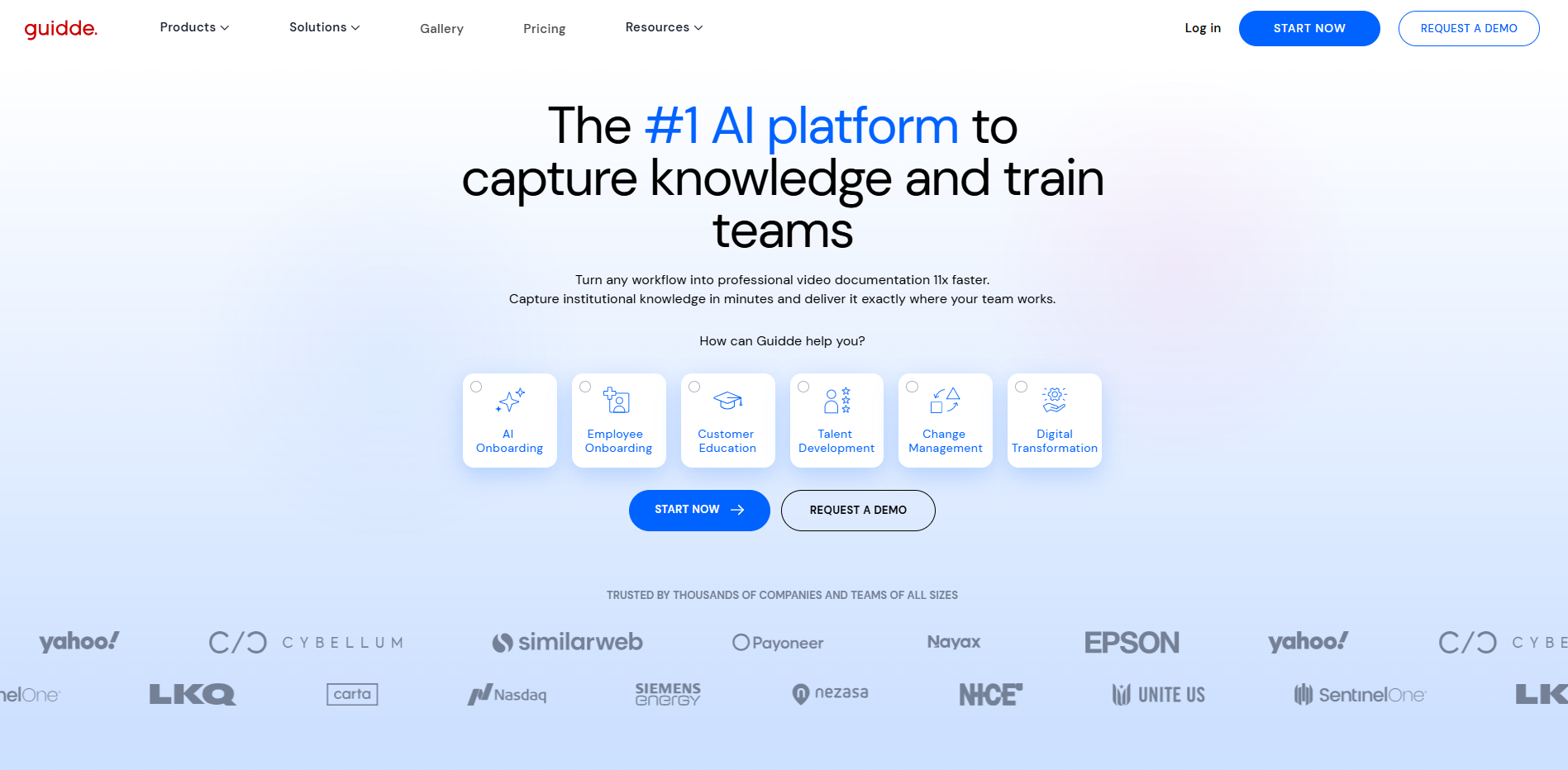
Guidde is an AI documentation platform that turns a screen recording into a narrated video tutorial, complete with an automatically generated voiceover and a written step-by-step guide from the same capture. It competes most directly with screenshot-only tools like Scribe and Tango, but adds full video output and AI narration where those stop at static images. Customer education and IT teams reach for it to keep tutorial libraries current without assigning a dedicated video editor to the job.
Key Strengths
AI voiceover from natural speech: Magic Mic lets you talk through the workflow during capture, and it transcribes and cleans up your speech into the video's narration automatically.
Multi-format export: one recording produces an MP4, a downloadable PDF or PPT, and an embeddable written guide.
PDF and PPT import: convert an existing onboarding deck into a guidde without recording anything.
Deep help-desk integrations: Zendesk, Freshdesk, Intercom, and Salesforce connections put a tutorial directly inside the tools support teams already use.
Content review and version history on the Business plan, so a tutorial can be approved before it publishes.
Limitations
Per-creator billing scales fast: every person who records, edits, or publishes counts as a billable seat, and Business caps at 5 creators before requiring a custom Enterprise quote.
AI voiceover and analytics sit behind Business: the cheaper Pro tier gets unlimited screen capture and watermark removal, but not the automation Guidde markets hardest.
Pricing
Free: $0, 25 how-to videos, web capture, voiceover recording, shareable links.
Pro: $29/mo ($19/mo billed annually), unlimited videos, watermark removal, brand kit, PDF/PPT export.
Business: $59/mo ($39/mo billed annually), AI text-to-voice, desktop and mobile capture, PDF/PPT-to-video, analytics, up to 5 creators.
Enterprise: custom, unlimited recordings, multi-language translation, SSO, content review.
Best fit: Teams that want a tutorial's video, voiceover, and written step-by-step guide generated automatically from one screen recording, without touching a video editor.
2. Trainn
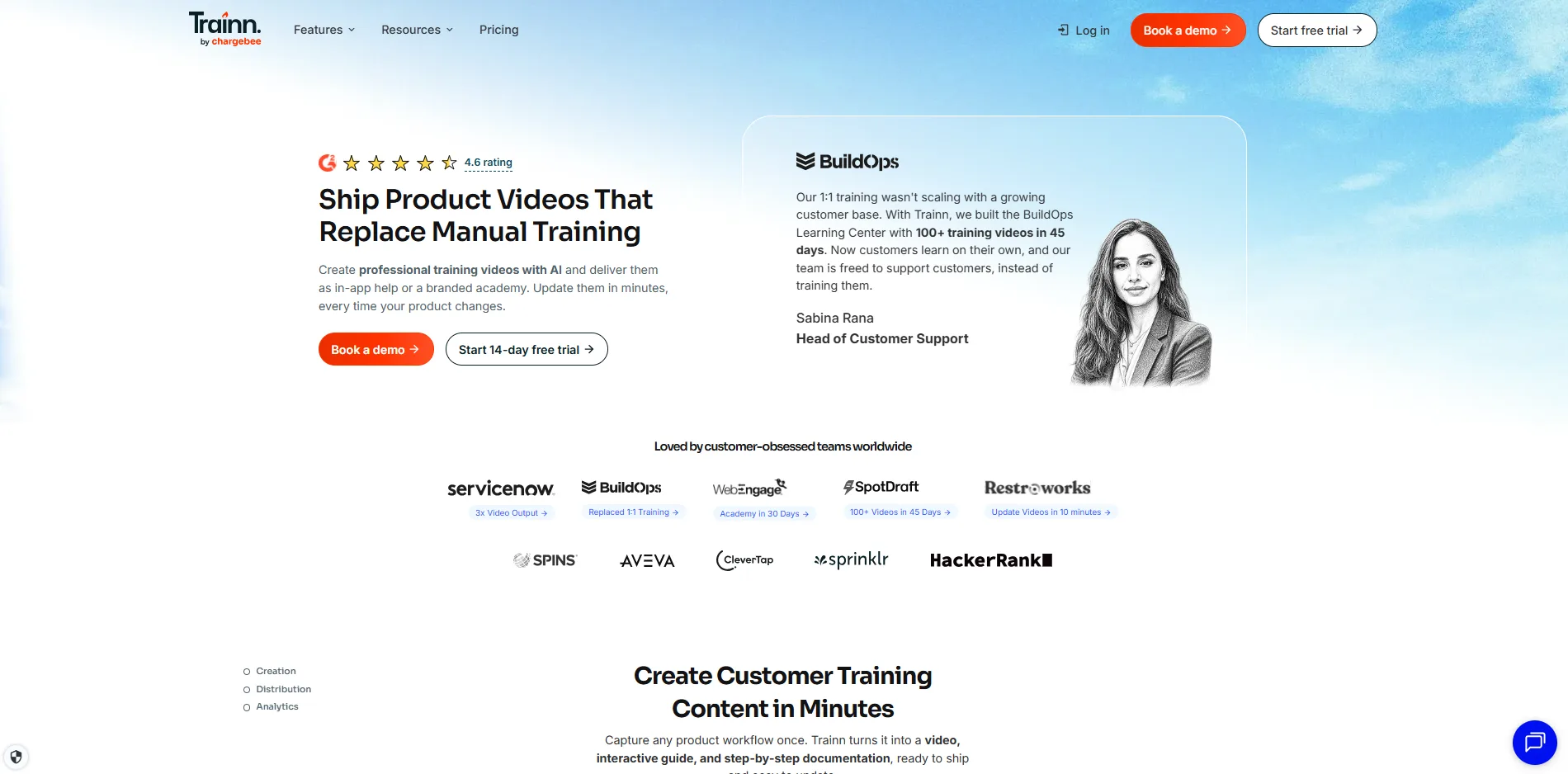
Trainn is a customer education platform built specifically for SaaS companies, combining AI tutorial video creation with a knowledge hub and a full training academy. It competes with Guidde on the creation side, but adds hosting, delivery, and completion tracking that a pure capture tool leaves to a separate product entirely. Customer success and L&D teams use it to run onboarding as a system rather than a folder of exported clips.
Key Strengths
One recording, three outputs: a single screen capture becomes a narrated video, a written step-by-step guide, and an interactive walkthrough at once.
Multilingual AI voiceover: translate a tutorial into 30-plus languages from the original recording, no re-narration needed.
Built-in Knowledge Hub and LMS: host, deliver, and track onboarding content in one place instead of scattering exports across Drive and email.
In-app tutorials on Scale and above, embedding a guide directly inside the product interface at the moment a user needs it.
SOC 2 Type II, GDPR, and ISO 27001 certified, which matters when onboarding enterprise customers who ask about compliance before rollout.
Limitations
No free plan: the entry Creator tier is $19/month for a single user capped at 15 videos and guides, which a small team clears within weeks.
Steep jump to the useful tier: Launch runs $2,400/year, but the LMS, in-app tutorials, and knowledge hub only unlock on Scale at $10,000/year.
Pricing
Creator: $19/month, 1 user, 15 videos and guides, AI video and voiceover generation.
Launch: $2,400/year, 3 users, 120 videos and guides, multilingual voiceovers, export options.
Scale: $10,000/year, 5 users, 250 videos and guides, in-app tutorials, LMS with 100 monthly active users, branded knowledge hub.
Enterprise: $39,900/year, 25 users, 1,000 videos and guides, SAML/SSO, multi-lingual knowledge hub.
Best fit: SaaS teams that want tutorials, a searchable knowledge hub, and a customer training academy running from one platform instead of three separate tools.
3. CoAnimator
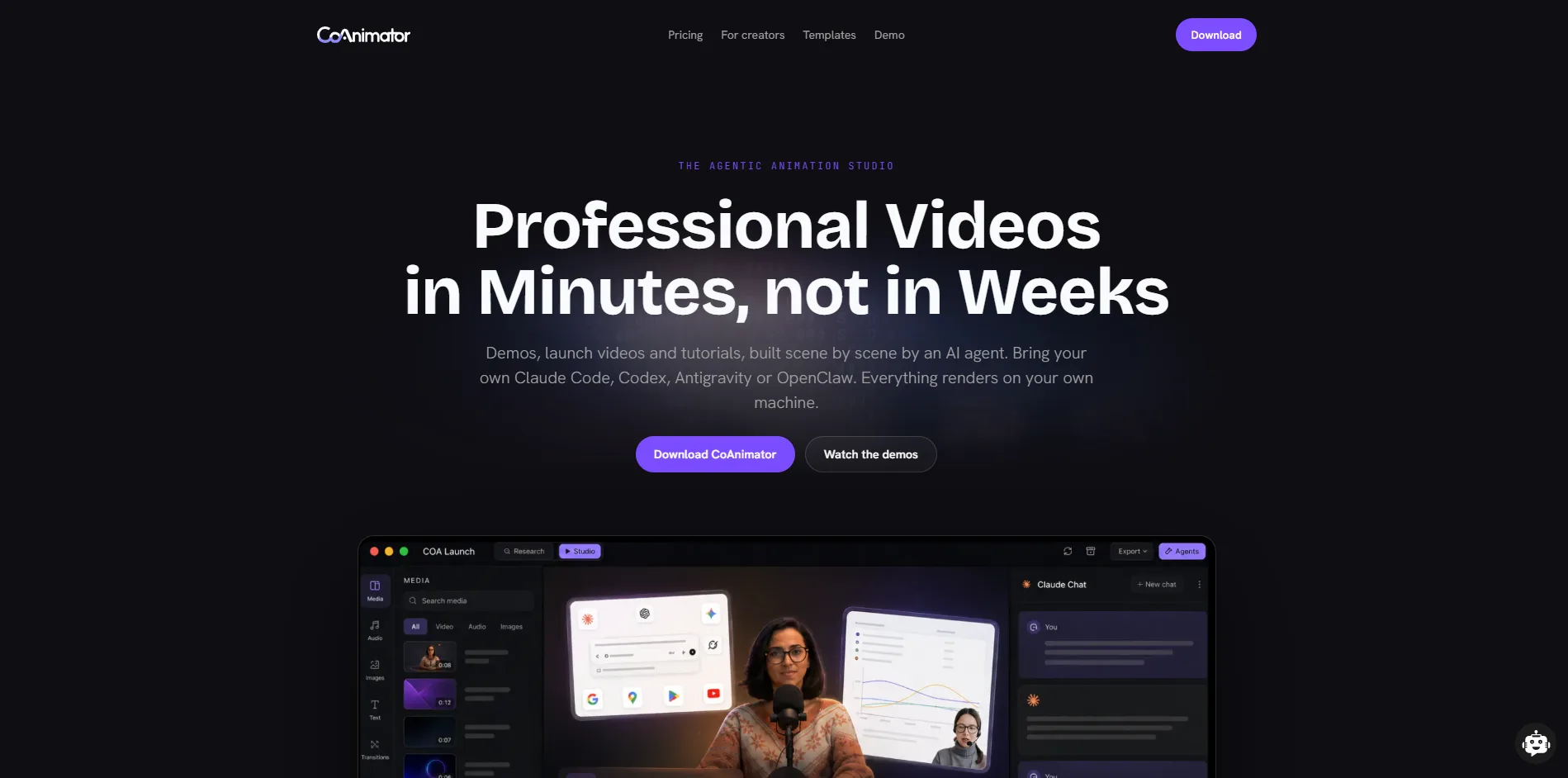
CoAnimator is an agentic AI animation studio that lets AI coding agents such as Claude Code, Codex, Antigravity, or OpenClaw build and edit videos, including onboarding tutorials, product demos, and launch videos, from a plain-language description. The tutorial itself is structured as ordinary project files rather than a locked render, so updating one after a UI change works like any other code edit. Where the rest of this list assumes someone working in a browser dashboard, CoAnimator assumes an engineer, or an agent, working from a repository.
Key Strengths
Describe the tutorial, watch it build: name the steps in plain language and the connected agent writes the scenes, timeline, and narration cues while a local stage hot-reloads as it works.
Video-as-code, proven on real libraries: tutorials live as plain project files, so a UI change means swapping the one recording that shows it and re-rendering, not reshooting the whole set. One published tutorial series built this way runs from about ninety seconds for a single-step guide up to six minutes for a full walkthrough, all cut from the same underlying project.
Captions generated from the script, not the audio: they match the narration exactly and re-time themselves automatically when a line gets rewritten, instead of drifting the way transcribed captions do.
Unlimited local rendering, nothing uploaded: every export runs and stays on the user's own machine, with no monthly minute cap, no credit meter, and no cloud upload step, on either plan.
Headless
coaCLI: script a tutorial to re-render from a release pipeline, so a library regenerates automatically after a product update ships.Agent-agnostic: works with Claude Code, Codex, Antigravity, or OpenClaw, so a team isn't locked into one AI vendor's subscription to keep producing tutorials.
Limitations
Best results depend on the AI agent you connect: Output quality can vary based on the agent and how much direction you provide.
Further workflow customization: May require plugins or external tools depending on what you want to add to the final video.
Pricing
Free: $0 forever, unlimited local renders, all templates, screen capture, voiceover, and publishing, bring your own agent. Capped at 720p with a watermark.
Lifetime licence: $99 one-time (against a listed $249), adds 4K export, premium plugins and research mode, watermark-free exports, use on 2 devices, and a year of feature updates. Not a subscription. Renewing updates after the first year is an optional $79/year.
Best fit: Teams and engineers already working with an AI coding agent who want onboarding tutorials that update as a project edit, not a re-shoot, every time the product changes.
4. WowTo
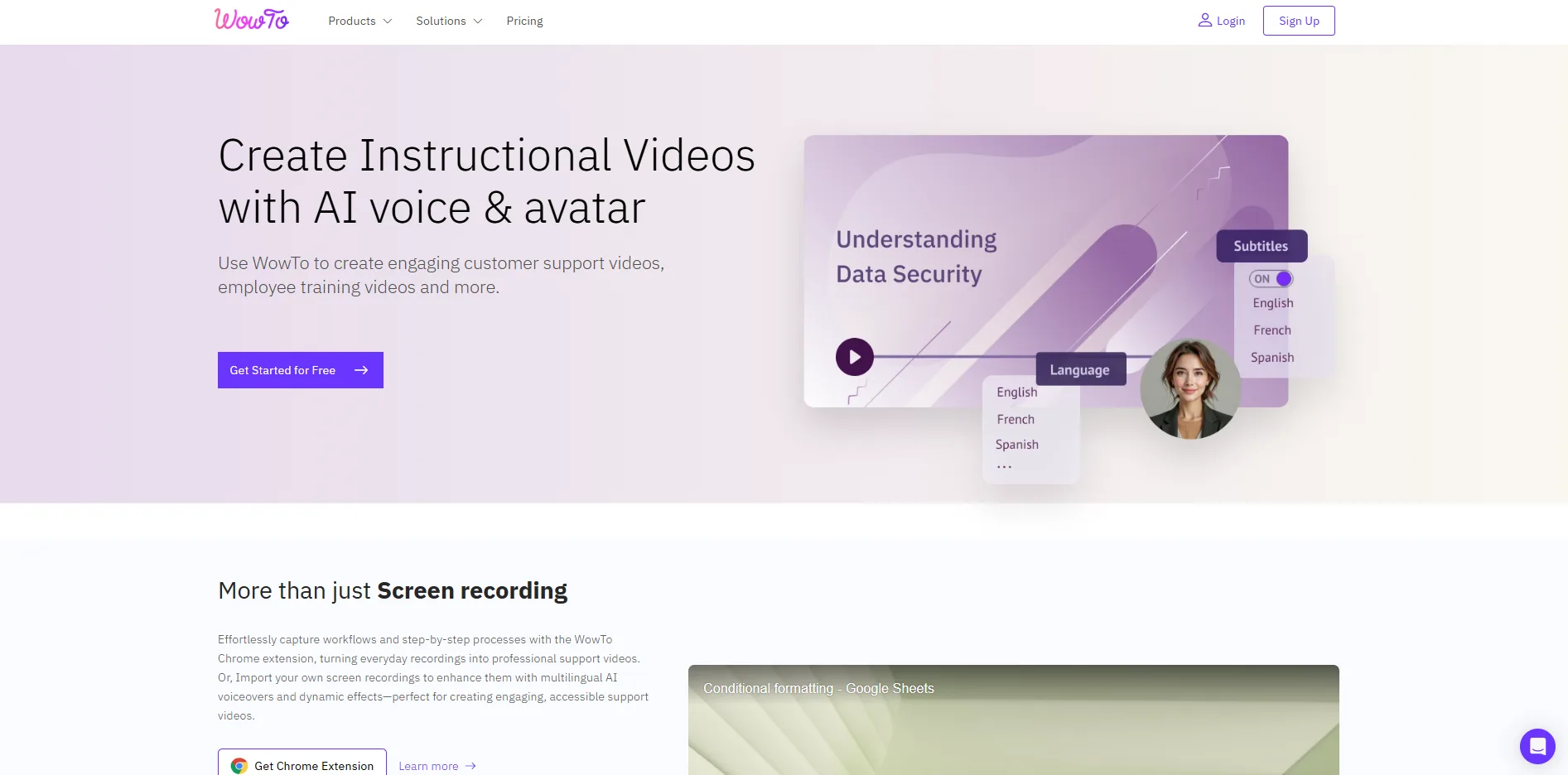
WowTo is a video knowledge base platform that turns screen recordings into structured, step-by-step tutorials and hosts them in a searchable help center on your own domain. It sits closest to Guidde on the creation side, but treats hosting and in-app delivery as core to the product from the free tier up, rather than as something bolted on later. Support and onboarding teams use it when the tutorial and the place customers find it need to live in the same system.
Key Strengths
Structured step-by-step capture: every click becomes a distinct step, so editing one part of a tutorial doesn't mean re-recording the whole thing.
Video knowledge base hosting included: publish tutorials into a searchable, YouTube-style help center on your own domain, not just a shareable link.
In-app video widget: surface the right tutorial inside the product itself, configurable to trigger on a specific user action.
PDF and PPT import available on every plan, including Free.
Talking avatar option: add an AI presenter to a tutorial without recording your own narration.
Limitations
Short video caps on the affordable tiers: Free is capped at 2 minutes per video and Plus at 10, both short for a real product walkthrough.
No published tier past Business: at $45/month the pricing page tops out, so scaling past 30 monthly tutorials means contacting WowTo directly rather than picking a listed Enterprise plan.
Pricing
Free: $0, 3 how-to video projects, single creator, 1 knowledge base, 2-minute cap per video, watermark.
Plus: $25/month ($250/year), 25 projects, single user, no watermark, 10-minute cap per video.
Business: $45/month ($450/year), 30 projects, unlimited collaborators, 2 knowledge bases, custom domain, video analytics, 15-minute cap per video.
Best fit: Teams that want a hosted, searchable video help center included with the tutorial creation tool, not added on afterward.
5. Synthesia
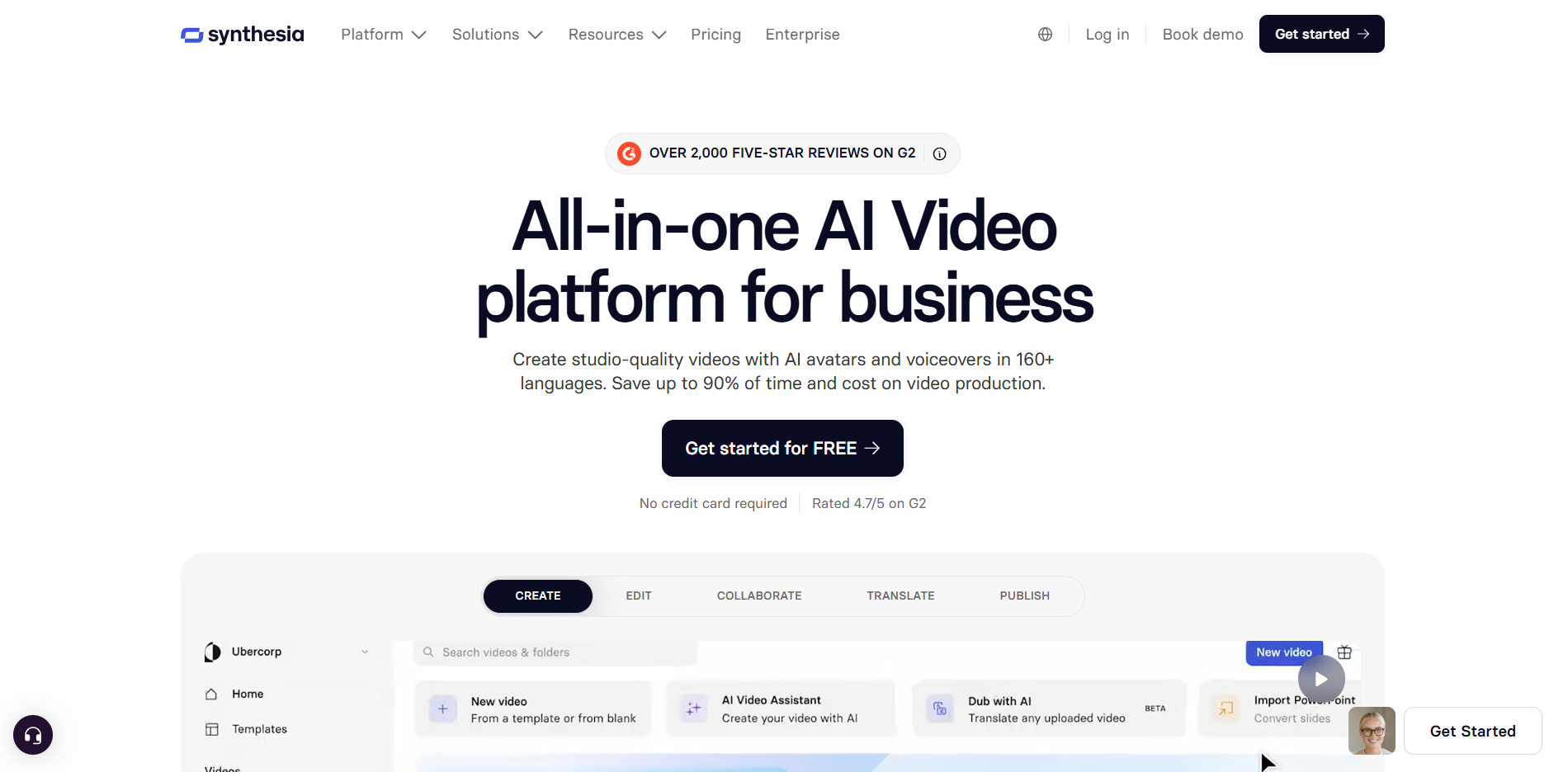
Synthesia is an AI video platform that generates presenter-led onboarding video from a text script, using one of over 160 stock avatars or a personal avatar cloned from your own face and voice. It's the only avatar-led tool on this list, replacing a human presenter with an AI one for tutorials that need to scale across languages without a reshoot. Training and onboarding teams lean on it hardest when the same tutorial needs a consistent presenter across a dozen markets.
Key Strengths
160-plus languages and voices, with one-click translation of an entire finished tutorial into a new language.
PowerPoint import: turn an existing onboarding deck into a narrated avatar video in a few clicks.
Interactive quizzes: check comprehension at the end of an onboarding video and show viewers their score.
Smart Updates: an embedded or shared tutorial reflects the latest edit automatically, without a new link going out to every viewer.
SOC 2 Type II, ISO 42001, and GDPR compliance ship as standard, which eases security review for enterprise onboarding rollouts.
Limitations
Free and Starter share the same 10-minute monthly cap: removing the watermark on Starter doesn't buy more video, just a cleaner export.
Personal avatar cloning stays capped through Creator: 5 personal avatars is the ceiling until Enterprise, where it becomes unlimited on custom pricing.
Pricing
Basic: $0/month, 10 minutes of video, 9 stock avatars, watermarked.
Starter: $29/month ($18/month billed yearly), logo removed, 125+ avatars, AI dubbing, 1 editor plus 3 guests.
Creator: $89/month ($64/month billed yearly), 5 personal avatars, API access, interactive videos, 30 minutes of video/month.
Enterprise: custom, unlimited video minutes, SAML/SSO, unlimited personal avatars.
Best fit: Training and onboarding teams that need a consistent on-camera presenter across dozens of tutorials without booking a camera crew.
6. Loom
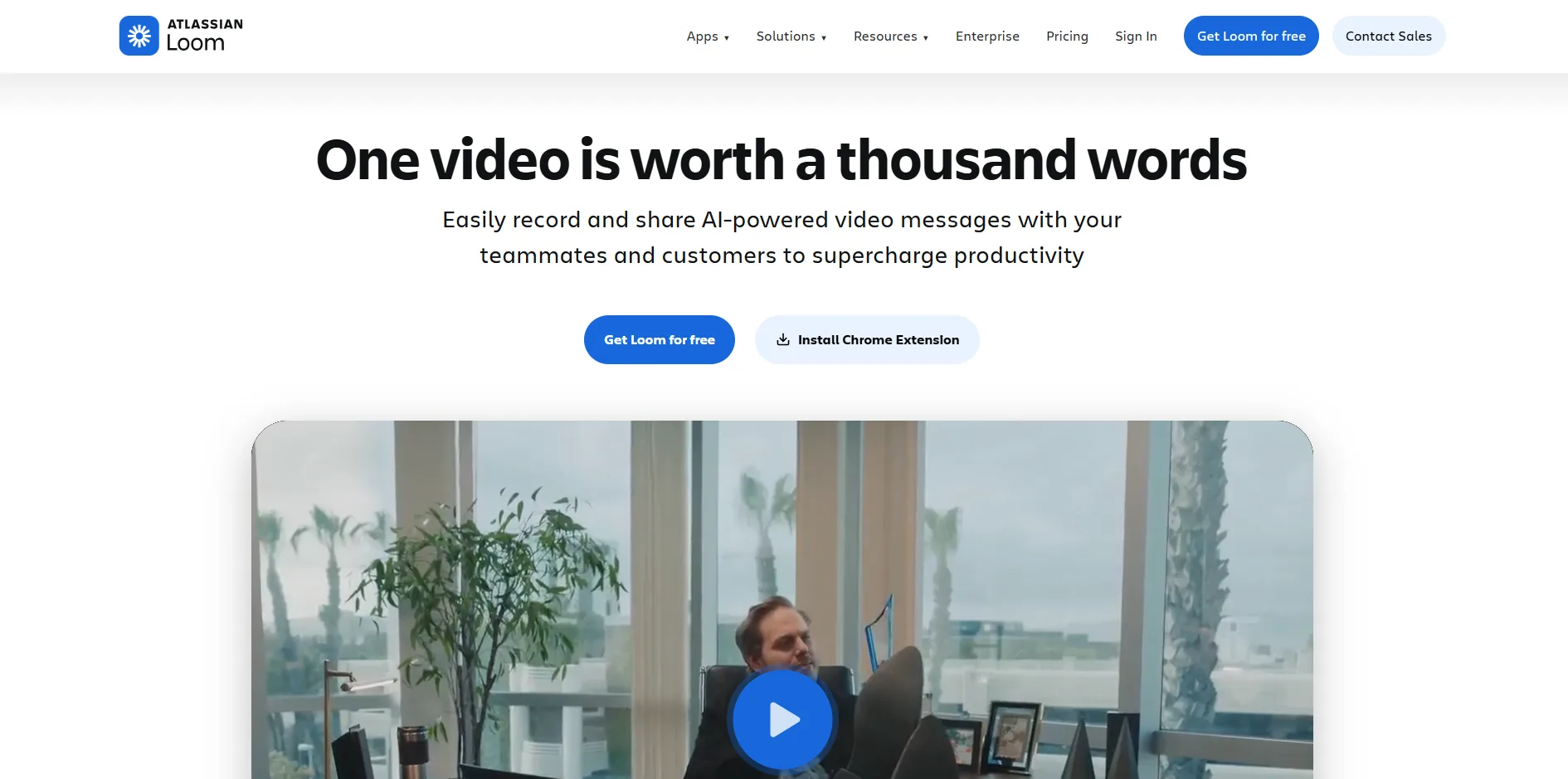
Loom is a screen and webcam recording tool built for fast, async video messages rather than heavily produced tutorial content. It isn't purpose-built for onboarding by design, but it earns a spot here because nearly every SaaS team already has it installed, and recording a quick walkthrough starts in seconds. Owned by Atlassian, it integrates natively with Jira and Confluence, a default for teams already living inside that ecosystem.
Key Strengths
Instant, zero-editing capture: screen and webcam recording starts in seconds, with a shareable link the moment it stops.
Automatic transcription and captions in 50-plus languages on every plan, including Free.
Viewer engagement insights: see who watched a tutorial and how far they got, useful for spotting where new users drop off.
Loom AI on Business + AI: auto-titles, auto-summaries, filler-word removal, and auto-chapters cut down on manual post-recording cleanup.
Native integrations: Slack, Jira, Confluence, and Gmail embeds put a tutorial where a new user is already working.
Limitations
The 5-minute free cap kills anything longer than a quick clip, and the AI features that Loom now markets hardest sit one tier above the base Business plan.
No native step-structuring: unlike Guidde, Trainn, or WowTo, Loom captures one continuous recording rather than breaking a workflow into editable steps.
Pricing
Starter: $0, 25 videos, 5-minute cap, up to 50 workspace members, 720p.
Business: $18/user/month, unlimited videos and recording length, 4K, basic editing.
Business + AI: $24/user/month, adds auto-titles, auto-summaries, filler-word removal, auto-chapters.
Enterprise: custom, SSO, SCIM, Salesforce integration, 99.95% uptime SLA.
Best fit: Quick, informal walkthroughs recorded straight from the desktop when a polished tutorial asset isn't the point.
Tutorial Video Maker Comparison
Tool | Free Plan | Narration | Video/Project Limit | Hosting or KB Included | Starting Price |
|---|---|---|---|---|---|
Yes, 25 videos | AI voiceover, Business plan only | Unlimited on paid tiers | No, export and share links only | Free, then $29/creator/mo | |
No, 14-day trial only | AI voiceover, all paid tiers | 15 videos/guides per month on Creator | Yes, Knowledge Hub on Scale and above | $19/mo, no free tier | |
Yes, unmetered, 720p watermarked | Yes, TTS plugin on your own API key | None, unlimited local renders | No, local export only | Free, then $99 one-time | |
Yes, 3 videos, 2-min cap | Yes on every tier, plus talking avatar | 2 to 15 min/video depending on tier | Yes, video knowledge base from Free up | Free, then $25/mo | |
Yes, 10 min/mo | AI avatar narration from script | 10 to 30 min of video/month by tier | No, share links and embeds only | Free, then $29/mo | |
Yes, 25 videos, 5-min cap | No AI voiceover, your own recorded audio | 5 min free, unlimited on paid | No, shareable links only | Free, then $18/user/mo |
How to Test a Tutorial Video Maker Before You Commit
Most of these tools offer a free plan or trial, which makes it tempting to record one sample video and pick whichever felt least confusing. That's not enough to judge fit for onboarding specifically. Three checks are worth doing first.
Record your actual onboarding flow, not a demo dashboard. Every trial looks smooth on a clean sample screen. The real test is whether the tool handles your product's actual modals, multi-step forms, and edge cases without the narration falling out of sync.
Price the tier you'll need in six months, not the one that gets a pilot approved. Trial and entry tiers rarely include the video length, seat count, or hosting features an onboarding library actually needs once it's live.
Time a single update. This is the test most teams skip, and it's the one that predicts whether a tutorial gets kept current after month one. Change one screen in your product, then time how long it takes to get the tutorial caught up. If the honest answer is an afternoon instead of minutes, the tool is solving a different problem than the one that matters six months from now.
Run the per-seat math before it's a habit, not after. Guidde, Synthesia, and Loom all charge per creator or per seat, and the tier that looks affordable for one person recording tutorials can double or triple the moment two more people start contributing. Trainn and WowTo cap by monthly video output instead, which scales differently as a library grows. Price the team size onboarding will actually need in six months, not the one that's approving the pilot today.
Tutorial Video Now Gets Edited, Not Reshot
The pattern across this whole list is bigger than any one tool. Onboarding tutorials have traditionally been recorded once and left alone until a support ticket points out they're wrong. The tools built to stay current instead of locking in a final render are betting that a tutorial should behave more like documentation than like a finished ad. CoAnimator takes this furthest, treating the tutorial itself as editable project files that get re-rendered on demand. Synthesia takes a different route to the same goal: Smart Updates keeps an already-published video's content synchronized with the latest script edit, without a manual re-render. Different mechanisms, same bet. A tutorial nobody keeps current is a tutorial nobody trusts.
Buy for the specific onboarding problem you have today. But when two tools are otherwise close, the one built around staying current is the one still worth using once the product looks nothing like it does now.
None of that solves a different problem, though: having no one in-house who can turn a script into something polished, whichever tool sits behind it. For teams in that spot, AllCapStudio's explainer video production assigns a real writer and editor to the onboarding sequence instead of leaving it to a template, worth a look before adding another self-serve subscription to the stack.
Written by the AllCapStudio team. We publish what we would tell you on a call, which occasionally costs us the project.
Read next
All articles- JournalShort-Form Video Marketing: How to Turn One Shoot Into a Content SeriesShort-form video production stacks scripting, casting, a shoot day, the edit, captions, exports in 9:16 and 4:5, and every round of…
- Journal8 Best Free AI Video Generator in 2026Find the best free AI video generator in 2026. We compare 8 free plans on credits, watermarks, resolution and commercial use, with…
- Journal6 Best HeyGen Alternatives in 2026, Compared by Price, Limits and FitCompare 6 HeyGen alternatives for 2026 by price, free plans, limits and fit, including Synthesia, CoAnimator, Colossyan, D-ID…