Journal20 min read
7 Best HyperFrames Alternatives Compared (2026)
Compare the best HyperFrames alternatives with verified pricing, real limitations, and features, agentic studios, automated services and no-code tools.
- Published
- Updated
- Written by
- AllCapStudio

HyperFrames lets an AI coding agent turn a simple webpage into a video, with no AI video generator doing the actual rendering. What it doesn't include is a voiceover, background music, screen capture, or a way to publish the finished file, so a team still has to piece together four or five separate tools before a single video is ready.
That gap is why teams look for a HyperFrames alternative. The seven tools compared here take different approaches. Remotion uses a code-first workflow built around React, while CoAnimator brings video creation into an AI agent-driven desktop app. Motion Canvas follows a similar code-first approach with TypeScript. Midrender adds a visual editor and direct AI agent integration to the open-source Revideo engine. Creatomate and Shotstack let developers generate videos through API requests, while AutoAE focuses on branded social clips without code.
Every price below comes from a check of the vendor's own page done this week, not an aggregator repeating last year's numbers, and every limitation listed is real rather than a placeholder next to five inflated strengths.
we have compared the 7 best HyperFrames alternatives in 2026, with verified pricing, real limitations, and features for code frameworks, agentic studios, automated services, and no-code tools.
Why Teams Look for a HyperFrames Alternative
HyperFrames exists because AI coding agents got good enough to write a video the same way they write an app. That's not a fringe bet. JetBrains' State of Developer Ecosystem research puts regular AI tool use at 85 percent of developers, with 62 percent relying on a dedicated coding assistant or agent rather than a generic chat window. Inside that group, Claude Code and Cursor alone account for more than half of primary-tool selections, which means most developers evaluating a video tool already have a specific agent in mind, not a blank prompt box they're picking for the first time.
That's also why the alternatives below are split by workflow instead of by feature list. A developer with Claude Code already open doesn't want a new interface; they want a tool that works well with the agent they already trust. A marketer who has never opened a terminal wants the opposite, something that never asks for one. Picking from the wrong end of that line is the most common reason a team ends up switching tools twice instead of once.
Four Approaches to Replacing HyperFrames
Before ranking individual tools, it helps to know which lane fits the job. The seven alternatives below split into four distinct approaches, and the fastest way to waste an afternoon is comparing tools from different lanes as if they were interchangeable.
1. Code Frameworks
Some of these alternatives keep HyperFrames' core idea, that a video is written as code, and running that code always produces the same result. What changes from one to the next is the coding language and how much extra tooling, like a visual editor, sits on top of the plain code. This lane calls for the same underlying skill as any motion graphics work, only expressed as code instead of a timeline.
2. Agentic Desktop Studio
One alternative takes the opposite approach from a rendering engine entirely. Instead of a set of building blocks a team assembles into a workflow, it ships as a finished desktop app where an AI agent handles the whole job, script, scenes, voiceover, and render, from one plain-language description.
3. Template Automation APIs
A couple of these alternatives skip the authoring question entirely. A template gets built once, and after that, data from a spreadsheet, a feed, or an automation tool fills it in at scale. This lane fits products and marketing teams generating hundreds or thousands of videos rather than a single project.
4. No-Code Motion Templates
One alternative sits furthest from HyperFrames on this list. There's no code, no data format to learn and no timeline, only a description and a branded template that fills in the details. It trades range for speed, a fair trade for the specific job it targets.
7 Best HyperFrames Alternatives in 2026
The order below runs along one line, how much code a person has to touch to get a finished video. Remotion and Motion Canvas sit at the write-it-yourself end, closest to HyperFrames' own approach. AutoAE sits at the opposite end, describing a video in plain English with no code involved at all. None of the seven is objectively better than another outside that context. The right pick is whichever end of that line matches how a team already works.
1. Remotion
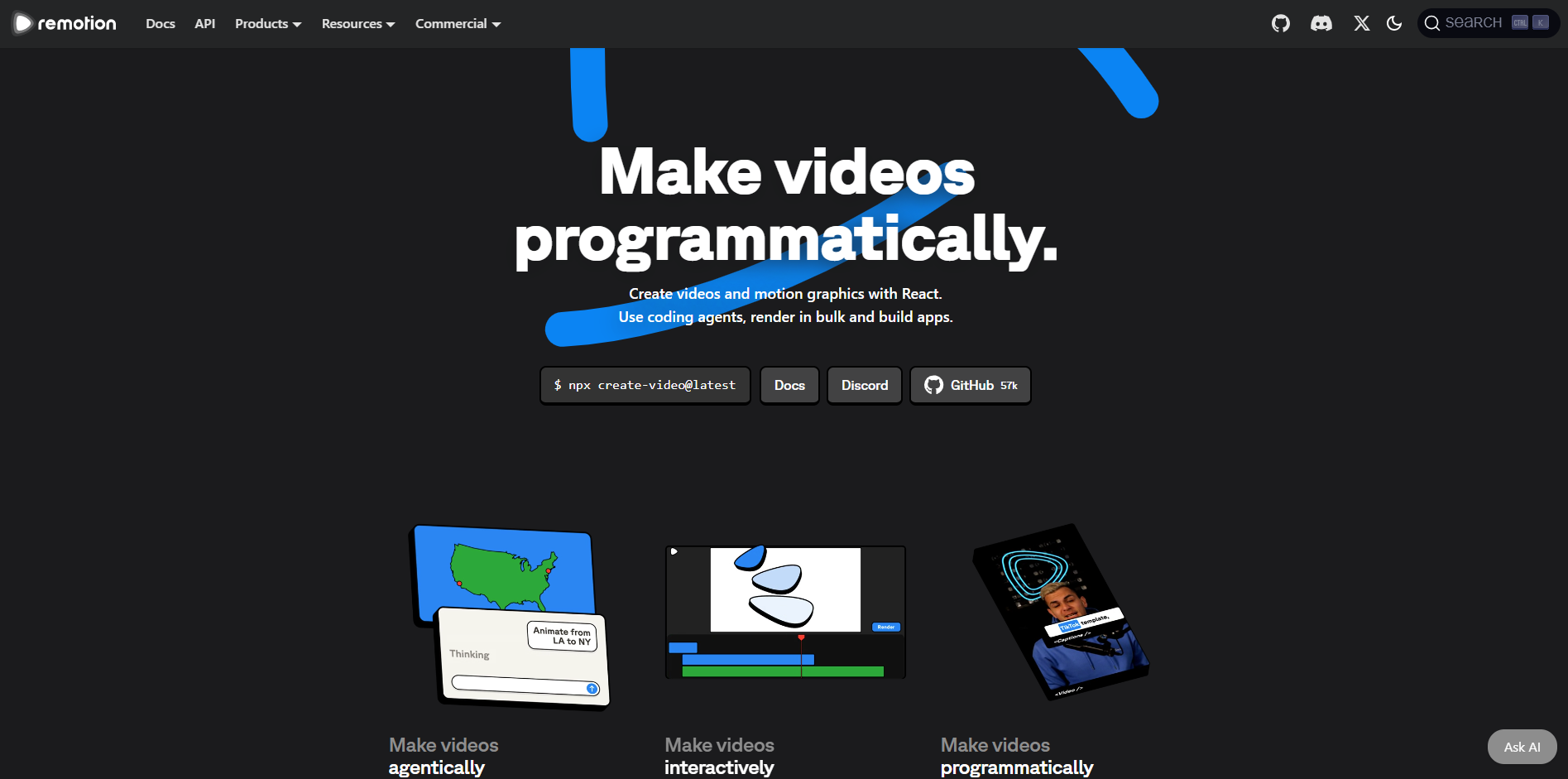
Remotion turns React code into finished video files, instead of turning webpages into video the way HyperFrames does. Under the hood it uses a similar approach, an invisible browser renders each frame and stitches the frames into a file. It has been around for several years longer than HyperFrames and has far more real-world use behind it. Where HyperFrames expects an agent to already know how to write webpages, Remotion expects one to know React, and it ships official add-ons for Claude Code and Codex so an agent can write that code directly.
Key Strengths
Built on React: The same components, hooks and reusable pieces used in a website can be reused in a video project instead of starting from scratch.
Remotion Studio: A built-in editor shows a live preview and timeline while an agent or a developer edits the code behind it.
Cloud rendering at scale: Official support for Amazon and Google's cloud services lets a render spread across many machines instead of running on only one, something HyperFrames can't yet do.
A larger following: Remotion has roughly 58,000 stars on GitHub, a simple popularity count for open-source projects, against HyperFrames' 43,700, both counted directly from each project's own page this week.
Extra add-ons included: Ready-made add-ons for captions, media files, 3D scenes and animated image export cover common jobs without writing custom code for each one.
Limitations
The free tier caps out at three people: For-profit companies larger than that need a paid company plan, priced per person or per render, where HyperFrames has no size limit at all.
Some existing animations need rework: Animation code written for real-time playback in a browser doesn't always translate cleanly into Remotion's frame-by-frame renderer, so it may need adjusting to render correctly.
Pricing
Free: $0 a month for individuals and for-profit companies of three people or fewer, unlimited commercial use
Company plan, Creators: $25 per person a month, no minimum number of people
Company plan, Automators: $0.01 per render, $100 a month minimum spend
Enterprise: From $500 a month, custom terms
Best fit
Teams with an existing React codebase who want reusable video components and a proven way to render at scale.
2. CoAnimator
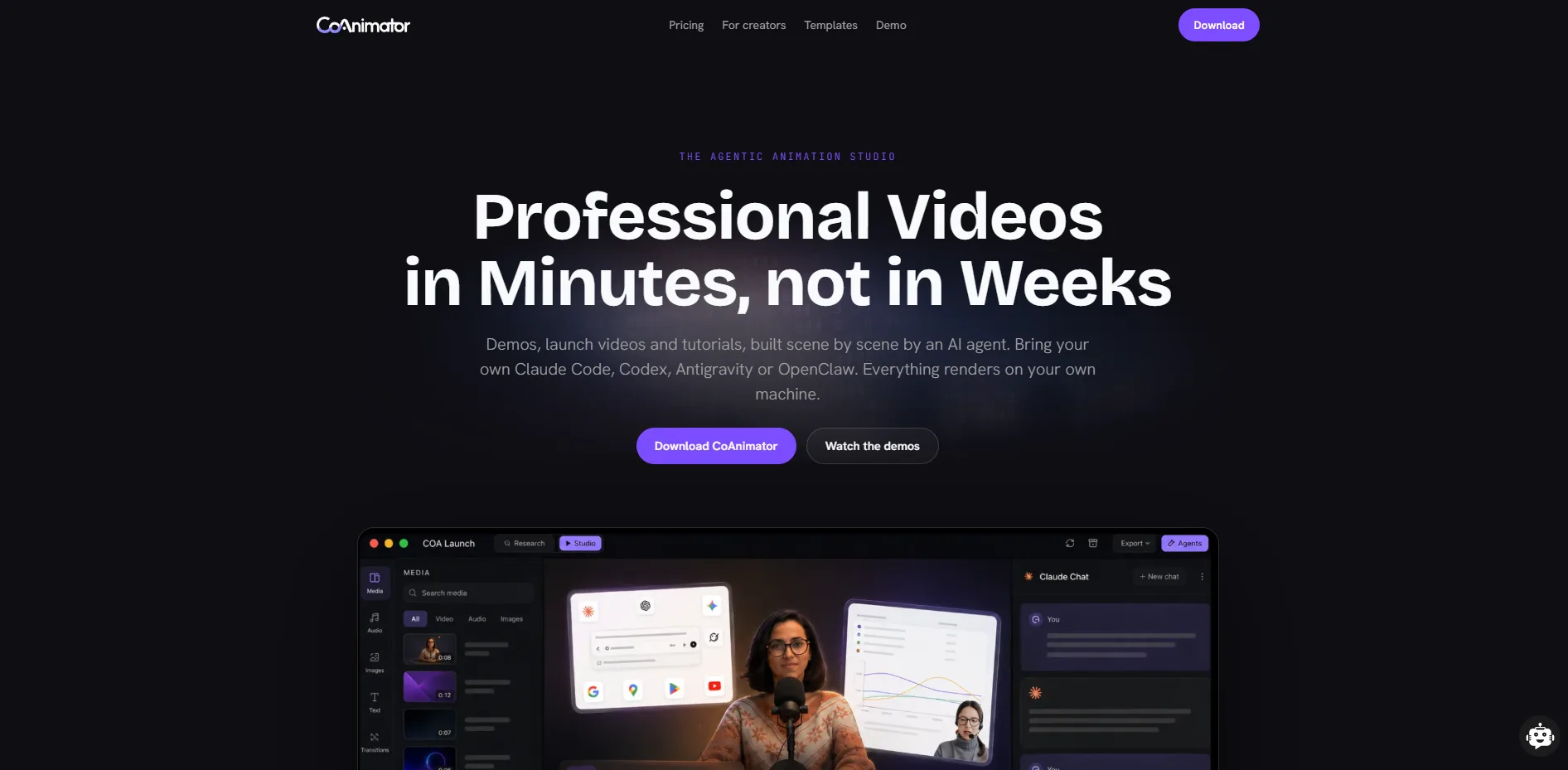
CoAnimator is an agentic animation studio, a desktop app where an AI coding agent builds and edits an entire video from a plain-language description. Bring an agent like Claude Code, Codex, Antigravity or OpenClaw, describe a product demo, launch video or tutorial, and the agent writes the scenes, timeline and narration as editable files while a live preview shows the result taking shape. Everything else on this list is a rendering engine or a service that someone builds a workflow on top of. CoAnimator is the one entry here that comes with that workflow already put together, which is also its clearest trade-off against a tool like HyperFrames, whose underlying code a developer can take and build directly into another product.
Key Strengths
Create videos by describing: A product demo, launch video or tutorial takes shape on screen scene by scene, and direction can change at any point mid-build.
Edit videos by describing: Real recorded footage gets the same treatment. Describe the look, and effects, captions and overlays land on the recording automatically.
Always-editable projects: Nothing renders into a final, locked file. Coming back weeks later to change one scene and re-render works because projects stay as plain files, easy to track changes on like any other code.
Agent-agnostic and cross-platform: Claude Code, Codex, Antigravity, OpenClaw, or any custom agent that can read files and run basic commands, connects the same way, on Mac, Windows or Linux computers.
A command-line tool for automated rendering: Scripts and automated release processes can trigger a render directly, useful for update videos that need to regenerate themselves on a schedule.
Limitations
Setup depends on a pre-installed agent: There's no built-in model, so CoAnimator is only as capable as the coding agent doing the writing, and it assumes that agent and its subscription are already in place.
Rendering only happens locally for now: Cloud-based rendering is planned but hasn't launched yet, so spreading a render across many machines the way Remotion or Shotstack can isn't possible yet.
Pricing
Free: Unlimited local rendering with no usage cap, every template, screen capture, voiceover and publishing included, works with an agent already installed, standard-resolution export with a watermark
Lifetime licence: A single one-time payment of $99 instead of a subscription, adding full-resolution export, extra plugins and a research feature, and export without a watermark
Best fit
A strong option for agentic AI video creation and editing. It lets AI agents create or modify videos using natural language, making it well suited for product demos, launch videos, tutorials, and explainers while keeping every project fully editable.
3. Motion Canvas
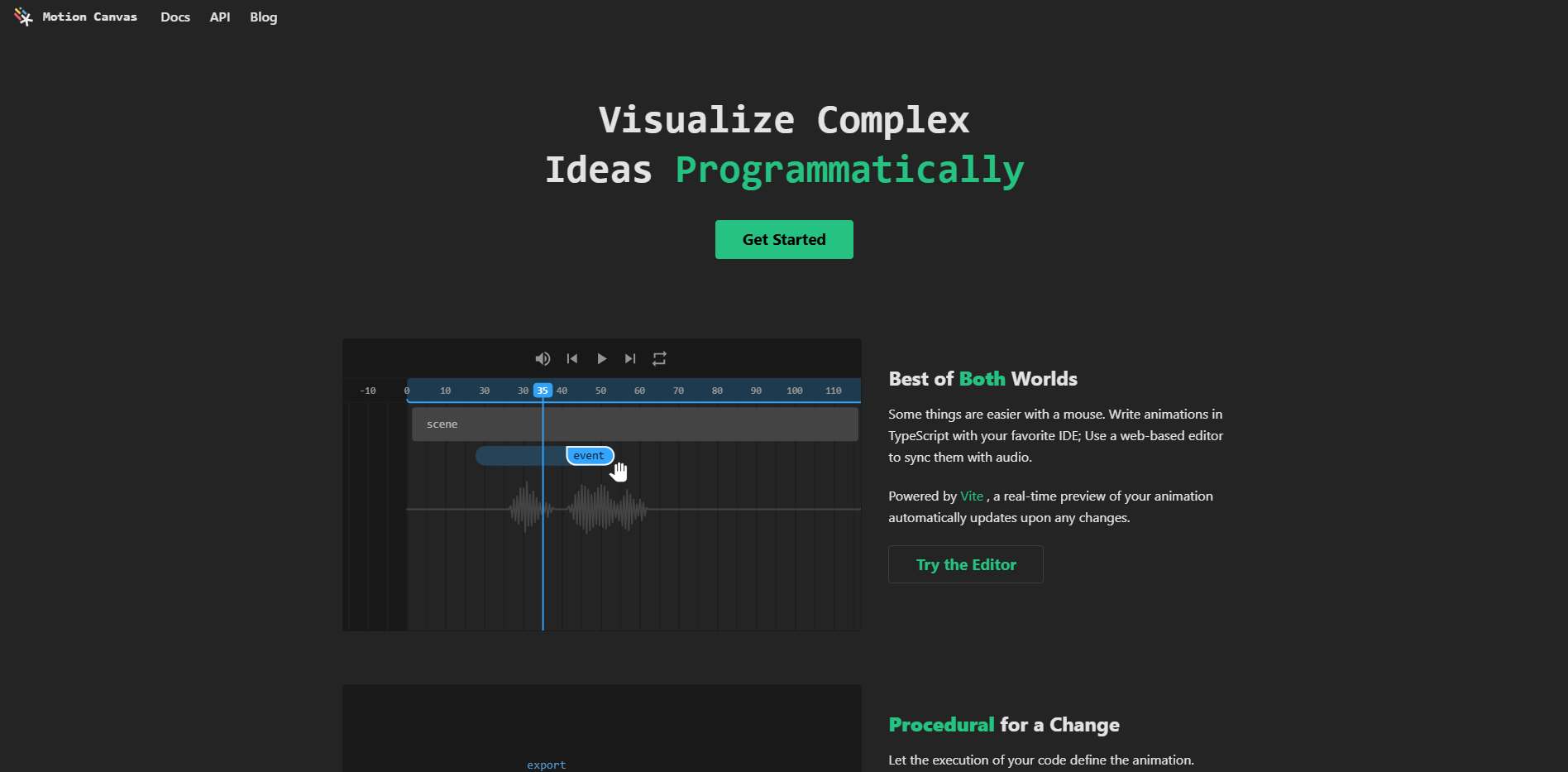
Motion Canvas is a free, open-source tool for building animations in code, paired with a browser editor that previews them as they're written. Instead of a webpage or React, a scene is described as a list of steps in order, animate this, then that, which suits a narrated explainer well since it can be planned out the same way a script is. The project describes itself as built for informative animated diagrams, not general video editing, and doesn't try to be one. It has more than 18,000 followers on GitHub and is still actively updated.
Key Strengths
Free for any size company: Its open license applies the same way to a solo developer and a large company, unlike Remotion's pricing, which changes once a company grows past three people.
Animations described step by step: Writing the steps in order reads like a shot list, which suits scripted, voiceover-led content well.
Live preview: A browser window updates instantly as the code changes, so there's no separate rendering step needed to check progress.
Built for technical explainers: Diagrams, code walkthroughs and data charts are the main use case, not an afterthought bolted onto a general video tool.
Actively maintained: Regular updates and a large group of contributors keep the project current rather than abandoned.
Limitations
Narrow scope by design: The project doesn't aim to replace full video editing software, so live-action footage and general-purpose cutting aren't what it's built for.
No official agent guide: Unlike HyperFrames, there's no built-in set of instructions teaching an agent how to write its animations, so a connected agent has to work that out on its own.
Pricing
Free: $0, open license, no paid tier at any company size
Best fit
Developers building technical explainer videos or data charts who want a free option without Remotion's company-size pricing.
4. Midrender
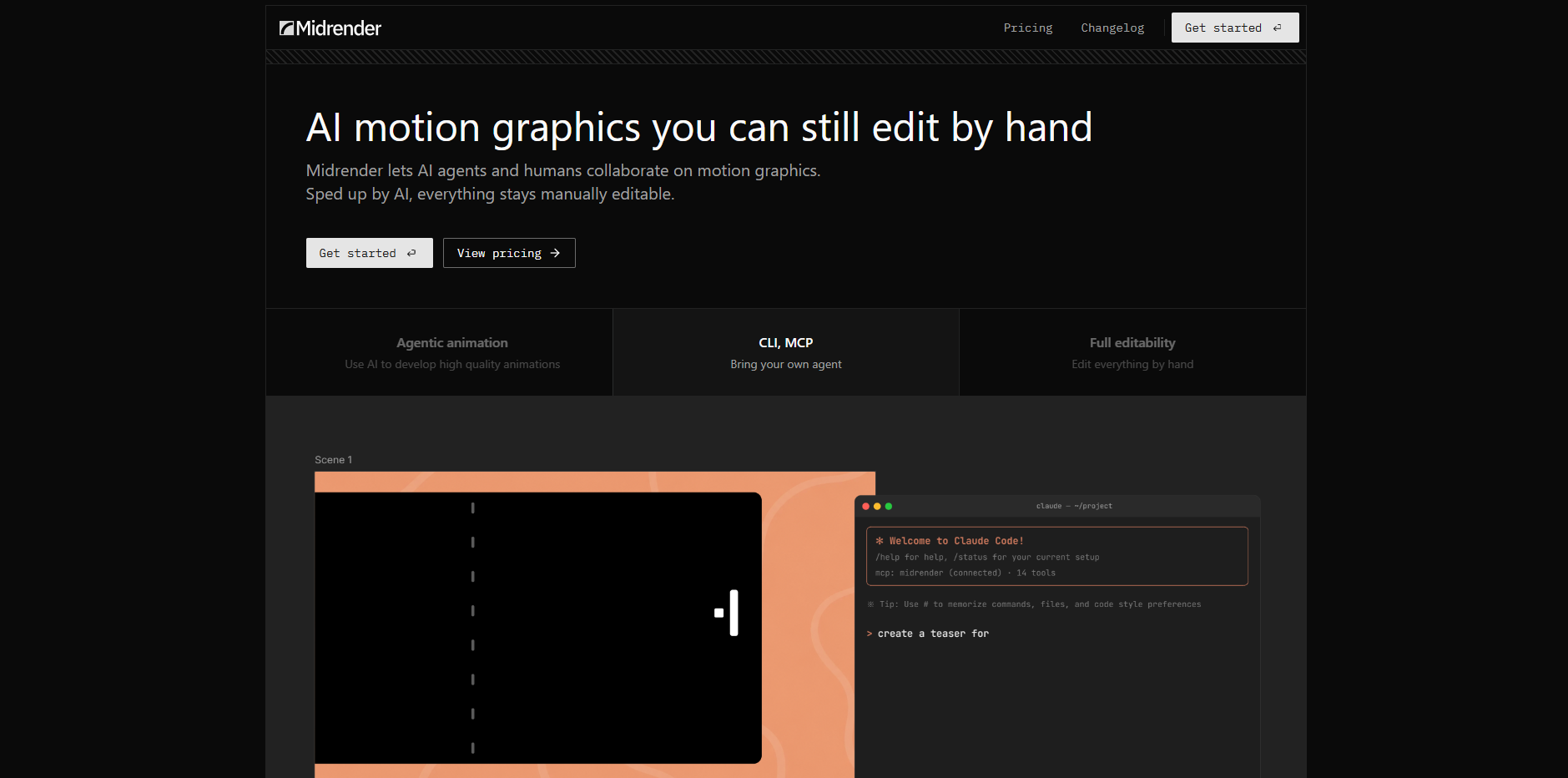
Midrender is a visual editor for motion graphics, built on Revideo, an open-source project that grew out of Motion Canvas. It connects to an existing AI agent so the agent can plan and edit scenes directly, through either a command line or a direct connection into the app. Underneath, everything stays as code, so a person can also drag the timeline or adjust details by hand instead of only directing the agent through chat. Revideo itself became the engine behind Midrender in 2026, so the open-source project now runs inside this hosted product instead of standing on its own.
Key Strengths
Connects directly to an agent: An existing agent, including Claude Code, plugs in through a command line or a direct connection, instead of a prompt box built into the app.
Full visual editor alongside the code: Timeline, properties and animation points are all editable by hand, so a person can take over from wherever the agent left off.
Learns the existing brand: Pointing Midrender at a project folder lets the agent read the existing design pieces and style rules, so new output matches what's already there.
Everything is code underneath: The output is ordinary code, so version tracking and small edits work the same way they would on any other file.
A usable free plan: Three projects and a weekly usage allowance are available before any payment is needed.
Limitations
Paid plans are usage-based: Pro and Business plans include a fixed amount of usage rather than one flat price, so heavy automated use needs to be watched.
Narrower scope than a full studio: Motion graphics and short animated pieces are the target, not the longer product demos, tutorials or 3D scenes a dedicated studio app is built to cover.
Pricing
Free: $0 a month, 3 projects, 100 MCP tool calls a week, single user
Pro: $20 a month, $20 of usage included, unlimited projects, 1 million MCP tool calls a week
Business: $100 a month, $100 of usage included, shared across unlimited collaborators
Enterprise: Custom, priced by company size
Best fit
Teams that want Revideo's code-based rendering with a real visual editor and a built-in way to connect an agent, rather than building that themselves.
5. Creatomate
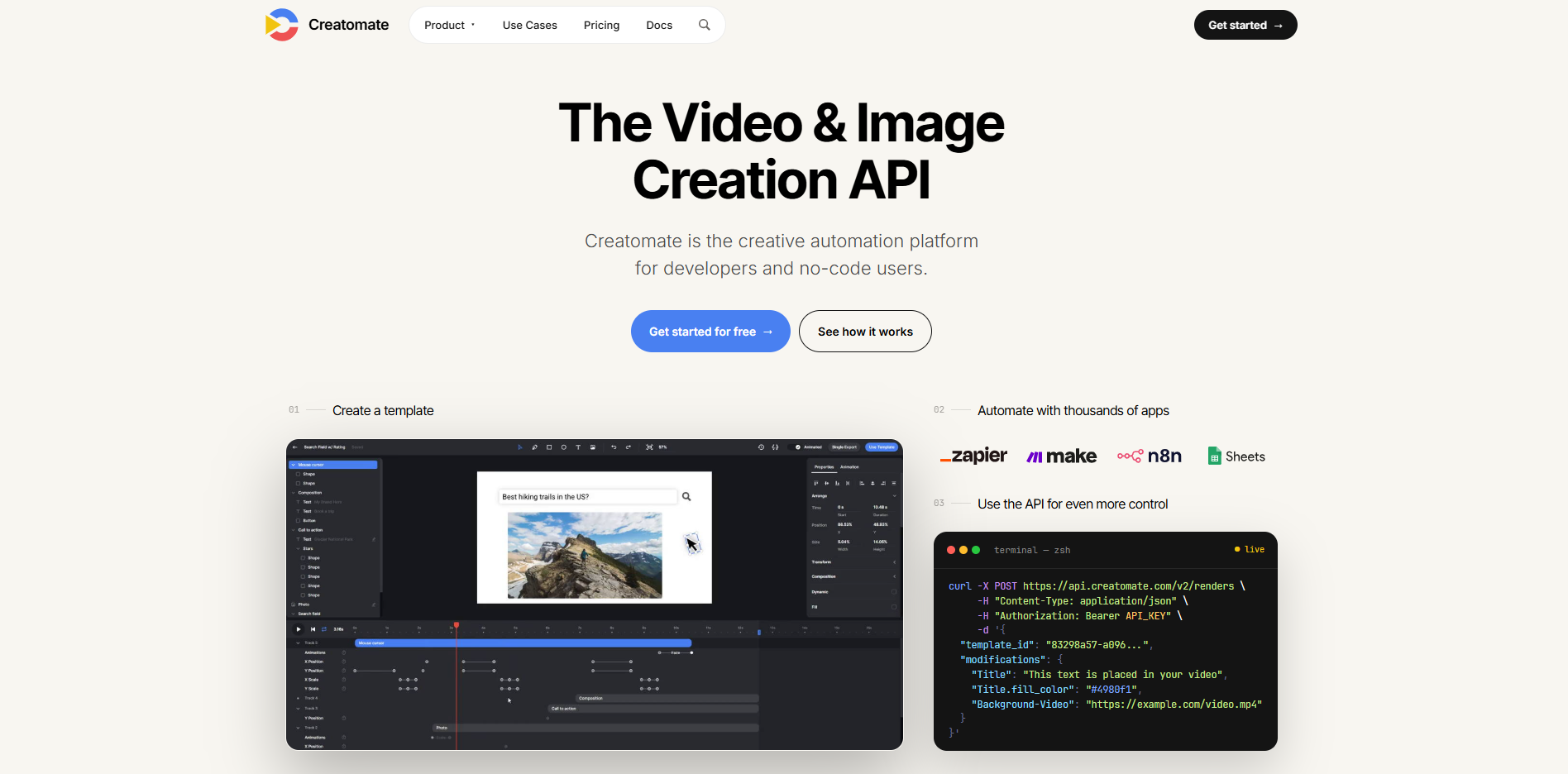
Creatomate is a video and image automation tool that pairs a no-code template editor with a full set of developer tools, aimed at teams that need to generate large numbers of on-brand videos from data rather than build individual scenes by hand. A template gets built once in the visual editor, then filled in automatically from a spreadsheet, a data feed, or an app connection like Zapier or Make, producing hundreds of variations without touching the template again. It does a similar job to Shotstack below, but leans further toward marketing teams thanks to its no-code side, while still giving developers direct, code-level control if they need it. Cost is based on the size and length of each video rather than on how many people use the account.
Key Strengths
Works for both marketers and developers: The same template can be triggered from Zapier or Make, or called directly by a developer's own code, so both teams work from one shared template.
Bulk creation from a spreadsheet: Feeding a spreadsheet into a template creates a personalized video for every row at once, instead of rendering each one separately.
Embeddable preview: Creatomate's renderer can be built directly into another company's own app, letting its users preview or edit a video before the final version renders.
Connects to thousands of other apps: Built-in connections plus Zapier and Make link it to roughly 5,000 other apps without writing custom code to connect them.
Per-minute cost drops with volume: Higher tiers reduce the effective cost per rendered minute meaningfully as monthly usage climbs.
Limitations
Rendered files expire after 30 days: Videos and images are hosted for a month and then deleted, so a team needs its own step to move outputs into permanent storage.
No official way to connect an AI agent: Only unofficial, community-built tools and a generic Zapier connection link Creatomate to an agent, nothing built by Creatomate itself the way Shotstack has.
Pricing
Essential: $41 a month, billed annually, 2,000 credits, roughly 200 videos or 2,000 images, 5 GB storage
Growth: $99 a month, billed annually, 10,000 credits, roughly 1,000 videos, 50 GB storage
Beyond: $249 a month, billed annually, 50,000 credits, roughly 5,000 videos, 500 GB storage
Best fit
Marketing teams and software companies that need to mass-produce templated, data-driven video rather than direct one-off scenes.
6. Shotstack
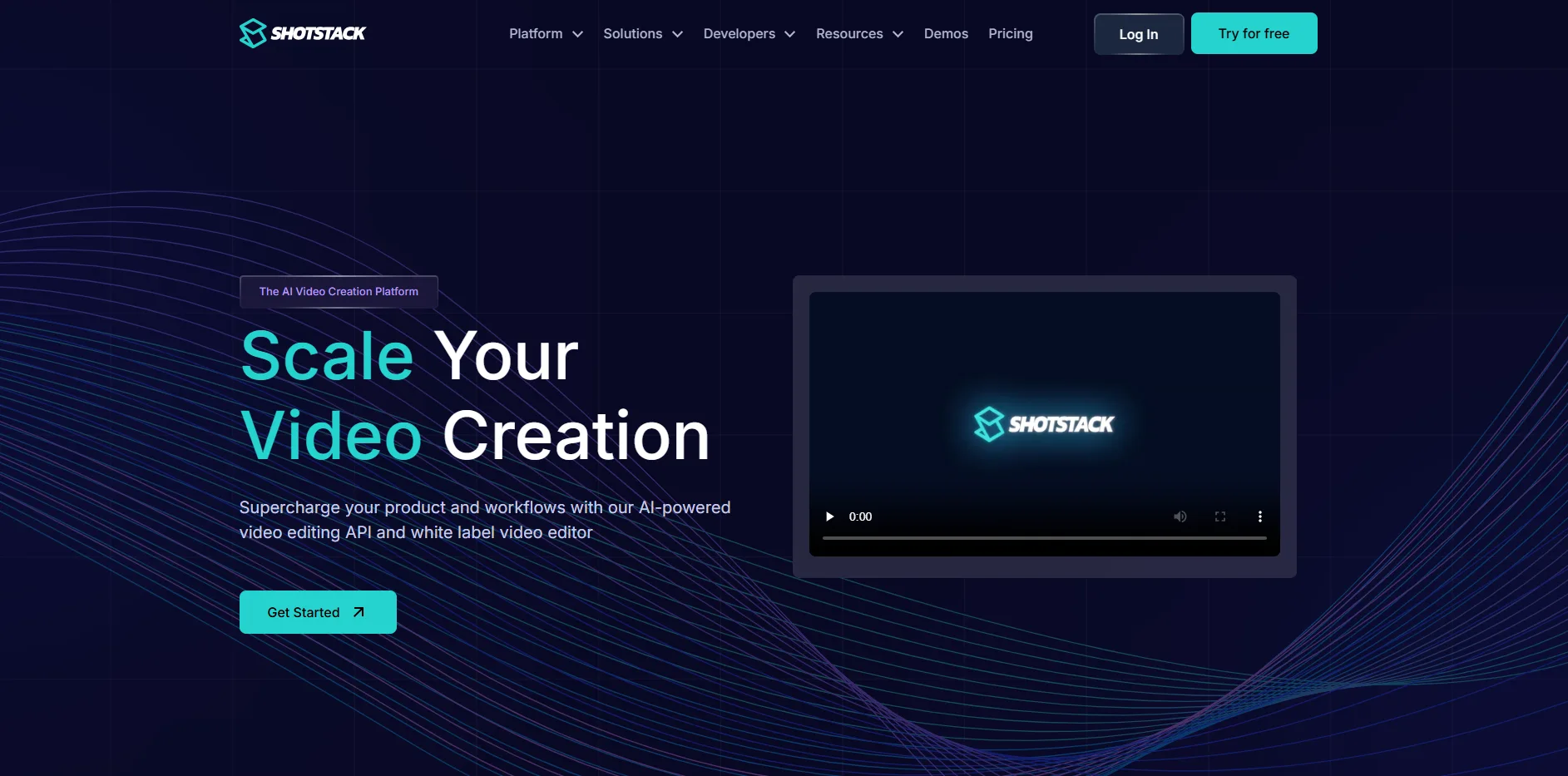
Shotstack is a cloud video-editing service built for developers. A video's clips, tracks, overlays and transitions are described in a structured format that a program can read, and Shotstack's servers render the result, with a template editor and a rebrandable video editor that companies can put inside their own product. It does a similar job to Creatomate but leans further toward developer infrastructure, built to handle thousands of videos rendering at once rather than a single marketing team's monthly output. Ikea, McDonald's and Nike are among the brands Shotstack lists as customers rendering at that kind of scale.
Key Strengths
Structured, code-friendly timeline: Every clip, overlay and transition is written as structured data, a format most automated systems can read directly without extra work.
Built to render at scale: The service targets thousands of renders happening at once, aimed at products generating volume rather than single projects.
Built-in AI agent support: One connection point links Shotstack directly to Claude, ChatGPT, Cursor, Claude Code, Codex, Gemini and several other agents, so an agent can build and render a video without custom code to call Shotstack's service.
Rebrandable video editor: A ready-made, embeddable video editor lets a company offer editing directly inside its own product, under its own branding.
Credit rollover: Subscribers can carry unused monthly credits forward up to three times their normal allowance as long as the subscription stays active.
Limitations
Going over the plan costs extra: Usage beyond the plan bills at 30 percent above the normal rate, so a misconfigured automated process costs more here than on a service with a hard usage cap.
Agent tooling is still in beta: Shotstack's own documentation labels its command-line tool and Claude Code Skill as beta, so commands and conventions can change without notice.
Pricing
Pay as you go: $0.30 a minute, a $75 one-time purchase covers 250 credits, valid for one year
Subscription: From $39 a month at $0.20 a minute, 200 credits included monthly
High volume: Custom pricing starting at 50,000 minutes a year
Best fit
Products and platforms that need to render thousands of videos automatically and want the rendering work, and the agent connection, handled for them rather than owning a render server.
7. AutoAE
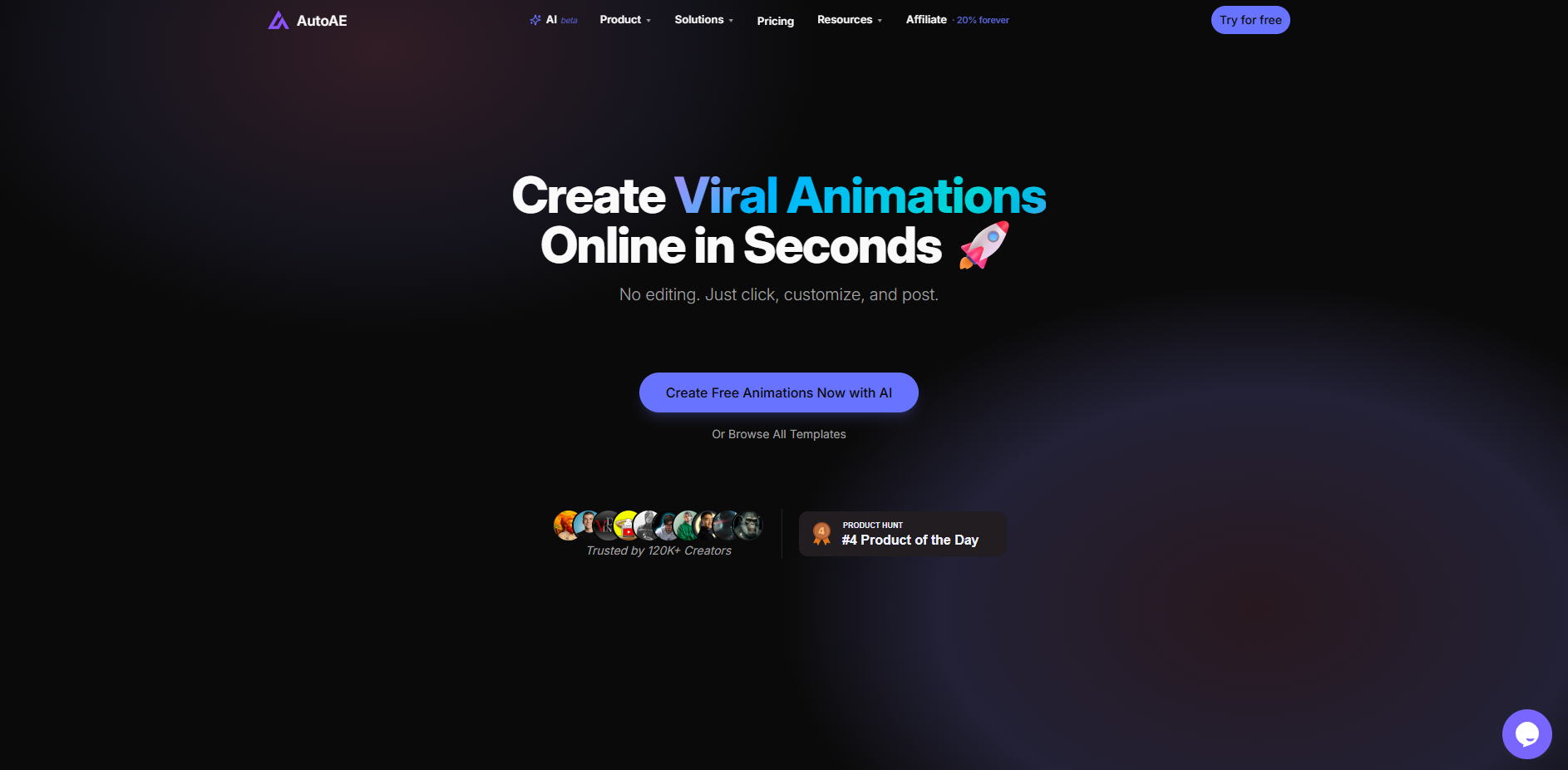
AutoAE is a browser-based motion agent built for a narrower job than the rest of this list. Describe a hook, transition or animated graphic in plain language, and it generates one from a library of branded, After-Effects-style templates, text animation, video flowcharts, 3D transformations and Google-search-style animations, rather than writing new code for each request. It's built specifically around short-form YouTube and social content rather than the longer product demos or tutorials most of this list targets. Its own pricing page even lists Codex and Claude Code as part of how it was built, an ironic detail for a tool made to spare its own users from ever touching an agent or a line of code.
Key Strengths
No code and no timeline: Type a description, pick a style, and the animation renders in the browser with no timeline or frame-by-frame editing involved.
Purpose-built template categories: Text animation, video flowcharts, engagement mockups and 3D transformations are pre-built formats rather than a blank canvas.
Consistent output over time: Because results come from a fixed template rather than a fresh generation each time, the same request produces the same look, keeping a channel's branding steady week to week.
A one-time purchase option: A single clip can be bought outright for a flat price instead of committing to a subscription.
Brand Kit storage on paid tiers: Brand assets stay stored against an account, so templates keep matching without a re-upload each time.
Limitations
A narrower job than the rest of this list: AutoAE is built for short hooks, transitions and YouTube-style motion graphics, not the full product demos, tutorials or long-form explainer video that CoAnimator or Remotion handle.
Limited to its templates, with no way to connect an agent: A genuinely new look needs a template that doesn't exist yet, and unlike most of this list, there's no command-line tool or agent connection, only the browser.
Pricing
Free: $0, 500 one-time credits, standard-resolution export, watermarked, non-commercial use only
Starter: $10 a month, billed annually, 5,000 credits a month, high-resolution export, no watermark, commercial license
Creator: $32.50 a month, billed annually, 20,000 credits a month, 5 GB Brand Kit storage
Agency: $82.50 a month, billed annually, 60,000 credits a month, priority rendering
Scale: $249.17 a month, billed annually, 225,000 credits a month, dedicated servers
One-off credit packs are available from $2.90 for a single video download
Best fit
YouTubers and short-form creators who want a consistent, branded hook or transition fast, without opening a timeline or writing a line of code.
HyperFrames Alternatives Comparison
Tool | Best For | Works With an AI Agent | Coding Required | Starting Price |
|---|---|---|---|---|
Remotion | React teams building reusable video components | Yes, official Claude Code and Codex add-ons | Yes, React code | Free, then $25 per person a month |
CoAnimator | Teams who'd rather buy a studio than assemble one | Yes, named agents (Claude Code, Codex, Antigravity, OpenClaw) | No, agent writes it | Free |
Motion Canvas | Technical explainers and diagrams | No official connection | Yes, code | Free |
Midrender | Revideo rendering with a visual editor and agent hookup | Yes, built-in command line and direct connection | No, agent or visual editor | Free, then $20 a month |
Creatomate | Templated video at scale from data | No official connection, only unofficial or Zapier options | No, template editor (developer tools optional) | $41 a month, billed annually |
Shotstack | High-volume automated rendering | Yes, official agent connection and Claude Code Skill (beta) | No, structured data format (developer tools optional) | $0.30 a minute, or $39 a month |
AutoAE | Fast, branded no-code hooks and transitions | No agent connection of any kind | No, prompt to template | Free, then $10 a month, billed annually |
Which HyperFrames Alternative Should You Choose?
Choose Remotion if developers on the team already ship React and need the video layer to behave like the rest of the codebase.
Choose Motion Canvas if the output is technical or data-driven animation and a company-size license fee is a dealbreaker.
Choose Midrender if Revideo is the right engine but nobody wants to build the editor and the agent hookup from scratch.
Choose CoAnimator if the job is a whole video, script through publishing, built by an agent already in the workflow instead of stitched together from five separate tools.
Choose Creatomate if the real job is turning a spreadsheet or a data feed into hundreds of on-brand videos.
Choose Shotstack if the product itself needs to render at volume and an agent needs to trigger renders directly.
Choose AutoAE if the job is a fast, on-brand YouTube hook and a timeline editor is exactly what the team is trying to avoid.
How to Test a HyperFrames Alternative Before Switching
Every tool on this list offers a free tier or a low-cost way to try it, which makes it tempting to sign up, render one sample clip, and call it evaluated. That's not enough to know whether a switch will hold up past the first week.
Render the actual kind of video the project needs, not the polished demo: A tool that handles a sample scene smoothly can still struggle with the real mix of footage, data and length a project involves.
Time a small update, not only the first render: The whole point of a code-based or agent-driven tool is that changing one detail later shouldn't mean starting over. Make a small change and measure how long it takes to get back to a finished video.
Check what happens at real volume, not free-tier volume: A free plan rarely reflects what a tool costs once actual usage shows up. Look at the tier a team will need in six months, not the one that looks good today.
Conclusion
The pattern across all seven of these tools is bigger than any single feature comparison. HyperFrames and its alternatives treat a video the same way a codebase treats a dependency, something with a source of truth that gets rebuilt when the underlying product changes, rather than a finished deliverable that quietly goes stale. A demo video recorded once and left alone is already out of date the moment the interface it shows gets a redesign.
That's the real test for any tool on this list, not whether it produces a good first video, but whether the tenth update costs an afternoon or a whole new project. AllCapStudio builds to that same standard on the human side, handing over source files that stay usable long after the first delivery.
Written by the AllCapStudio team. We publish what we would tell you on a call, which occasionally costs us the project.
Written by the AllCapStudio team. We publish what we would tell you on a call, which occasionally costs us the project.
Read next
All articles- Journal7 Best PPT to Video Converter AI Tools (Free & Paid)Looking for a PPT to video converter? Compare 7 free and paid AI tools on slide fidelity, narration quality, pricing and what each…
- JournalB2B Video Marketing Agency vs In-House vs Freelance vs Cast BenchReal 2026 costs, speed, and failure points for B2B video agencies, in-house teams, freelancers, and cast bench studios, plus how to…
- Journal8 Best Intro Maker & Logo Animation Tools (2026)Compare 8 AI intro maker and logo animation tools for 2026, free-tier terms, rebuild cost, and real starter pricing for each one.