Journal19 min read
8 Best Intro Maker & Logo Animation Tools (2026)
Compare 8 AI intro maker and logo animation tools for 2026, free-tier terms, rebuild cost, and real starter pricing for each one.
- Published
- Updated
- Written by
- AllCapStudio

AI video tools cut footage, write captions, generate voiceovers, and grade color without an editor touching any of them. Logo animation and channel intros are usually the one task still left to a person, who opens a timeline tool, keyframes the reveal, syncs it to music, and exports before it can play. Most video editors and marketing teams don't have that skill in-house, so the work falls to whoever on the team has the closest thing to design skill or gets sent to a freelancer, video after video and rebrand after rebrand.
You don't need that skill anymore. Pick a template, describe the look in a prompt, or point an AI agent at your brand assets. An AI intro maker or logo animation tool builds the motion instead, so you're not keyframing it by hand. What used to take a motion designer an afternoon takes you a few minutes instead, and none of it requires After Effects experience.
The eight intro maker and logo animation tools compared in this guide include template libraries, prompt-based generators, and agent-directed builders. Every one of them comes with free-tier terms, rebuild cost, and real starter pricing checked against the vendor's own page, so you can compare all eight here instead of demoing them yourself.
Intro Maker vs. Logo Animation Maker vs. Motion Graphics Tool
These three terms get used interchangeably, but they describe three different jobs.
An intro maker builds a short opening sequence for a video. It typically combines a logo, a channel name, and music into a few seconds that play before the content starts.
A logo animation maker narrows that down to the logo mark itself. It animates the reveal, motion, or transformation of the mark, which can then be dropped into a larger intro or used standalone on a website or app splash screen.
A motion graphics tool is the broadest of the three. It covers any kind of animated typography, chart, or UI element, with logo and intro work as one use case among several rather than the main job, and is closer to custom animation and motion work built from a brief than to anything picked from a template library.
Category | What It Covers | Typical Output | Examples From This List |
|---|---|---|---|
Intro maker | A short branded opener combining logo, name, and music | A few seconds of video that plays before the content starts | Renderforest, Canva |
Logo animation maker | The logo mark's reveal or motion, nothing else | A short clip or file usable inside a bigger intro or on its own | Placeit, MotionVid |
Motion graphics tool | Any animated typography, chart, UI element, or full scene | Whatever the project needs, intro and logo work is one use case among several | Animaker, CoAnimator |
Get the category wrong and "best" stops meaning anything useful. Someone who wants a five-second YouTube bumper and someone who wants a fully custom animated wordmark for a product launch are solving different problems, even though both searches often land on the same results page. A fourth category sits outside this list too, an explainer video argues a product's case in sixty seconds, a different brief entirely from a five-second logo sting.
The eight tools below span dedicated logo-animation catalogs on one end and broader platforms where an intro is one thing they happen to do well on the other.
How These Eight Were Compared
Four things decided what made this list and how each entry is framed.
Free access, honestly labeled: A "free plan" that caps out at a short length, stamps a watermark on every export, or requires a credit card isn't the same kind of free as one that doesn't, so free-tier terms are stated exactly rather than lumped into a single checkmark.
What happens after the first export: A template-rendered clip and a project you can reopen and edit behave differently the next time a logo or tagline changes, and each entry below says which one you're getting.
Pricing checked against the vendor, not a listicle: Every price below was checked against each company's own pricing page as close to publish as possible, not pulled from a third-party roundup repeating last year's numbers.
Category fit, named upfront: CoAnimator and Adobe Express are broader platforms with intro and logo animation as one strength among several, and each entry says exactly where that fit lands rather than assuming it's obvious.
The 8 Best Intro Maker and Logo Animation Tools
Each of these covers intro or logo animation in a different way, from deep template libraries to prompt-based generation. Pricing below is annual-billed first, with the monthly-billed rate in parentheses.
1. Renderforest
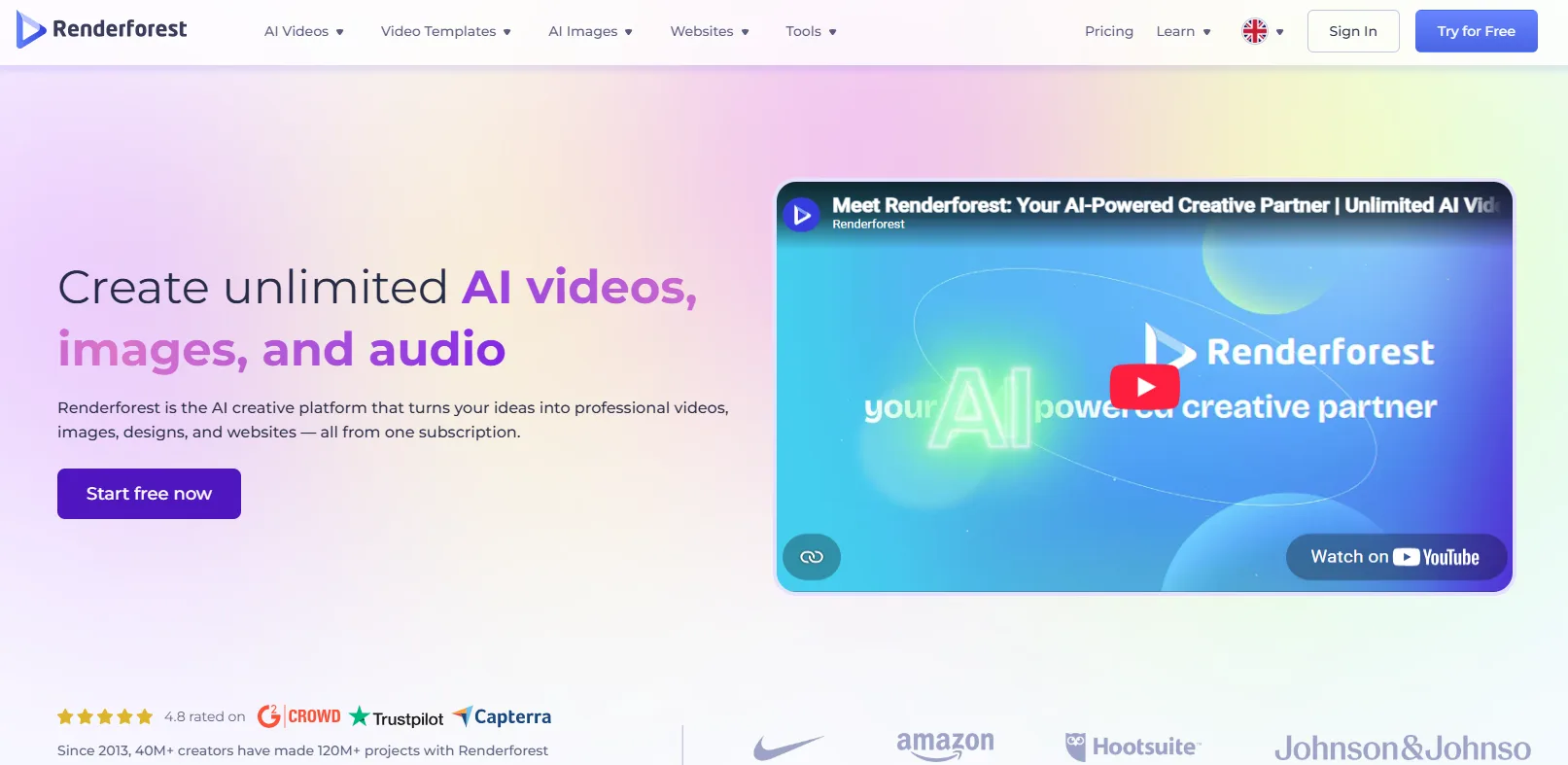
Renderforest is a browser-based video and branding platform built around a large library of intro, outro, and logo-reveal templates. The company launched in 2013 as a general video-making platform before expanding into logos, websites, and mockups, and its intro and logo-reveal template section remains one of the deeper ones in the category. Every template opens in an online editor where you swap in your own logo, colors, and a music track without touching a timeline. Renders happen on Renderforest's own servers, so nothing installs locally.
What It Does Well
Style filtering: Browse by category, industry, or aesthetic, from glitch reveals to 3D shatter effects, rather than scrolling one long list.
Logo Maker tie-in: Generate a fresh logo with the built-in AI logo tool and animate it in the same account without exporting and re-uploading.
Script to Video: Certain templates convert a pasted script directly into a timed animation, skipping manual scene-by-scene editing.
Branding kit storage: Save fonts, colors, and logo variants once and reuse them across future videos, mockups, or graphics in the account.
Mobile app parity: iOS and Android apps sync with the same account, so a template started on desktop can be finished and exported from a phone.
Where It Falls Short
Template-bound output: Customization stays inside each template's structure, so a genuinely custom motion design brief hits a ceiling fast.
Per-export payment quirks: Some tiers meter exports per video rather than per month, which can surprise a team used to flat subscriptions.
Pricing
Plan type: Freemium
Starter plan: Lite, around $9/mo billed annually, HD exports without a watermark
Use Case
Anyone who wants a polished, reusable logo sting or channel intro without touching a design tool, and who is fine working inside a template rather than building one from scratch.
2. Canva
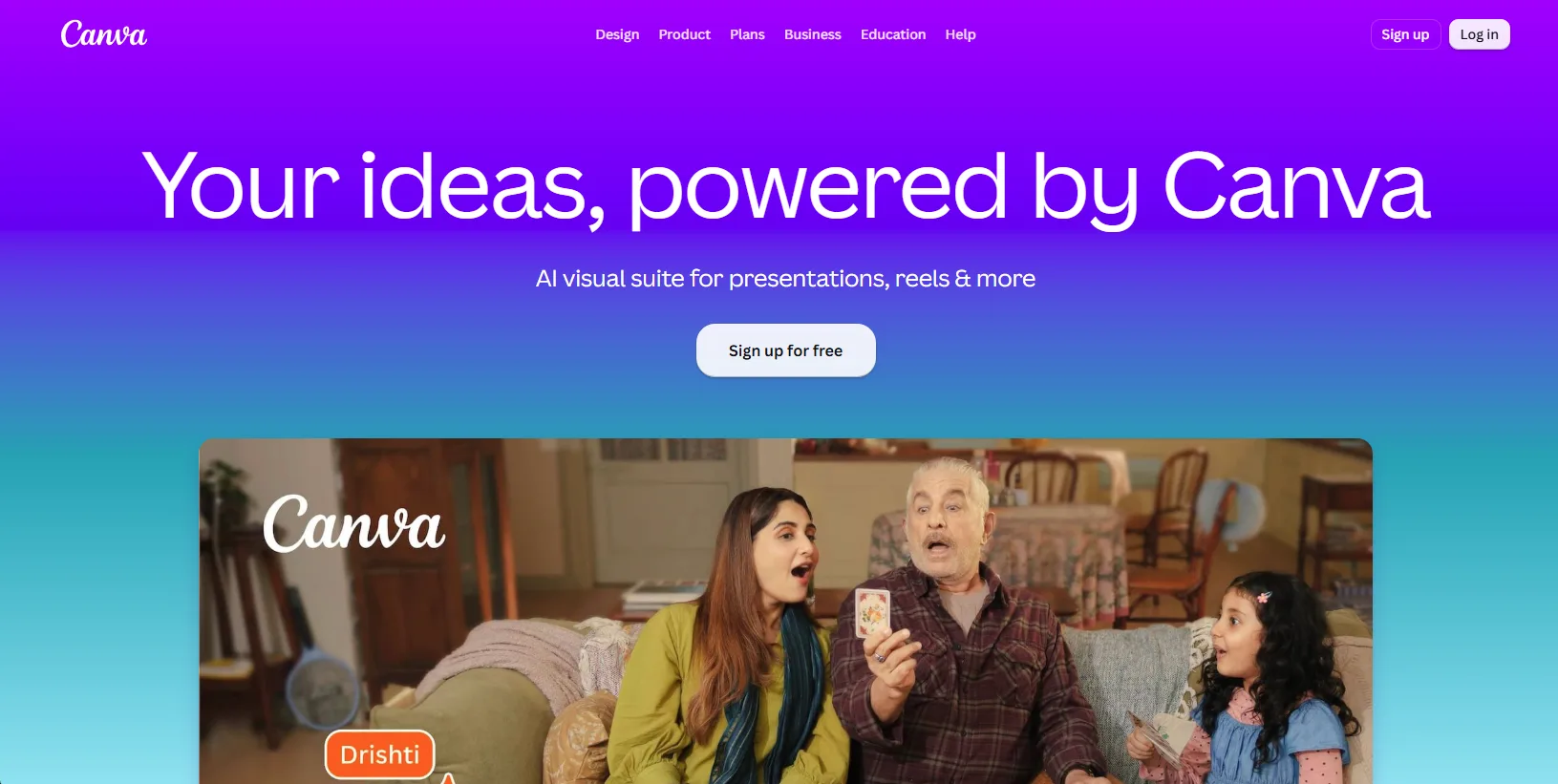
Canva is a general-purpose design platform that added video intro and animated logo tools onto its existing drag-and-drop editor. Rather than a dedicated intro-sting library, it draws from a broader catalog of video templates that include intro, outro, and logo-reveal formats alongside its presentations, social posts, and print designs. Every element on the canvas, text, shape, or an uploaded logo can be animated individually with a preset motion style. Real-time collaboration lets more than one person edit the same intro project at once.
What It Does Well
Direct publish: Schedule the finished intro straight to up to 8 connected social accounts without exporting first.
Brand Kit: Store logo files, brand colors, and fonts once and pull them into any new intro without re-uploading.
Massive template count: Over 1.6 million templates across every design type are searchable from the same account, including video intros.
One-click background removal: Strip the background from an uploaded logo or photo without a separate editing tool before animating it.
Beat Sync: Automatically aligns text and transition timing to the beat of the background music track you pick.
Where It Falls Short
Not built for motion design: Animation options are simple presets rather than frame-level or keyframe control, so complex custom sequences aren't possible.
Premium content behind Pro: A large share of the best-fit intro templates and stock assets sit behind the paid tier, not the free one.
Pricing
Plan type: Freemium
Starter plan: Pro, around $10/mo billed annually ($15/mo billed monthly), full premium template and stock library plus the Brand Kit
Use Case
Teams that already live inside Canva for other design work and want an intro or logo animation to match, without adding a second tool to the stack.
3. CoAnimator
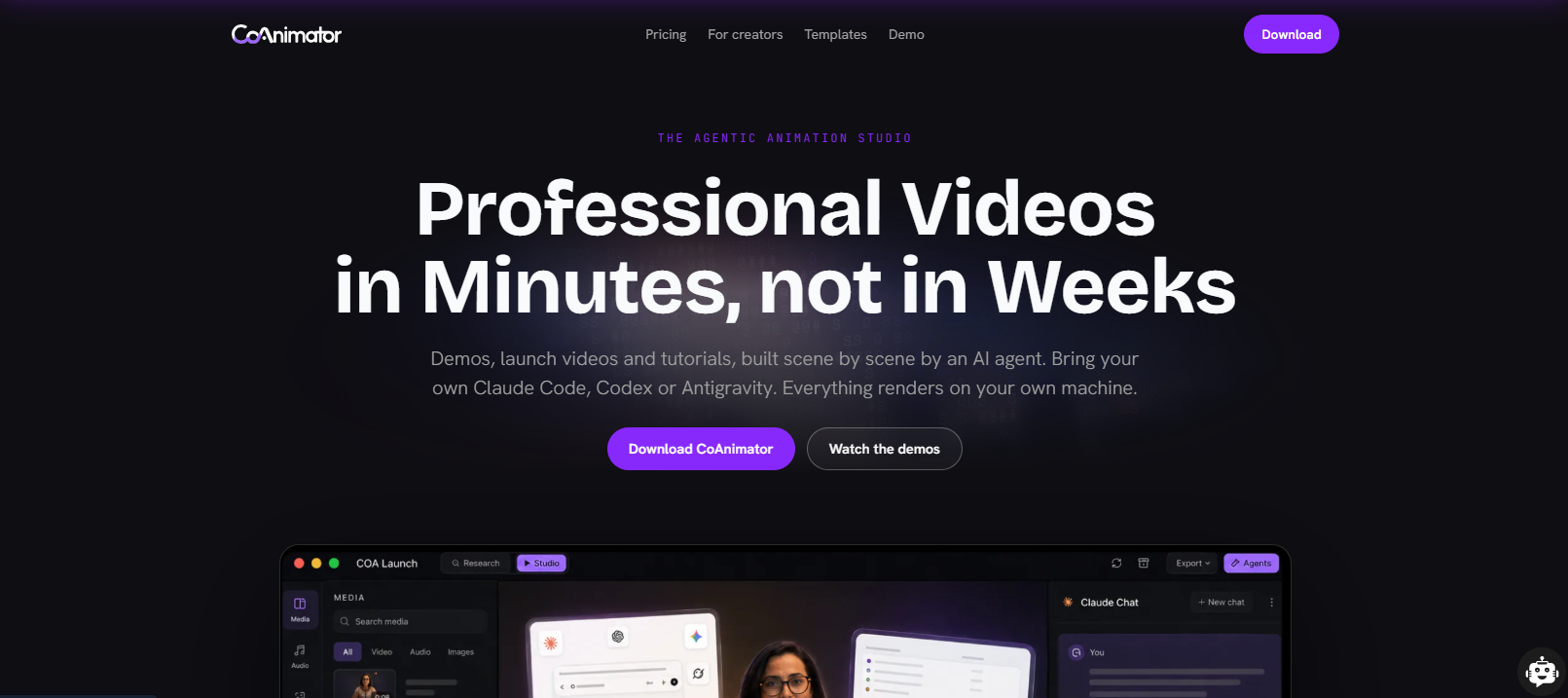
CoAnimator is an agentic animation studio where an AI coding agent does the actual editing instead of a template picker or prompt box. You point an agent you already use, Claude Code, Codex, or Antigravity, at the app and describe the intro, and it writes the scenes and narration as project files while a live preview updates. Because the animation lives in editable files rather than a rendered clip, a logo change later is a re-render, not a rebuild. Everything renders locally on macOS, Windows, or Linux, with nothing uploaded.
What It Does Well
Create by describing: A demo, launch video, or tutorial builds scene by scene, and you redirect at any moment
Edit by describing: Name the look and effects, captions, and overlays and land on your own recording
Always-editable projects: Change one scene weeks later and re-render, with git-friendly files and nothing baked in
Agent agnostic: Claude Code, Codex, Gemini, OpenClaw, or any agent that reads files and runs shell commands
Local rendering and coa CLI: Unlimited offline exports keep unreleased work on your machine, and CI renders changelog videos
Where It Falls Short
Learning curve: Getting a good result depends on already knowing how to direct a coding agent well, a steeper start than picking a template.
Fast-moving platform: Features and templates are still evolving quickly, so initial setup and the agent workflow can shift between versions.
Pricing
Plan type: Free
Use Case
Teams and creators who already work inside an AI coding agent and want their logo sting or channel intro to update itself whenever the brand changes, rather than rebuilding it from a template.
4. Placeit
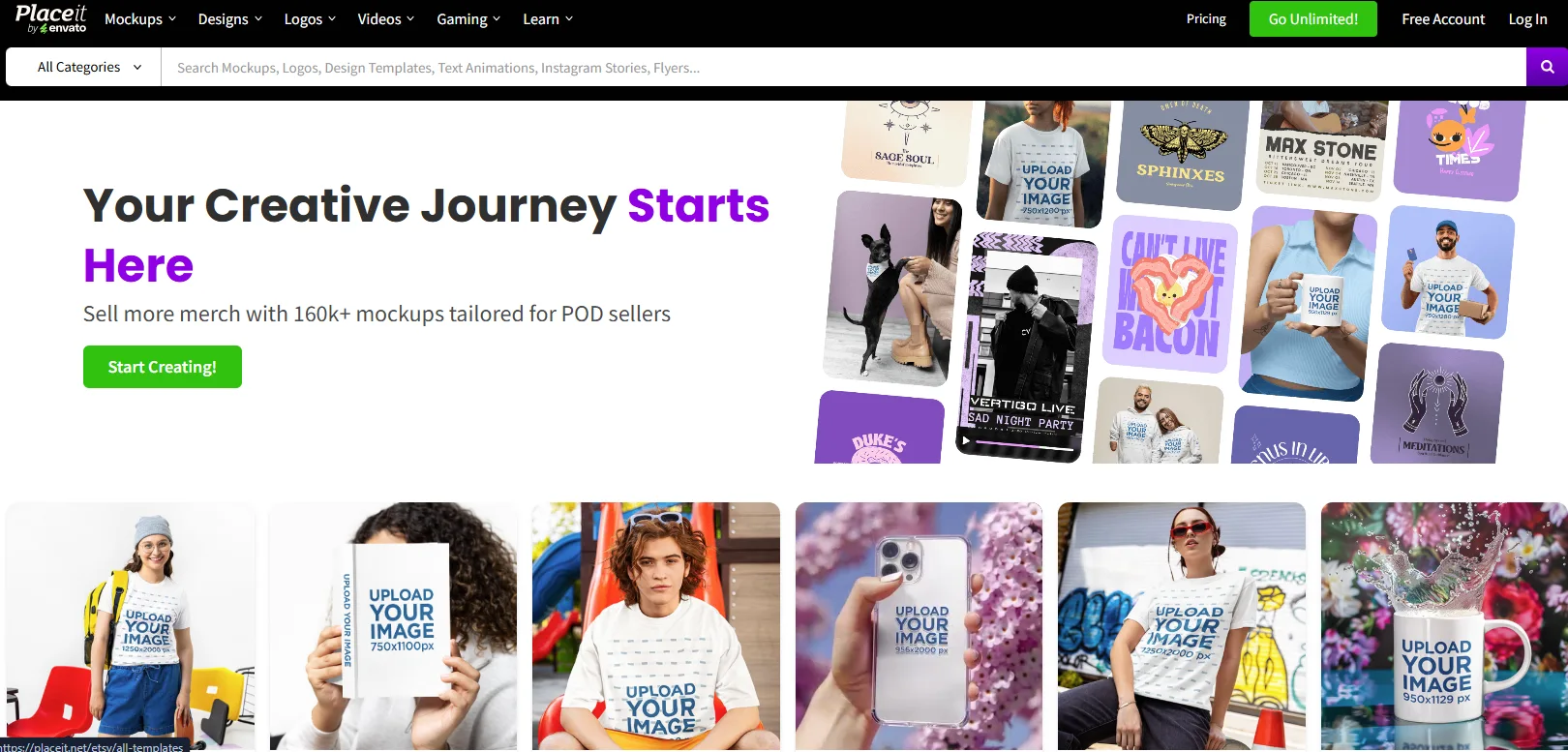
Placeit is a template marketplace from Envato built around mockups, logos, and short branded video clips, including a dedicated logo animation category. Every animation starts as a finished template, so building one means picking a look, dropping in your logo file, and adjusting text rather than starting from a blank canvas. The catalog covers gaming logo stings, 3D reveals, and social-ready outros alongside a much larger mockup and merch design library. Rendering happens in the browser, and finished clips download as MP4.
What It Does Well
Filter by tag or keyword: Narrow the animated logo catalog by style, character, or industry instead of scrolling the full library.
Fast preview: Changes to text, color, or logo placement show up in a live preview before you commit to a render.
Commercial-use rights included: Downloads carry full commercial usage rights on every plan, so a finished animation can go straight into a paid ad or client deliverable.
Character and mascot elements: Several logo animation templates include pre-built game characters or mascots you can swap in alongside the logo mark.
Social-native formats: Templates export pre-sized for Instagram Stories, TikTok, and YouTube without a separate resize step.
Where It Falls Short
No genuine free tier: Unlike most tools on this list, Placeit has no permanently free plan, only a subscription with unlimited downloads.
Template rigidity: Customization is limited to what each template's editable fields expose, with no layer-level or keyframe control.
Pricing
Plan type: Premium (no free tier)
Starter plan: Single subscription, around $7.47/mo billed annually, unlimited downloads across the catalog.
Use Case
Anyone who wants a fast, no-frills logo sting for a gaming channel, merch brand, or social account and is fine paying a flat subscription instead of hunting for a free option.
5. VEED
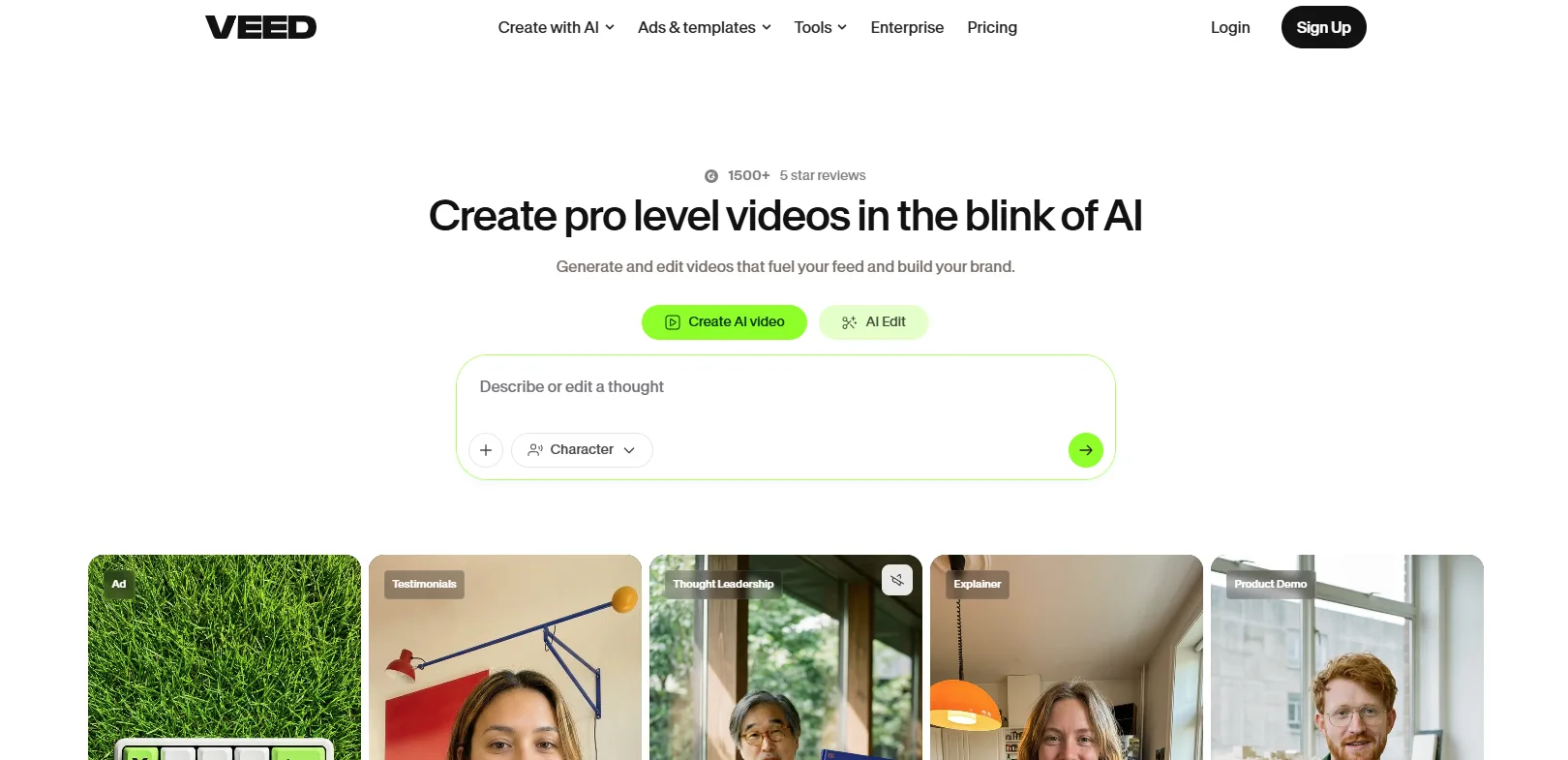
VEED is a browser-based video editor built around captions and social content that also ships intro, outro, and logo animation templates inside a broader editing timeline. Unlike a dedicated intro maker, a VEED project can combine an animated logo opener with real footage, AI-generated clips, and auto-captions in the same timeline. Logo and intro templates animate scene by scene, with text, motion, and music adjustable per scene. The platform also includes AI tools for background removal and translation that a pure intro maker wouldn't offer.
What It Does Well
Built-in stock library: Licensed stock video and music clips are available directly in the editor, so a logo animation doesn't need outside footage or a separate music license.
Built-in screen recording: Capture a screen walkthrough directly in the browser and drop it right after the animated intro without switching tools.
AI video generation: Paid plans include access to models like Veo and Kling for generating short clips to pair with a branded intro.
Multi-format export: Resize the same project for YouTube, Shorts, and Reels without rebuilding the animation for each aspect ratio.
Filler word and silence removal: Automatically trims dead air and verbal filler from the footage that follows the intro, cleaning up the edit in the same pass.
Where It Falls Short
Watermark and length caps on Free: The free tier caps exports at 10 minutes and stamps a watermark on every download.
A filtered search, not a dedicated section: VEED's animated logo options live inside its general template library rather than a standalone category, so the intro-specific selection is thinner than Renderforest's or Placeit's.
Pricing
Plan type: Freemium
Starter plan: Lite, around $12/mo billed annually, watermark-free 1080p exports
Use Case
Creators who want the logo intro and the rest of the video edited in the same tool, rather than building the opener separately and stitching it in later.
6. Animaker
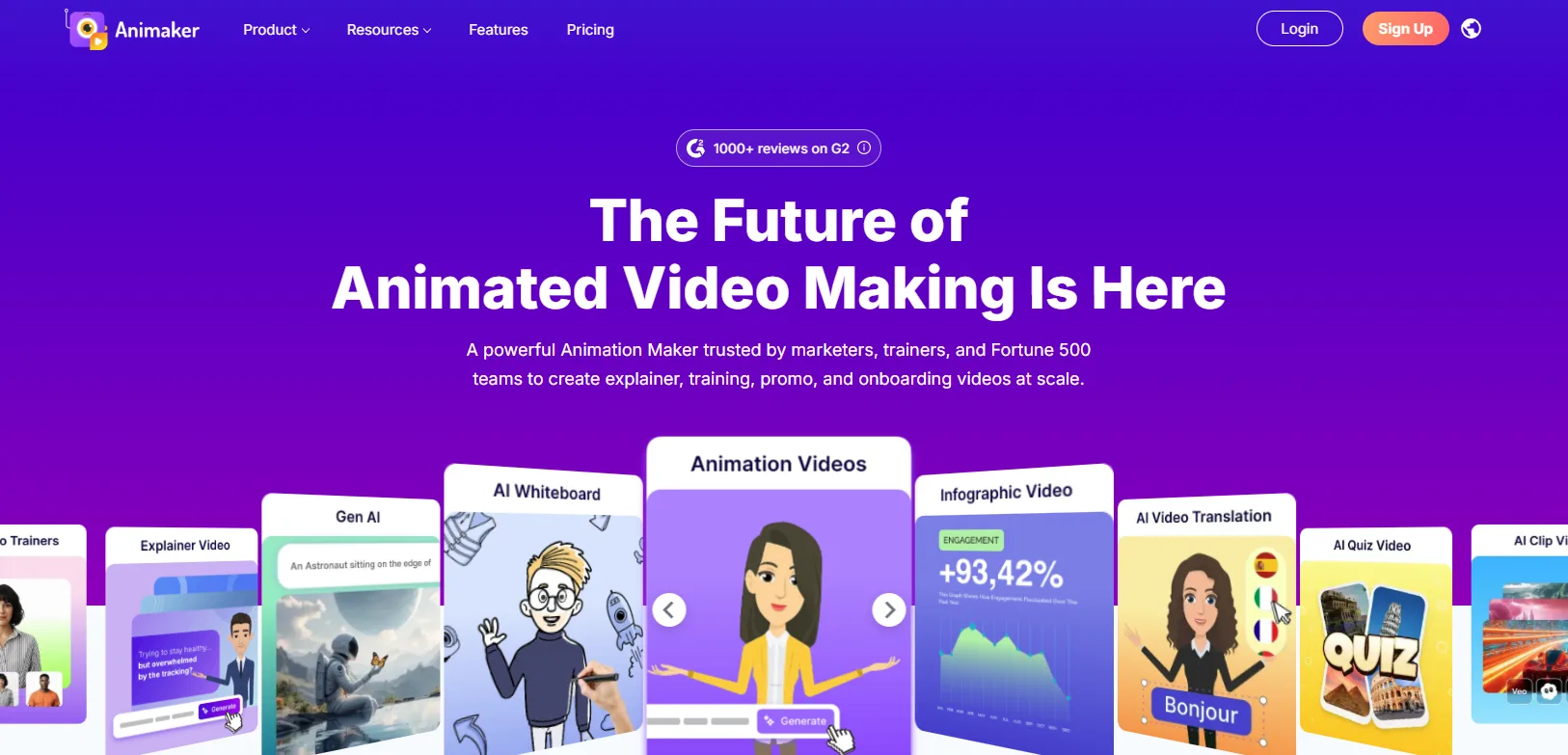
Animaker is a cloud-based animation and explainer video platform with a scene-builder timeline that supports custom-built animated logos alongside a character-animation library. Instead of picking a finished intro template, you assemble a logo reveal scene by scene, choosing entrance and exit animations for each layer of the logo. The platform also includes a character builder, so a logo sting can include an animated mascot rather than typography alone. Renders happen in the cloud and export as MP4, up to 4K.
What It Does Well
Save custom templates: Turn a finished logo reveal into a reusable template for future rebrands instead of rebuilding the scene from scratch each time.
Lip-sync on custom characters: A mascot built in the Character Builder can sync mouth movement to a voiceover track, not play a static animation loop.
Auto subtitle and translation: Add subtitles in multiple languages to a finished intro without a separate captioning tool.
Motion-focused asset library: A stock library of icons, backgrounds, and music tracks selected specifically for animation work.
Live-action and animation mixing: Combine recorded footage with animated characters and motion graphics in the same timeline, not cartoon-only scenes.
Where It Falls Short
Element-by-element setup: A four-part logo reveal means choosing entrance, exit, and timing separately for each element instead of one setting for the whole animation, so builds take longer to finish than a template swap.
Download caps on lower tiers: Basic caps premium downloads at 5 a month and Pro at 30, with extra exports billed per download beyond that cap.
Pricing
Plan type: Freemium
Starter plan: Basic, around $10/mo billed annually, watermark-free HD exports
Use Case
Teams that want a custom-built, character-driven logo animation rather than a template swap, and don't mind a longer setup to get there.
7. MotionVid
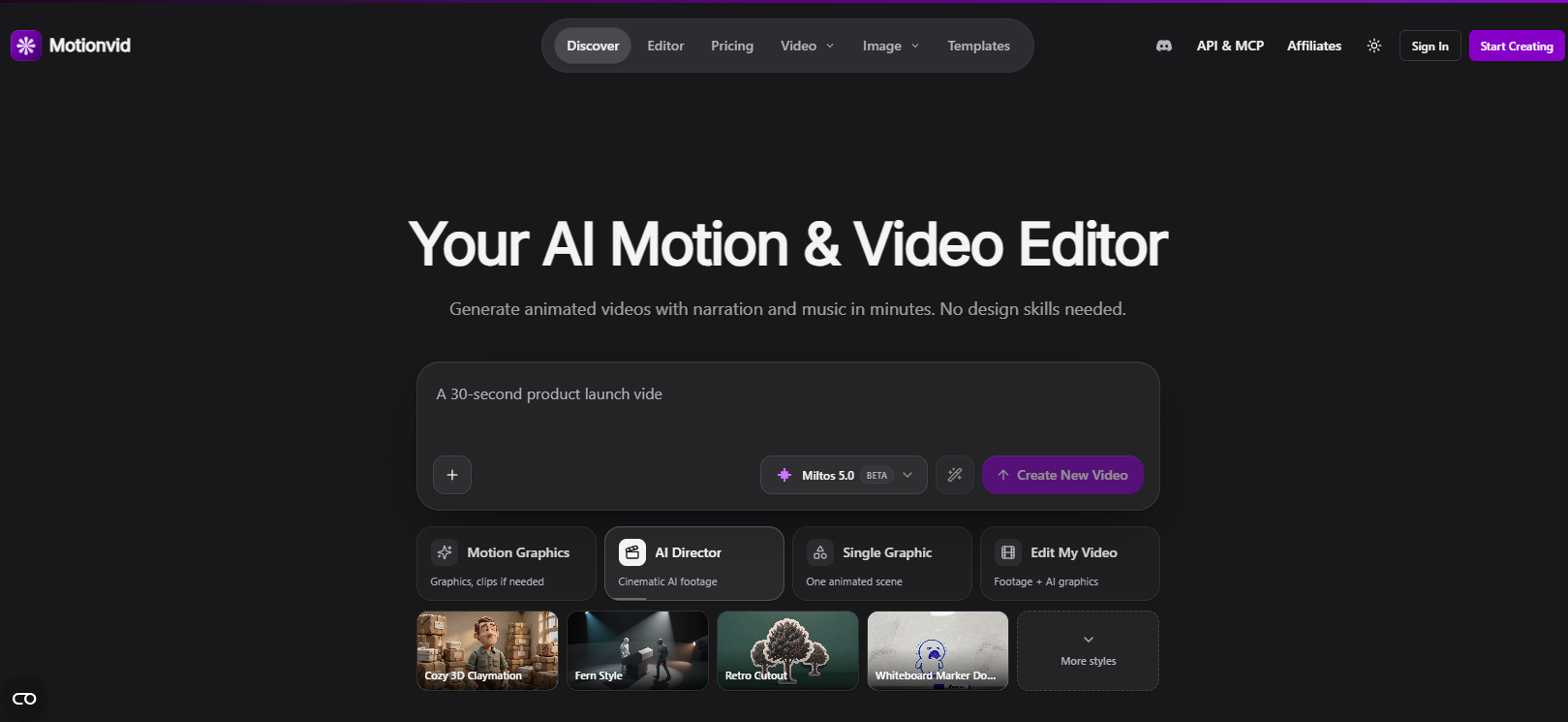
MotionVid is an AI motion graphics generator that turns a text prompt into a finished animation, including logo reveals, lower thirds, and kinetic type, without a timeline or keyframes. Instead of browsing a template library, you describe the look you want, a logo that shatters and reassembles, for example, and the model generates the motion directly. Each generation counts against a monthly cap rather than a flat per-video price. The tool sits closer to a generative model than a traditional editor, trading manual control for speed.
What It Does Well
Multiple input types: Start from a text prompt, an uploaded image, or a rough drawing, not typed descriptions.
Starter templates included: Browse finished example projects to remix instead of starting every generation from a blank prompt.
Fast iteration: Regenerate a variation of the same animation in seconds rather than manually adjusting keyframes.
No design software needed: Skips both a template library and a traditional motion graphics tool like After Effects entirely.
Proprietary generation model: Built on Animora, MotionVid's own motion model, rather than wrapping a general third-party video generator.
Where It Falls Short
No free tier: Every plan is a paid subscription with a fixed generation cap, so there's no permanently free way to try it.
Less predictable output: A generated animation can miss the exact look requested, and refining a result means spending more generations rather than adjusting a layer directly.
Pricing
Plan type: Premium (no free tier)
Starter plan: Basic, around $9/mo billed annually, 100 generations
Use Case
Anyone who wants a specific, unusual logo animation described in words rather than assembled from a template, and doesn't mind a metered generation cap.
8. Adobe Express
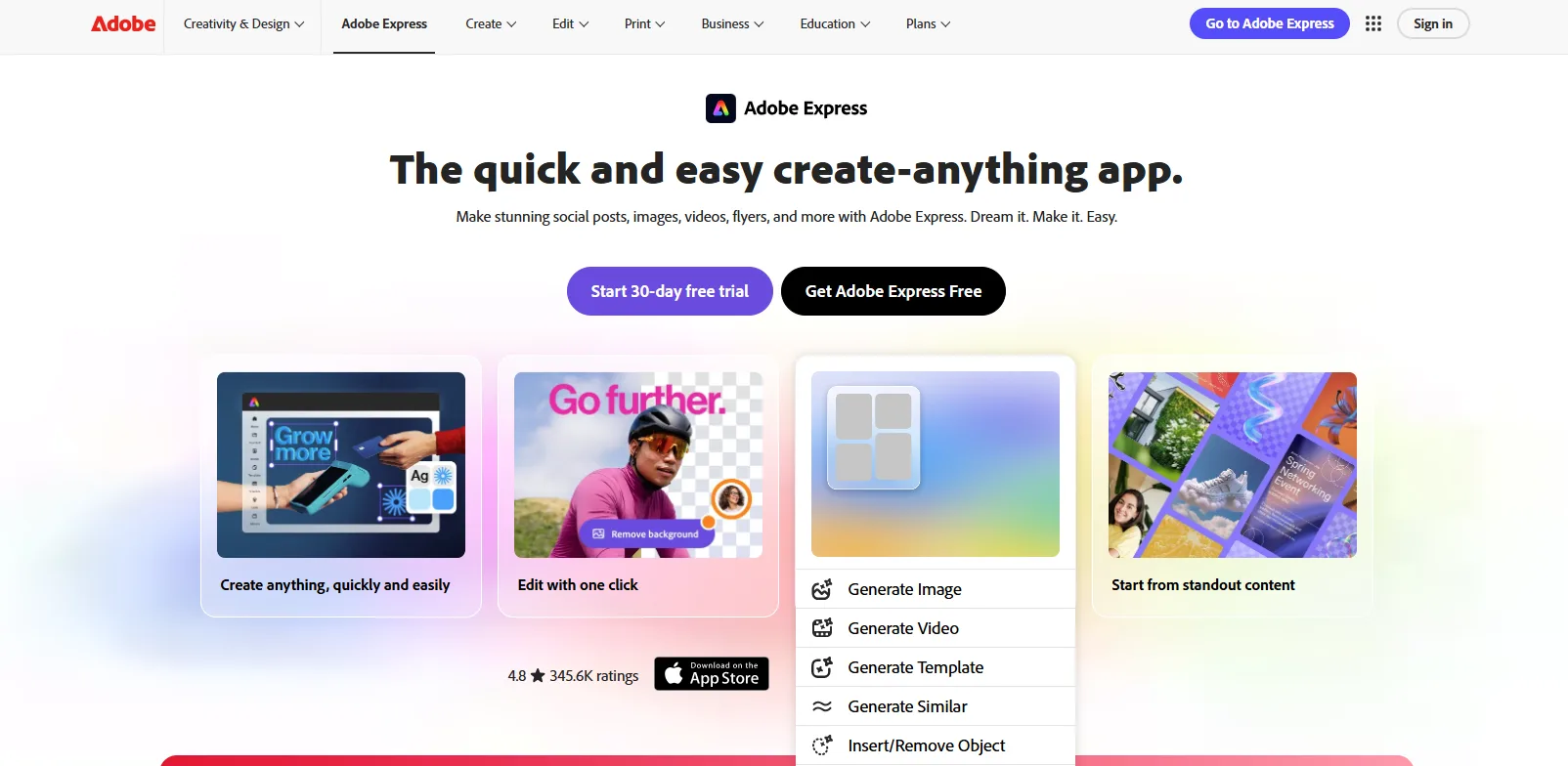
Adobe Express is Adobe's lightweight, browser-based design app that includes animated logo and intro templates alongside a wider library of social graphics and presentations. Templates draw on Adobe's stock and font libraries, and the AI Logo Animation Tool walks through uploading a logo file and applying a motion style to it. Because it's built by Adobe, a finished intro can be opened in Photoshop or Premiere Pro for further editing. Firefly-powered generative AI features are available on the paid tier for backgrounds and effects.
What It Does Well
Large combined template count: More than 100,000 templates span video, social, and print formats in the same account.
Version history: Roll back to an earlier edit of the logo animation project instead of losing changes for good.
Firefly generative tools: Paid plans add generative fill and AI-assisted effects for backgrounds behind an animated logo.
One-click resize: Automatically resize the same intro for square, vertical, and widescreen formats.
Direct social scheduling: Schedule the finished intro or logo animation straight to connected social accounts without leaving the app.
Where It Falls Short
Smaller intro-specific library: The animated logo and intro template selection is smaller than dedicated tools like Renderforest or Placeit.
Depends on already using Adobe: Getting full value assumes you use or plan to use other Adobe apps, a cost most casual users won't recoup.
Pricing
Plan type: Freemium
Starter plan: Premium, $9.99/mo, expanded stock, fonts, and generative AI credits
Use Case
Anyone already paying for Adobe Creative Cloud who wants a fast animated logo without opening After Effects, and who might want to hand the file off to Photoshop or Premiere later.
What Happens When the Logo Changes
A rebrand, a color update, or a tagline swap costs a different amount of work depending on how the tool stores the animation. The rebuild cost splits into four patterns.
Template tools: Renderforest, Canva, Placeit, and Adobe Express render the finished intro as a clip built from a template. Updating it means reopening the same template, swapping in the new logo or text, and exporting again from scratch.
Layer-based tools: VEED and Animaker store the animation as a timeline or scene made of individual layers. A logo swap or color change usually means replacing one layer rather than rebuilding the whole sequence, though the surrounding motion settings stay as they were.
Agent-directed tools: CoAnimator keeps the intro as a set of project files an agent can reopen and edit directly. Describing the change and re-rendering covers most updates without touching anything else in the scene.
Prompt-based tools: MotionVid has no saved project to edit at all, since each result is a fresh generation. A changed logo means writing a new prompt and spending another generation from the plan's monthly cap.
A one-off intro that will never get touched again doesn't need to worry about rebuild cost. A channel or product that rebrands, adds a tagline, or resizes for a new platform more than once a year does.
How They Compare
Tool | Free Tier Terms | Rebuild Cost After a Change | Entry Paid Price | Use Case |
|---|---|---|---|---|
Renderforest | 360p, watermark | Reopen template, re-export | ~$9/mo annual | A reusable intro without a design tool |
Canva | No watermark, unlimited designs | Reopen template, re-export | ~$10/mo annual | Teams already working in Canva |
CoAnimator | 720p, watermark, no time limit | Edit the project file, re-render | $99 one-time | Teams using an AI coding agent |
Placeit | No free tier | Reopen template, re-export | ~$7.47/mo annual | Fast, no-frills gaming or merch stings |
VEED | 10-min cap, watermark | Swap the layer, keep the timeline | ~$12/mo annual | Editing the intro and the rest of the video together |
Animaker | 2-min cap, watermark | Swap the layer, keep the scene | ~$10/mo annual | Custom, character-driven logo reveals |
MotionVid | No free tier | New prompt, new generation | ~$9/mo annual | Unusual looks described in words |
Adobe Express | Core templates, no watermark | Reopen template, re-export | $9.99/mo | Creative Cloud users wanting a fast logo animation |
How to Choose the Right Intro Maker or Logo Animation Tool
If the intro needs to survive more than one rebrand, skip the template tools. Renderforest, Canva, Placeit, and Adobe Express all produce a finished clip that has to be rebuilt from scratch on the next change. VEED, Animaker, and CoAnimator keep the animation editable in some form, which pays off the moment the logo, tagline, or color palette moves.
If the budget has to be a flat one-time cost, there's exactly one option. CoAnimator is the only tool here that isn't a subscription. Every other tool on this list, free tier or not, eventually asks for a recurring payment to remove the watermark or unlock full resolution.
If the intro is one piece of a bigger edit, don't reach for a dedicated intro tool at all. VEED's timeline holds the logo opener and the footage that follows it in one project, and Adobe Express hands a finished intro straight to Premiere Pro if the edit needs to go further. Renderforest and Placeit assume the intro is the whole deliverable and don't have anywhere for the rest of the video to live.
If the brief is a specific, unusual look rather than "make it look professional," MotionVid is worth the metered generations. A logo that shatters, liquifies, or does something a template library was never built to offer is exactly the kind of request a prompt handles better than a filtered search through someone else's presets.
The Real Difference Isn't the First Render
Template libraries built this category, and none of the eight tools above are abandoning them anytime soon. MotionVid and CoAnimator point at where it's headed instead, describing and rebuilding an intro rather than picking and rendering one. A logo sting used to need one format. Now it needs a TikTok cut, a YouTube cut, and a LinkedIn cut, worth mapping with an aspect ratio calculator first.
Pick for the job in front of you, weighted toward whichever tool survives its next version too. These eight cover the self-serve intro. A video that has to carry an actual argument, a launch film, a demo, or a brand piece is a different job, and that line isn't always obvious at the brief stage, which is exactly where AI tools stop being enough and a studio starts being worth it.
Written by the AllCapStudio team. We publish what we would tell you on a call, which occasionally costs us the project.
Read next
All articles- JournalB2B Video Marketing Agency vs In-House vs Freelance vs Cast BenchReal 2026 costs, speed, and failure points for B2B video agencies, in-house teams, freelancers, and cast bench studios, plus how to…
- Journal6 Best Steve.AI Alternatives for Faster Video CreationCompare 6 Steve.AI alternatives, from animated explainers to agentic video tools, with real 2026 pricing, strengths, and the best…
- JournalWhat Is Agentic Video Editing? 7 Tools Leading the Category (2026)Agentic video editing means an AI agent plans and runs your edit. Here is what the category is, plus 7 leading tools with real 2026…