Journal14 min read
7 Best PPT to Video Converter AI Tools (Free & Paid)
Looking for a PPT to video converter? Compare 7 free and paid AI tools on slide fidelity, narration quality, pricing and what each one gets wrong.
- Published
- Updated
- Written by
- AllCapStudio

Most teams own far more slides than video. Decks stack up across sales, onboarding, compliance, and product marketing, every one written for a presenter who is no longer in the room.
The usual solution is to open PowerPoint, hit Export, and get an MP4 that advances slides on a timer. It works, and it is also why so many internal videos get abandoned at the eleven-second mark. A PowerPoint-to-video converter that only changes the file extension leaves the real problem untouched, which is that the deck was never built to explain itself.
The right tool decides what happens to the content, not the format. Narrating slides as designed, putting an AI presenter in front of them, and rebuilding the story as a new video are three different products sold under one search term.
We convert client decks most weeks. Below are seven PPT to video converter tools, free and paid, with what each one produces, where it breaks, and what it costs.
What is a PPT to video converter?
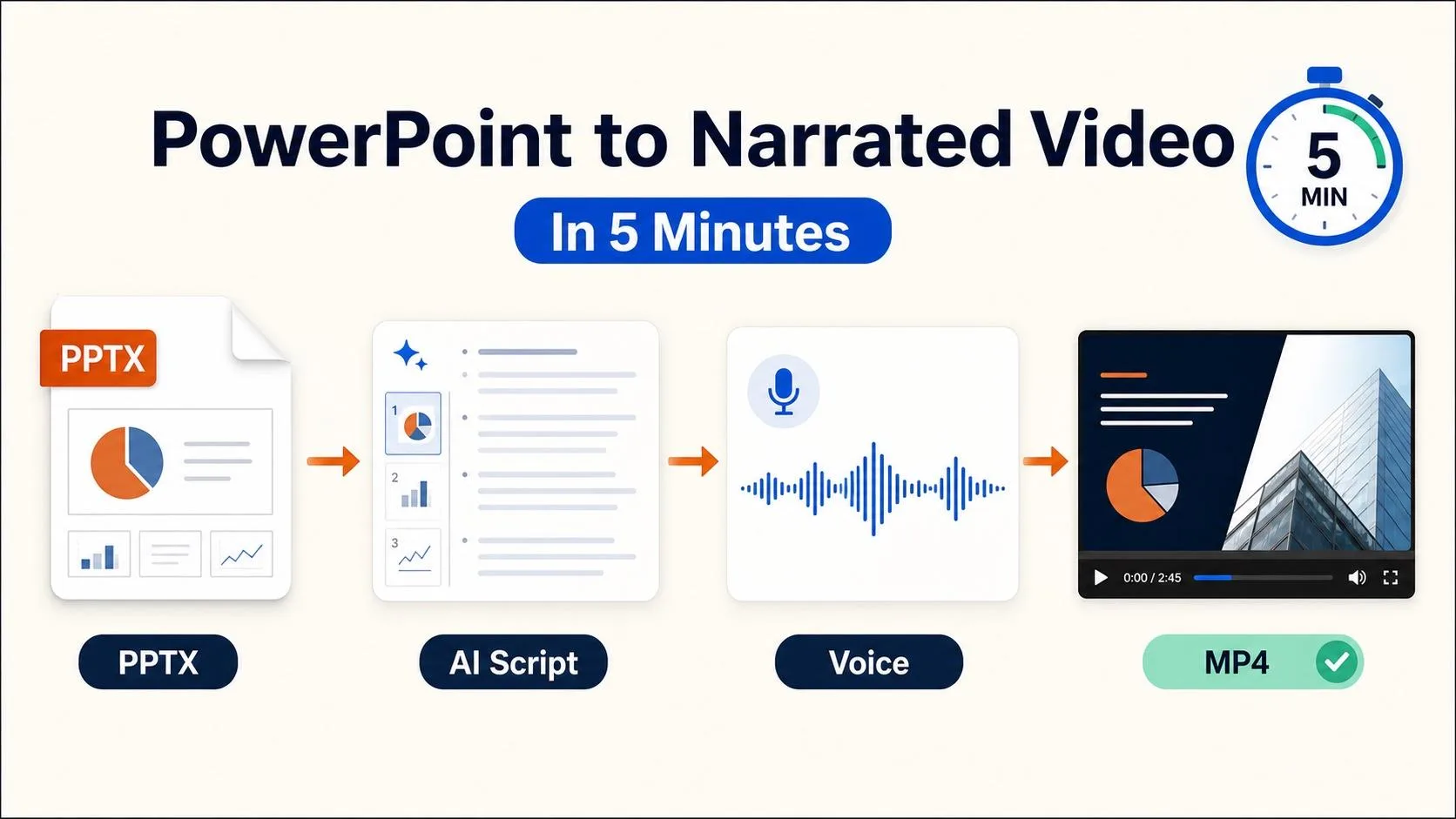
An AI PPT to video converter takes a .pptx file and produces a finished MP4 with narration, timing and visuals attached. Most tools read your slide text and speaker notes, generate a script, synthesise a voiceover, and time each slide to the audio. The output ranges from your original slides with a voice over the top, to an AI avatar presenting in front of them, to a fully rebuilt video that uses your deck only as source material. Which of the three you get depends on the tool you choose, not on the file you upload.
3 ways AI tools convert PowerPoint to video
Pick the treatment before you pick the tool. Almost every bad outcome in this category comes from choosing a product that does the wrong one of these three things.
Slide-faithful: Your slides become the frames, pixel for pixel, with AI narration timed to each one. Fonts, charts, and diagrams survive intact. Best for compliance training, SOPs and anything where the deck itself is the approved artifact.
Presenter-led: An AI avatar stands beside or in front of the slides and delivers the script. Adds a human anchor to dry material and translates cleanly into other languages. Best for onboarding, HR and customer education.
Rebuilt: The tool ignores your layout and generates a new video from your content, using stock footage, motion graphics or animation. Best for marketing, launch videos and anything going in front of buyers, where a slide on screen reads as a slide on screen.
The same call happens one level up, because a product demo and an explainer serve different funnel stages, and your deck has to pick a side before a tool can treat it correctly.
How we tested and picked these tools
We ran every tool ourselves on the same 14-slide product deck, built around the parts that usually break. Two charts, a screenshot-heavy feature grid, one dense table, and speaker notes on nine slides.
Each tool had to accept a .pptx upload or structured deck content, generate narration without a separate script tool, and export a usable MP4. We logged what mangled the table, what dropped custom fonts, and what read bullets aloud instead of explaining them. Pricing came from each vendor's own page in August 2026, with the one figure we could not pin down flagged where it appears.
Tools that only export slides on a timer were excluded, which is why PowerPoint's own Export to Video has no entry. It is free, already installed, and enough if a timed slideshow is all you need.
1. Synthesia
Synthesia is an AI video platform built around synthetic presenters and multilingual delivery. It is used mostly by enterprise learning and communications teams converting existing decks into training videos. The company has aimed the product at corporate buyers rather than social creators, and the feature set reflects that. It sits at the premium end of the presenter-led category on both output quality and price.
Pros
Design-preserving import: A .pptx keeps fonts, colors, and layout intact, so charts and custom typefaces survive
Script rewriting: Speaker notes convert to spoken register instead of being read as bullet fragments
Avatar library: 230+ stock presenters, plus custom avatars that hold up at full screen
Language coverage: One source script produces 140+ languages with no re-recording
Interactive elements: Clickable buttons and branching layer onto finished slides for LMS delivery
Cons
Pooled credit allowance: Generation, dubbing and assets share one balance, so multilingual decks drain it fast
Custom avatar lead time: A recorded 15-minute session plus 24 to 72 hours before it is usable
Pricing
Basic: Free, around 10 minutes a month, watermarked
Starter: $18/mo billed annually, roughly 120 minutes a year
Creator: $64/mo billed annually, roughly 360 minutes a year
Enterprise: Custom, unlimited minutes and SSO
Best for
Enterprise L&D teams are converting an existing deck library into training videos across multiple languages.
2. Colossyan
Colossyan is a video generation platform aimed squarely at corporate training and enablement rather than general marketing video. It accepts PowerPoint and PDF uploads and was designed for learning teams who build decks but have never touched a video timeline. The company is SOC 2 Type II certified and states that it does not train models on customer content. Its roadmap has followed L&D procurement requirements rather than creator demand.
Pros
Slide-shaped editor: Each scene edits like a deck page, so one policy fix leaves the module untouched
Assessment layer: Quizzes and branching attach to scenes, replacing a separate authoring tool
LMS packaging: SCORM export lands modules in Cornerstone, Docebo or Litmos
Conversation scenes: Two avatars trade lines, which suits roleplay better than a single narrator
Translation: 120+ languages from one master, with a dictionary holding internal jargon steady
Cons
Slow rendering: Roughly 10 minutes of processing per finished minute, painful across three script passes
Screenshot degradation: Slide images downscale and small UI text becomes unreadable at 1080p
Pricing
Starter: Free, 20 video minutes a month
Professional: $59/mo billed annually, 30 minutes a month and 5 SCORM exports
Enterprise: Custom, unlimited minutes and SCORM
Best for
L&D and compliance teams that need converted decks to land in an LMS with assessments attached.
3. Vidnoz AI
Vidnoz AI is a browser-based avatar video generator that sits at the budget end of the presenter-led category. Its PPT flow accepts a slide upload and pairs the extracted content with a presenter and a synthesised voice. The library is wide rather than deep, favouring volume of options over polish on any single one. It is aimed at small teams and solo creators rather than enterprise procurement.
Pros
Avatar and voice range: 1,800+ presenters, 890 voices and 3,400+ layouts to start from
Avatar Dialogues: Two presenters trade lines inside one scene rather than alternating cuts
One-click translation: 135 languages with lip-sync applied to the existing render
SCORM export: Modules package for an LMS without a separate authoring step
Speed to first draft: Setup to finished video runs under ten minutes, the fastest here
Cons
Lip-sync drift: Sync slips past about 20 words, forcing scripts into shorter lines
Shallow editor: Anything past swapping text or a background means exporting elsewhere
Pricing
Free: $0, daily allowance at 720p, watermarked
Starter: $19.99/mo billed annually, 1080p and no watermark
Business: $56.99/mo billed annually, voice cloning and team access
Enterprise: Custom
Best for
Small teams that need presenter-led video from decks on a tight budget, or anyone testing the format before committing.
4. CoAnimator
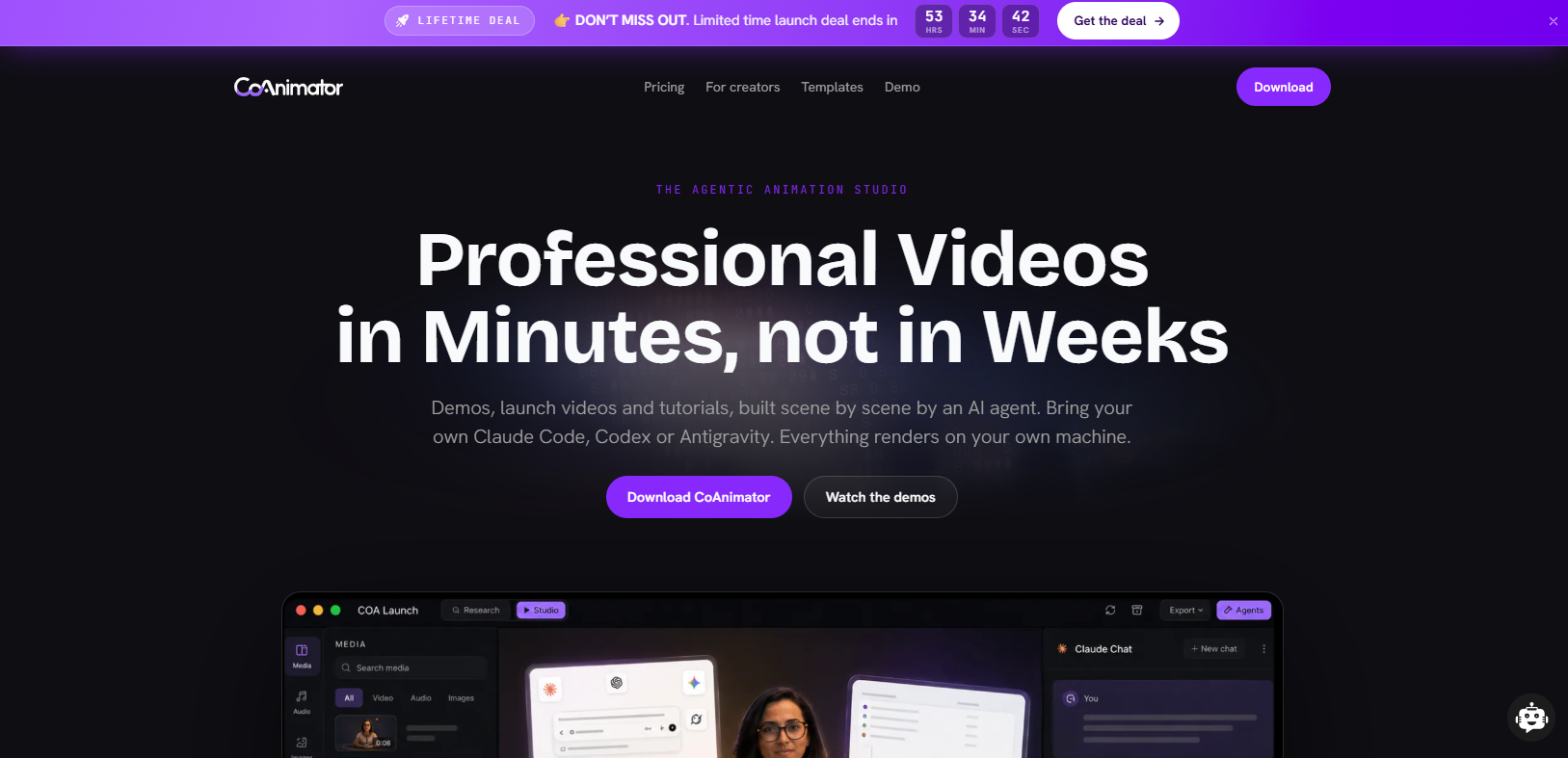
CoAnimator is an agentic AI animation studio that lets AI coding agents such as Claude Code, Codex, or Gemini build and edit product demo videos from a plain-language description. The video is structured as ordinary project files, so updating a demo after a UI change works like any other code edit rather than a full re-shoot. Where the rest of this list assumes a marketer working in a browser, CoAnimator assumes an engineer or an agent working from a repository.
Pros
Create by describing: A demo, launch video, or tutorial builds scene by scene, and you redirect at any moment
Edit by describing: Name the look and effects, captions, and overlays and add on your own recording
Always-editable projects: Change one scene weeks later and re-render, with git-friendly files and nothing baked in
Agent agnostic: Claude Code, Codex, Gemini, OpenClaw or any agent that reads files and runs shell commands
Local rendering and coa CLI: Unlimited offline exports keep unreleased work on your machine, and CI renders changelog videos
Cons
Technical setup: A desktop install, a connected agent and your own API keys before anything renders
Steep learning curve: The product moves fast, so staying productive means keeping pace with what each release changes
Pricing
Free: $0 forever
Best for
Product and developer marketing teams whose deck content changes on a release cycle and who want the video re-rendered rather than remade.
5. Pictory
Pictory is an AI video generator that turns written source material into short-form video assembled from stock footage and text overlays. Its PPT flow treats slide text as a script rather than as a design worth preserving. The output is a marketing clip rather than a narrated deck. Content teams mostly reach for it to turn one long asset into many short ones.
Pros
Stock matching: Scenes populate from up to 18 million clips, strong on abstract concepts
Auto-captioning: Captions land accurate enough to scan rather than rewrite, and export as SRT or VTT
Aspect ratio variants: One project exports 16:9, 1:1 and 9:16 without rebuilding
Voice library: Synthetic narration with speed and emphasis set per segment
Scene-level swapping: A mismatched clip swaps in one action, with brand presets reapplied
Cons
Slide design discarded: Charts, diagrams and screenshots vanish unless re-added by hand
Repeating stock: The same few office scenes resurface once you have published a handful of videos
Pricing
Starter: $25/mo billed annually, 200 video minutes at 720p
Professional: $35/mo billed annually, 600 video minutes at 1080p
Team: $119/mo billed annually, three or more users
Enterprise: Custom
Best for
Content marketers repurposing conference decks and webinar slides into short social video.
6. Visla
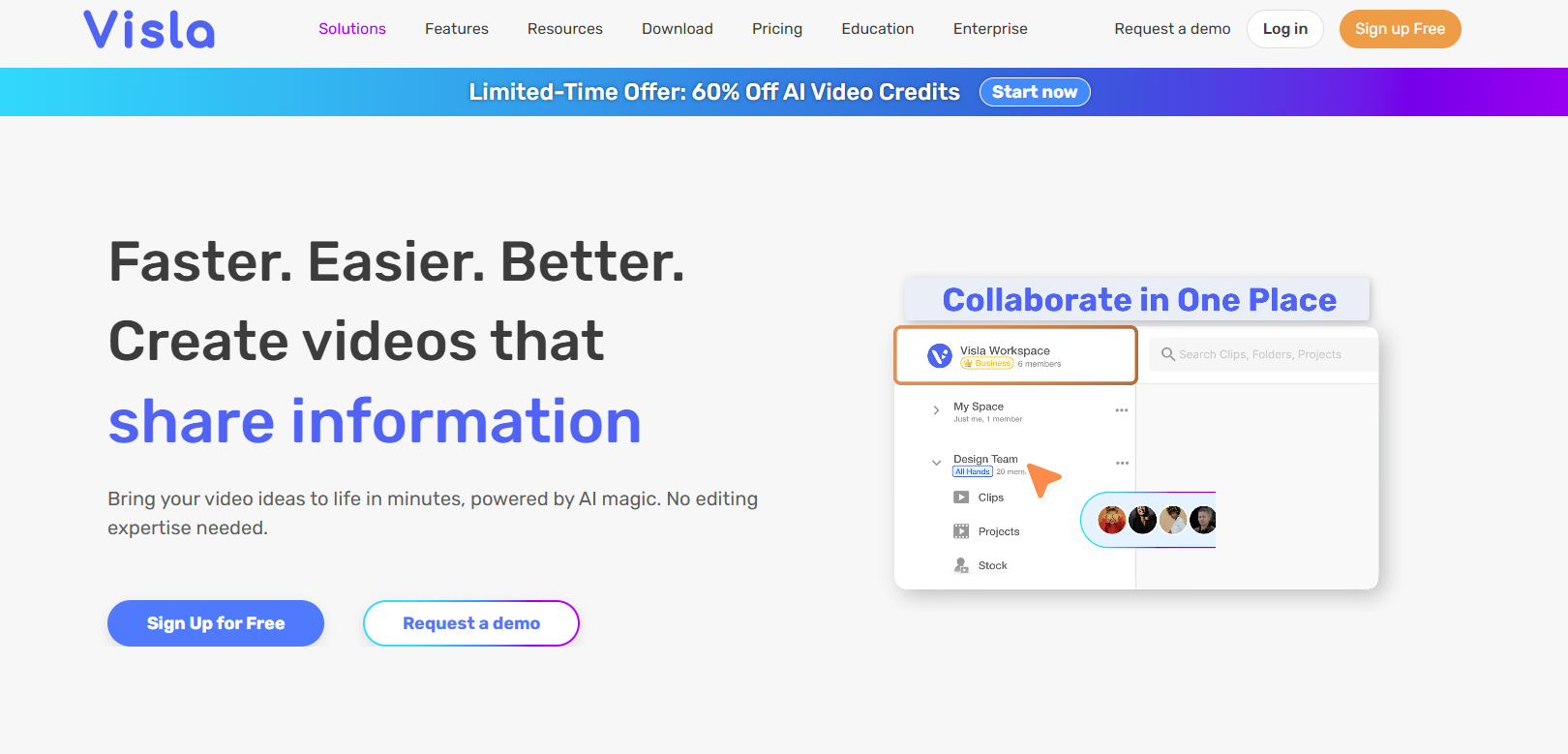
Visla is a browser-based video platform that combines AI generation, screen recording and a collaborative editor in one workspace. Uploading a .ppt or .pptx turns each slide into its own scene before any narration is generated. Voice, pace, subtitles, music, avatar and aspect ratio are all set before the first draft renders. It is aimed at small teams who want one workspace rather than a specialist tool per format.
Pros
Verbatim notes option: Narration can read approved speaker notes exactly, wording untouched
Scene reordering: Slide order is confirmed before generation rather than corrected after
Screen recording: A live walkthrough captures into the same project as the converted slides
AI translation: Finished videos convert to other languages without rebuilding the project
Multi-editor workspaces: Unlimited co-editors with per-client asset separation
Cons
Static slide conversion: Build animations, morph transitions and timed reveals are flattened out
Generic first draft: Stock-heavy scenes mean replacing most visuals manually for brand work
Pricing
Free: $0, 1,000 credits a month
Pro: $9/mo billed annually, custom branding
Business: $39/mo billed annually, 4K export and voice cloning
Enterprise: Custom
Best for
Small teams that want deck conversion and screen recording in one workspace without paying enterprise rates.
7. Canva
Canva is a design platform with video generation layered into its Magic Studio feature set, and it already holds the deck for a large share of marketing teams. Imported .pptx files land as editable Canva presentations rather than as a locked import. Slide transitions, timing and voiceover are set inside the same editor as the design work. For many teams the deck and the finished video end up living in the same document.
Pros
PPTX round-trip: Files import and export without flattening, so PowerPoint stays a working copy
Present and record: Narration and a webcam bubble capture directly over the slides
Magic Studio tools: AI image generation, background removal and copy rewriting in the same editor
Per-element animation: Effects apply to individual objects rather than to whole slides
Single-surface editing: Typos fix in one place, with Brand Kit fonts and colours locked
Cons
No script-to-narration engine: Voiceover means recording it yourself or importing audio
Lossy PowerPoint import: Unstocked fonts substitute silently and complex SmartArt breaks apart
Pricing
Free: $0, permanent rather than a trial
Pro: Roughly $120 to $180 a year for one user, depending on region
Business: Around $250 per user a year
Enterprise: Custom
Best for
Marketing teams whose decks are already in Canva and who need a clean MP4 without adding another subscription.
Where PPT to video conversion breaks down
Three things decide whether a converted deck is usable, and each of them fails quietly rather than loudly.
Narration: Bullet fragments separate the tools. Synthesia and Colossyan rewrite a line like "Churn 4.2% to 2.8% post-onboarding" into spoken register, while Vidnoz and Pictory read it closer. Decks without speaker notes force the AI to invent connective tissue, which is where factual drift starts. Check the script runtime early, since narration length rather than slide count sets the finished duration.
Slide design: Tables break first. In our 14-slide test the dense pricing table stayed legible in Synthesia and Canva, went unreadable in Colossyan and Vidnoz, and was discarded by Pictory. Custom fonts substitute silently, so test one slide before converting a library. A 1920px screenshot stops being readable once a tool crops to a different aspect ratio, which leaves screenshot-heavy decks needing a slide-faithful tool or a rebuild as motion graphics.
Maintenance: A deck gets edited roughly four times a year, and the video made from it approximately never. Scene-based editors like Colossyan and Visla revise one segment at a time. File-based projects, the approach CoAnimator takes, re-render from a changed asset. Everything else means starting over.
Ask how often your content moves before you ask which tool has the better avatars. Cadence, not features, should shape the shortlist.
Free PPT to video converters compared
Free tiers here range from a genuine production plan to a three-minute demo, and the watermark is rarely the real limit.
Tool | Free tier | Watermark | Real limit |
|---|---|---|---|
Synthesia | ~10 min/month | Yes | Credits shared with dubbing |
Colossyan | Limited minutes | Yes | Minutes cap fast |
Vidnoz AI | Daily allowance | Yes | 720p only |
CoAnimator | Unlimited renders | Yes | 720p, no premium plugins |
Pictory | 14-day trial only | Yes | No permanent free plan |
Visla | 1,000 credits/month | Yes | Credits cover ~1 short deck |
Canva | Permanent, full export | No | Magic Studio credits limited |
Two of these free tiers are genuinely usable for production work if you can accept 720p. The rest are evaluation tools.
Which PPT to video converter to pick
Matched to the job rather than the feature list, here is where each tool earns its place.
Converting a training library into multiple languages: Synthesia, because slide fidelity and one-script translation are both non-negotiable at that volume.
Sending converted decks into an LMS with quizzes: Colossyan, because SCORM and assessments are native rather than bolted on.
Testing whether the format works at all: Vidnoz AI, because the free tier survives more than one attempt.
Product content that changes every release: CoAnimator, because a file-based project re-renders instead of getting rebuilt.
Turning conference decks into social clips: Pictory, because losing your layout is the point rather than the problem.
One workspace for slides plus screen capture: Visla, because the alternative is stitching two tools together.
A deck that already lives in Canva: Canva, because adding a subscription to solve a fifteen-minute problem is bad maths.
Teams whose main output is walkthroughs rather than slides will get further with dedicated product demo video makers than with any converter here. If none of these clear your quality bar, the comparison stops being tool against tool and becomes subscription against production, which turns on what an explainer video costs at your volume.
Conclusion
PowerPoint, Google Slides, and Canva are all building narration and video export natively, and the standalone converters know it. The serious ones are already moving upmarket into translation, assessments, LMS delivery, and agent-driven editing. Paying a subscription purely to turn slides into an MP4 will look odd within a year.
The bigger change is that decks are losing their status as the source. Teams publishing regularly treat a deck as one output among docs, changelogs, and release notes, and once the source lives somewhere maintainable, video becomes something you re-render rather than remake. File-based and agent-driven approaches will outlast avatar quality as a differentiator.
That puts the durable investment in the script layer and the brand system rather than the subscription. Anyone publishing on a fixed cadence hands the repeat work to an AI marketing agent and saves real production for the few films that carry weight. Convert the deck when the deck is genuinely the point, and when a buyer is watching, the honest answer is usually an explainer film built from scratch.
Written by the AllCapStudio team. We publish what we would tell you on a call, which occasionally costs us the project.
Read next
All articles- Journal7 Best HyperFrames Alternatives Compared (2026)Compare the best HyperFrames alternatives with verified pricing, real limitations, and features, agentic studios, automated…
- JournalB2B Video Marketing Agency vs In-House vs Freelance vs Cast BenchReal 2026 costs, speed, and failure points for B2B video agencies, in-house teams, freelancers, and cast bench studios, plus how to…
- Journal8 Best Intro Maker & Logo Animation Tools (2026)Compare 8 AI intro maker and logo animation tools for 2026, free-tier terms, rebuild cost, and real starter pricing for each one.