Journal15 min read
9 Best Text-to-Video AI Generators Compared (2026)
Compare 9 text-to-video AI generators for 2026, including pricing, native audio support, and which tool fits your video needs.
- Published
- Updated
- Written by
- AllCapStudio

Turning a single prompt into a finished video takes more trial and error than most tools let on. You burn through free credits watching a character's face warp mid-shot, and the cheapest paid plan doesn't help either, since failed generations pull from the same credit pool as finished ones.
The deeper issue is picking the wrong category of tool for the job. A cinematic product demo, a training video and a script-read presenter need different software, not different prompts in the same one. The market behind these tools has already crossed $940 million a year, according to Grand View Research.
This guide compares nine text-to-video AI generators, so you can match the tool to the job before wasting another free trial. Each entry covers what it generates, what it costs, and where its limits show up first.
How text-to-video AI works
Frame prediction, not animation A text-to-video model doesn't storyboard or animate the way an editor would. It's trained on video clips paired with captions, and it learns to predict what a matching sequence of frames should look like for a given description, generating the whole sequence together so motion stays coherent from one frame to the next.
Why output quality varies so much between tools
Lighting, color and background are the easiest part to predict, and most tools handle these well
A face or hand held steady across a full clip is much harder, which is why some models still warp or morph faces mid-shot
Keeping the same character consistent across multiple scenes is harder still, and only a handful of tools do it reliably
How audio gets handled
Some generative models generate dialogue and sound effects in the same pass as the video, predicting audio and pixels together
Most other generative tools treat audio as a separate step, added afterward with a different model or plugin
Why avatar tools skip the hardest part
Avatar-based tools aren't predicting an unknown scene at all. They're animating a known face reading a known script, a narrower problem than generating new footage from a description, which is why avatar tools hold up more reliably for talking-head video than generative models do.
Top text-to-video AI generators worth knowing
Every entry here generates or assembles video from a written prompt or script rather than requiring manual timeline editing as the primary workflow. The list spans three categories on purpose. Generative scene models invent new footage frame by frame. Avatar platforms turn a script into a presenter delivering it on camera. Agentic tools hand the animation, timeline and narration to an AI coding agent instead of a proprietary prompt box.
1. Runway
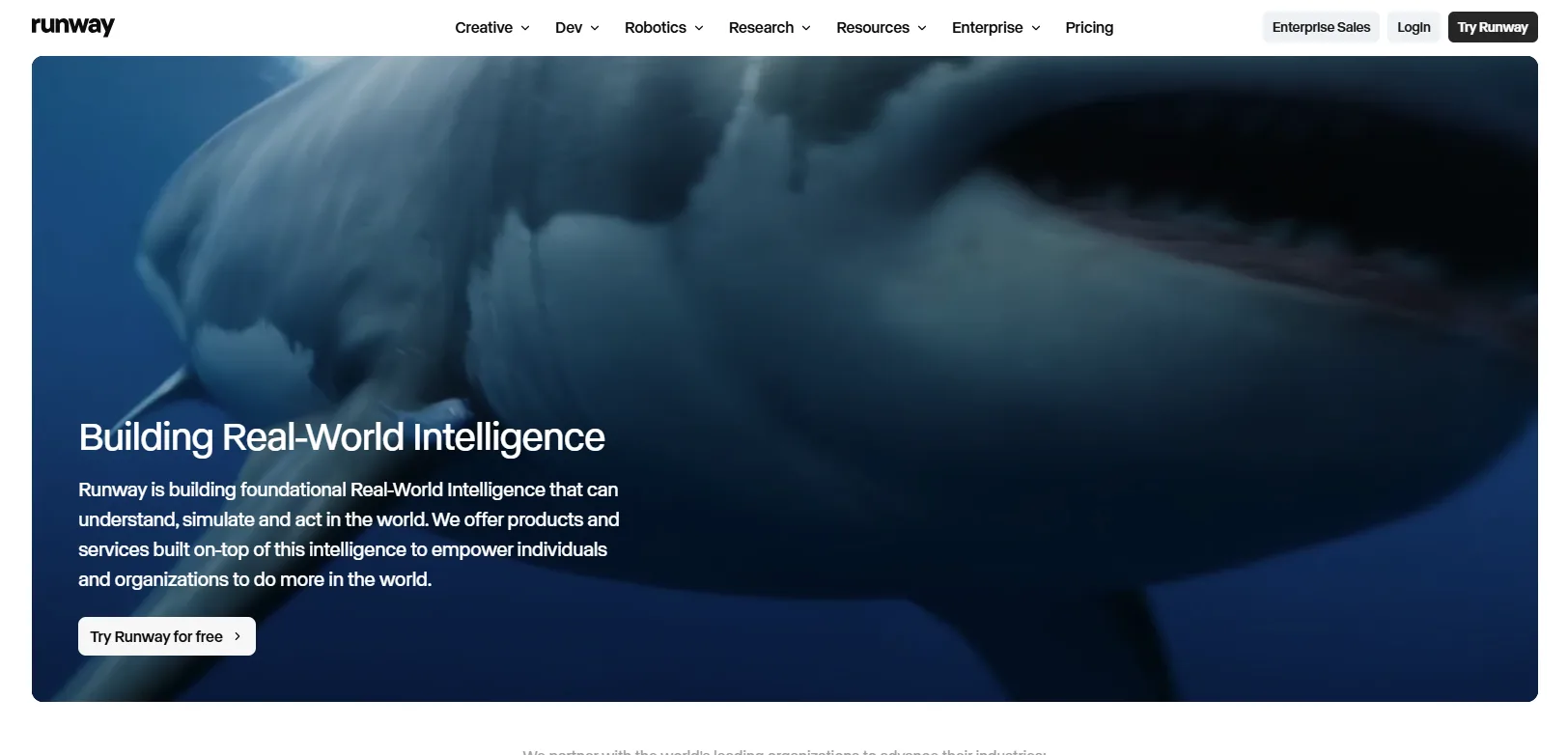
Runway is one of the earliest generative video companies, and video is only part of what it sells today, alongside image and audio tools in the same web app. It's built for professional creative teams rather than casual social posting, with plans priced per editor seat rather than per casual user. The company has also branched into robotics and general world model research, though this guide only covers its video tools. Every generation draws from a shared credit pool, with the cost per clip depending on which model, resolution and length you choose.
Major features
Multiple models in one workspace, its own Gen-4.5 alongside third-party engines like Veo 3.1, Kling 3.0 and Seedance 2.0
A full video editor built in, so clips can be trimmed, layered and finished without switching tools
Aleph, an in-line editing tool that restyles or modifies footage you already have instead of generating a new scene
Custom voice creation for lip sync and text-to-speech, available on Pro and above
4K upscaling and studio-grade export formats, including ProRes and image sequences, on the Max plan
Pricing & access
Free costs $0 for 125 one-time credits. Standard costs $12/mo for 625 credits.
Pro costs $28/mo for 2,250 credits. Max costs $76/mo for 9,500 credits.
Enterprise is custom priced.
Best for
Video editors and small studios who want generation and a full post-production suite in the same app, rather than exporting clips to a separate editor.
2. Google Veo
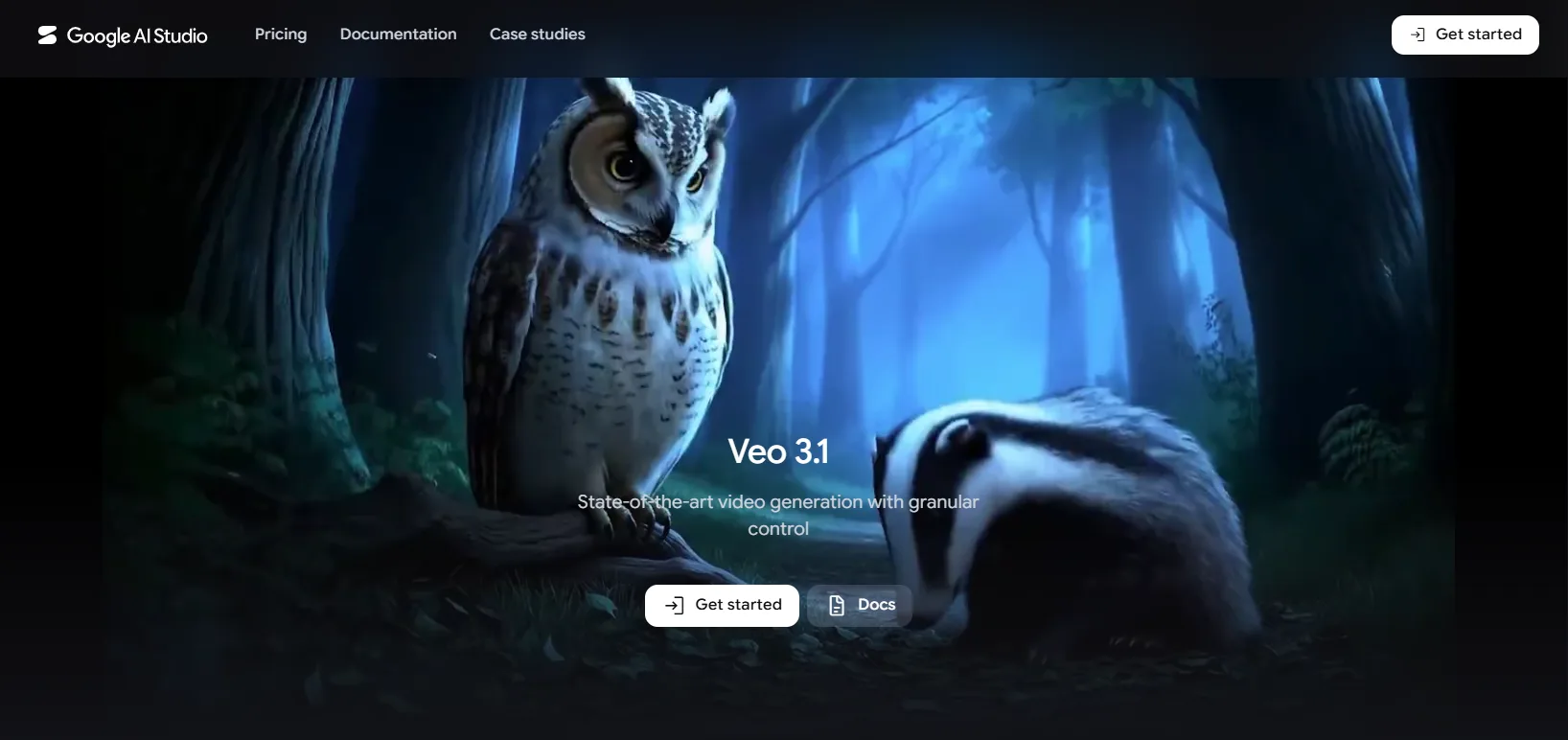
Google Veo is Google's video generation model, built inside Google DeepMind and now on version 3.1 after the original Veo 3 was retired in June 2026. It isn't sold as a standalone product. Instead, access runs through whichever Google AI subscription you hold, spread across the Gemini app, the Flow filmmaking tool, Vertex AI and the Gemini API. Because of that, the capability you get can look very different depending on which entry point and plan you're using.
Major features
Native audio generation synchronized to the video, including dialogue and sound effects
Ingredients to Video holds a character, product or object consistent across multiple scenes, from up to three reference images
Three quality tiers, Lite, Fast and Standard, trade rendering speed for output fidelity depending on the job
Available inside consumer tools (the Gemini app, Flow) as well as developer surfaces (Vertex AI, the Gemini API)
4K output through the API and Vertex AI, beyond what the consumer apps currently expose
Pricing & access
Free costs $0 with limited daily Flow credits. Plus costs $4.99/mo for 200 Flow credits.
Pro costs $19.99/mo for 1,000 Flow credits, limited to a Veo 3.1 Lite trial. Ultra costs $99.99 to $199.99/mo for 10,000 to 25,000 Flow credits with full access.
The API costs $0.03 to $0.40 per second depending on tier.
Best for
Anyone already paying for Google AI Pro or Ultra who wants dialogue and sound effects generated in the same pass as the video, without a separate audio tool.
3. CoAnimator
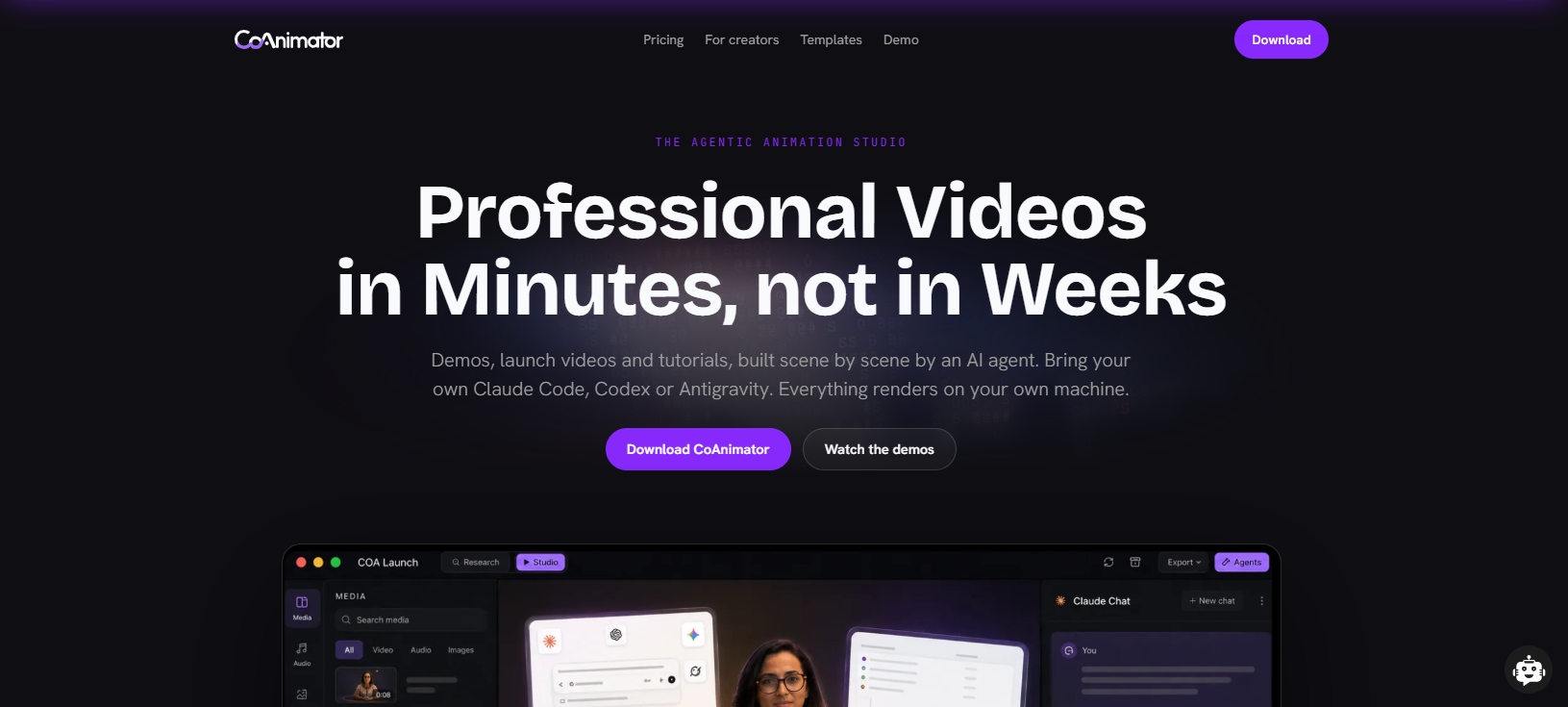
CoAnimator is an agentic AI animation studio that lets AI coding agents such as Claude Code, Codex, or Gemini build and edit product demo videos from a plain-language description. The video is structured as ordinary project files, so updating a demo after a UI change works like any other code edit rather than a full reshoot. Where the rest of this list assumes a marketer working in a browser, CoAnimator assumes an engineer or an agent working from a repository.
Major features
A demo, launch video or tutorial builds scene by scene as you describe it, and you redirect at any moment.
Name the look you want and effects, captions and overlays land on your own recording.
Come back weeks later, change one scene and re-render, with git-friendly project files and nothing baked in.
Works with Claude Code, Codex, Gemini, OpenClaw or any custom agent that reads files and runs shell commands.
Unlimited offline exports keep unreleased work on your machine, and the coa CLI renders changelog videos from CI.
Pricing & access
Free costs $0 forever with unlimited local renders at 720p.
Best for
Product and marketing teams building demos or tutorials that need to survive a UI change, where re-rendering one scene beats reshooting the whole video.
4. Kling AI
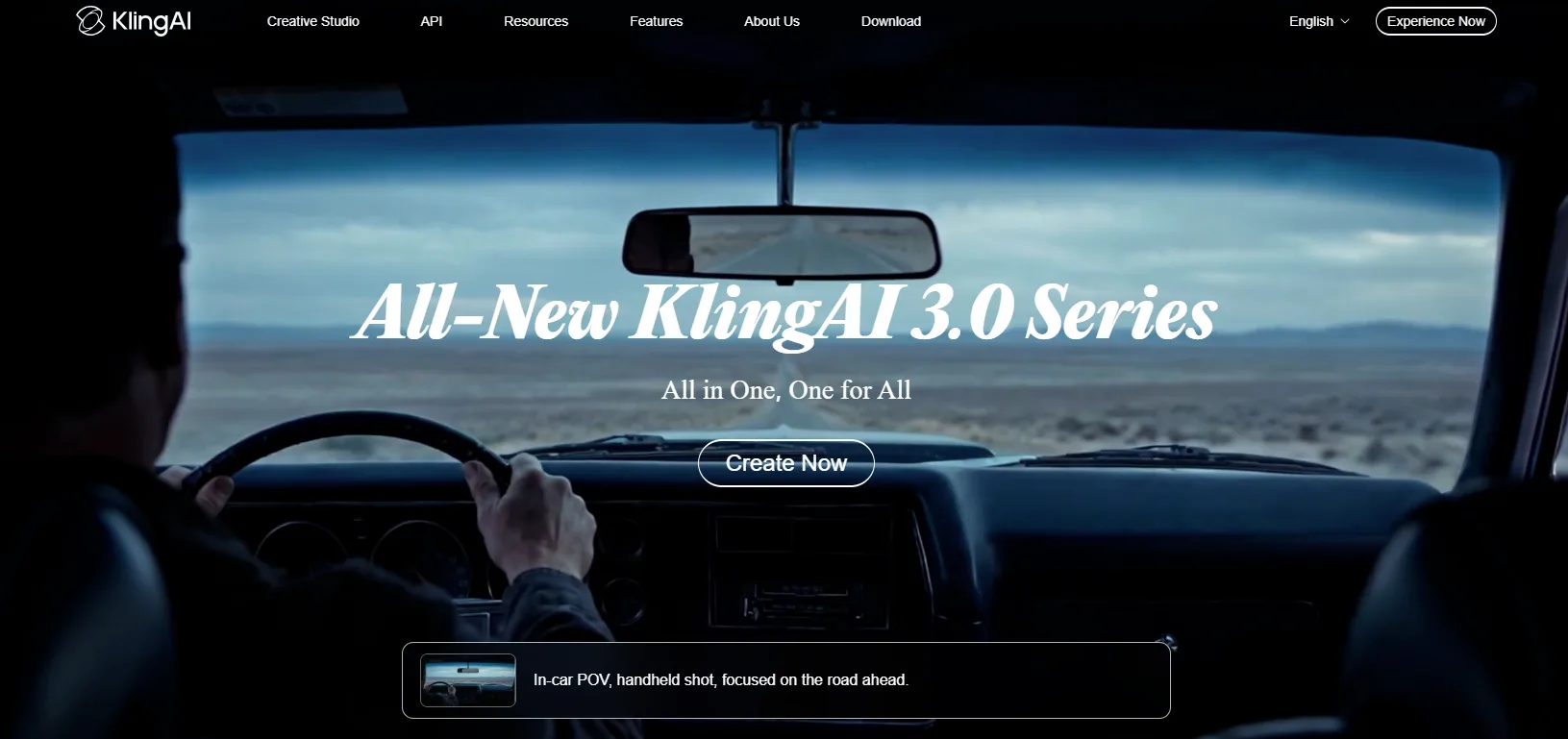
Kling AI is a Chinese-developed text-to-video and image-to-video platform built by Kuaishou, and adoption has scaled fast, with more than 60 million creators and over 600 million videos generated by the end of 2025. It's currently on its third major model generation, Kling 3.0, released in February 2026. Generation bills per second of output rather than per finished clip, so the same credit pool can cover very different amounts of footage depending on resolution and audio settings. In the category, it's best known for motion quality and physics accuracy rather than raw speed or price.
Major features
Native audio generation with lip sync produced in the same pass as the video
Multi-shot storytelling keeps character identity consistent across up to six connected shots
A separate 4K editing mode for touching up already-generated footage
Multi-shot storytelling keeps character identity consistent across up to six connected shots
Built-in AI digital human and virtual try-on tools, beyond straight text-to-video generation
Pricing & access
Free costs $0 for 66 credits/day. Standard costs $6.60/mo for 660 credits.
Pro costs $24.42/mo for 3,000 credits. Premier costs $60.72/mo for 8,000 credits.
Ultra costs $180/mo for 26,000 credits, with no annual option.
A separate developer API is billed independently from the consumer plan, and unlike the web app, failed API generations don't consume credits.
Best for
Creators who care more about motion quality and character consistency across shots than about squeezing the most clips out of a credit pool.
5. Luma AI
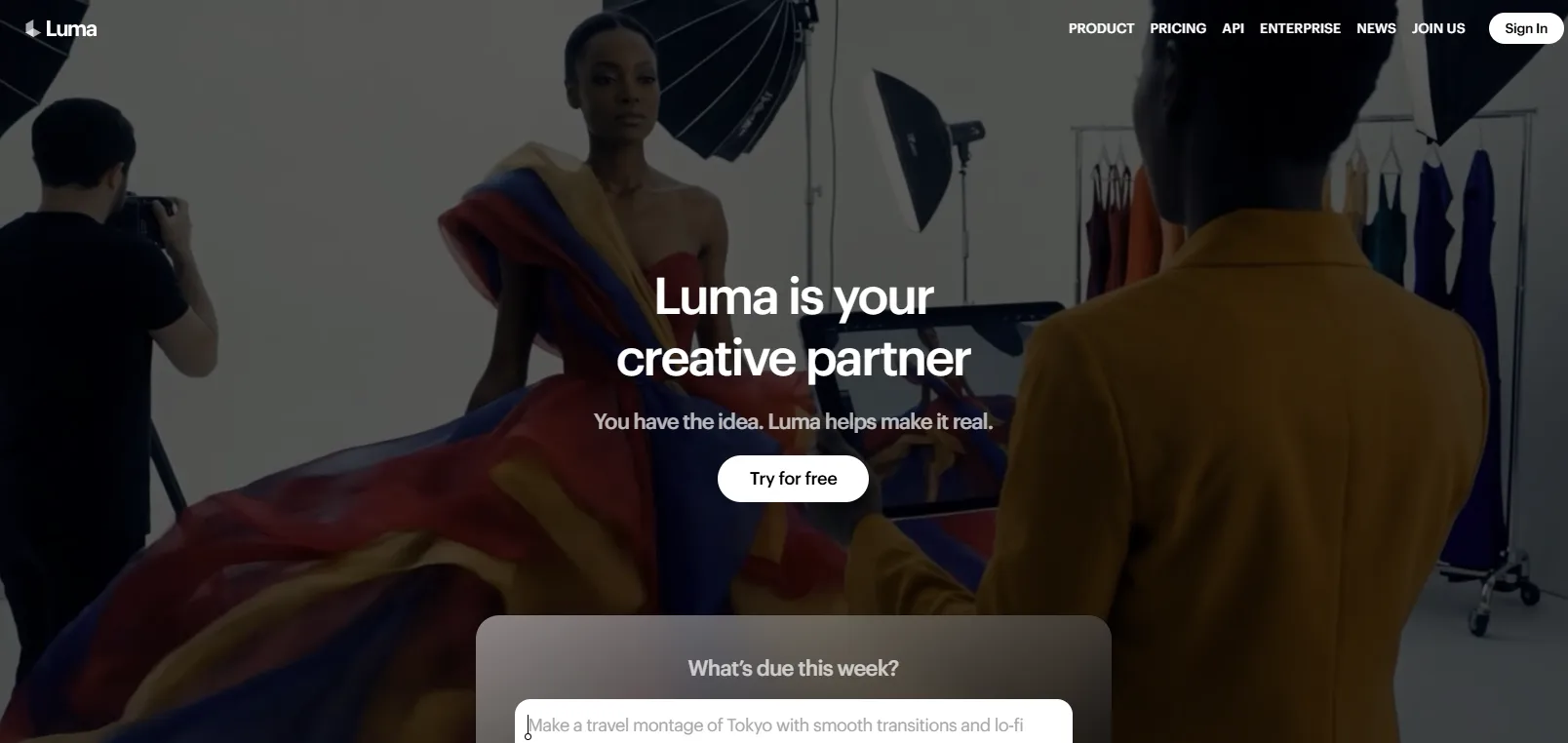
Luma AI built its reputation on Dream Machine, its original text-to-video model, before folding that generation technology into a broader creative platform called Luma Agents in March 2026. The platform combines Luma's own models with several third-party engines inside one interface, rather than positioning itself as a single-model tool. It's aimed at creative teams doing campaign and brand work rather than solo hobbyist generation. As of the 2026 relaunch, Luma sells access purely through credit-metered subscriptions, with no standing free plan.
Major features
Access to Luma's own Ray models plus third-party engines like Veo 3.1, Kling 3.0 and Seedance 2.0 from a single subscription
Master Reference Assets keep a character, product or brand element consistent across variations and video generations
An infinite canvas organizes images, video, audio and text from one continuous project instead of separate files
The Luma Agent can automatically pick and structure prompts for whichever model fits the request, with manual model selection still available
Guest collaborator access included on every individual plan, so teammates can review or edit without a separate account
Pricing & access
Plus costs $25/mo for 10,000 credits. Pro costs $75/mo for 40,000 credits.
Ultra costs $250/mo for 150,000 credits. Team and Enterprise are custom priced.
Best for
Creative teams who'd rather manage one subscription and one canvas than separate accounts for every model they want to try.
6. Pika
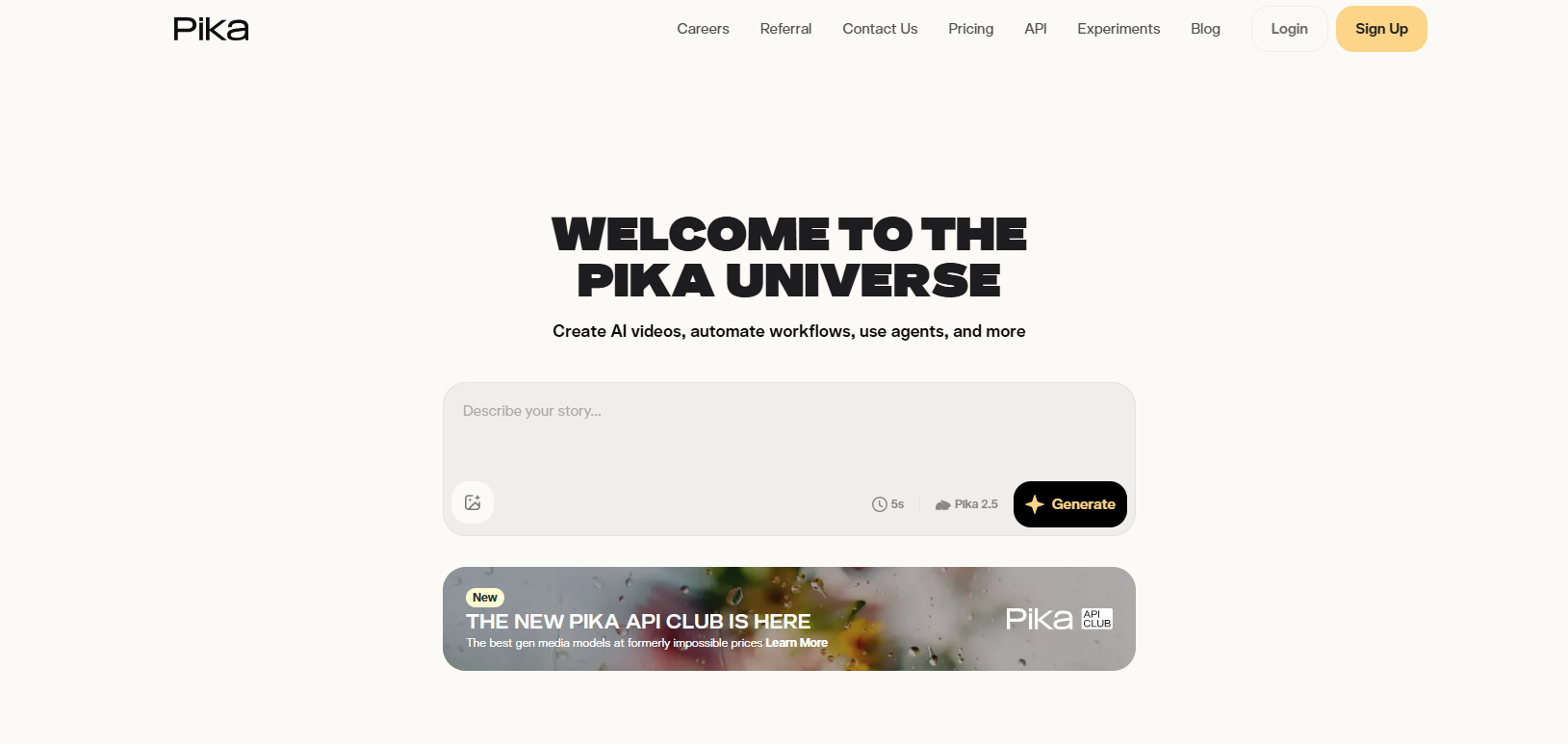
Pika, formerly Pika Labs, is a consumer-focused text-to-video platform that has built its identity around a set of branded, named effects rather than raw generation quality alone. It runs on its Pika 2.5 model for standard text-to-video and image-to-video output. The company positions itself toward short-form and social content creators rather than professional production teams. Every generation draws from a monthly credit pool, with cost scaling by resolution, duration and which effect is applied.
Major features
Pikaffects and Pikatwists apply physics-based and stylistic transformations, like melting or exploding an object, that most rivals don't offer
Pikadditions and Pikaswaps insert or replace objects directly in footage you've already recorded
Pikaframes interpolates an entire clip between a start and end keyframe you supply
Pikaformance drives lip-synced animation from an uploaded audio track, for up to 30 seconds
Supports both text-to-video and image-to-video generation up to 1080p, in 5 or 10 second clip lengths
Pricing & access
Basic costs $0 for 80 credits at 480p only. Standard costs $8/mo for 700 credits.
Pro costs $28/mo for 2,300 credits. Fancy costs $76/mo for 6,000 credits.
Monthly (non-annual) billing runs roughly 20% higher on every paid tier. Commercial usage rights are included from the entry paid tier.
Best for
Social and short-form creators who want stylized, effects-driven clips rather than photorealistic footage.
7. Synthesia
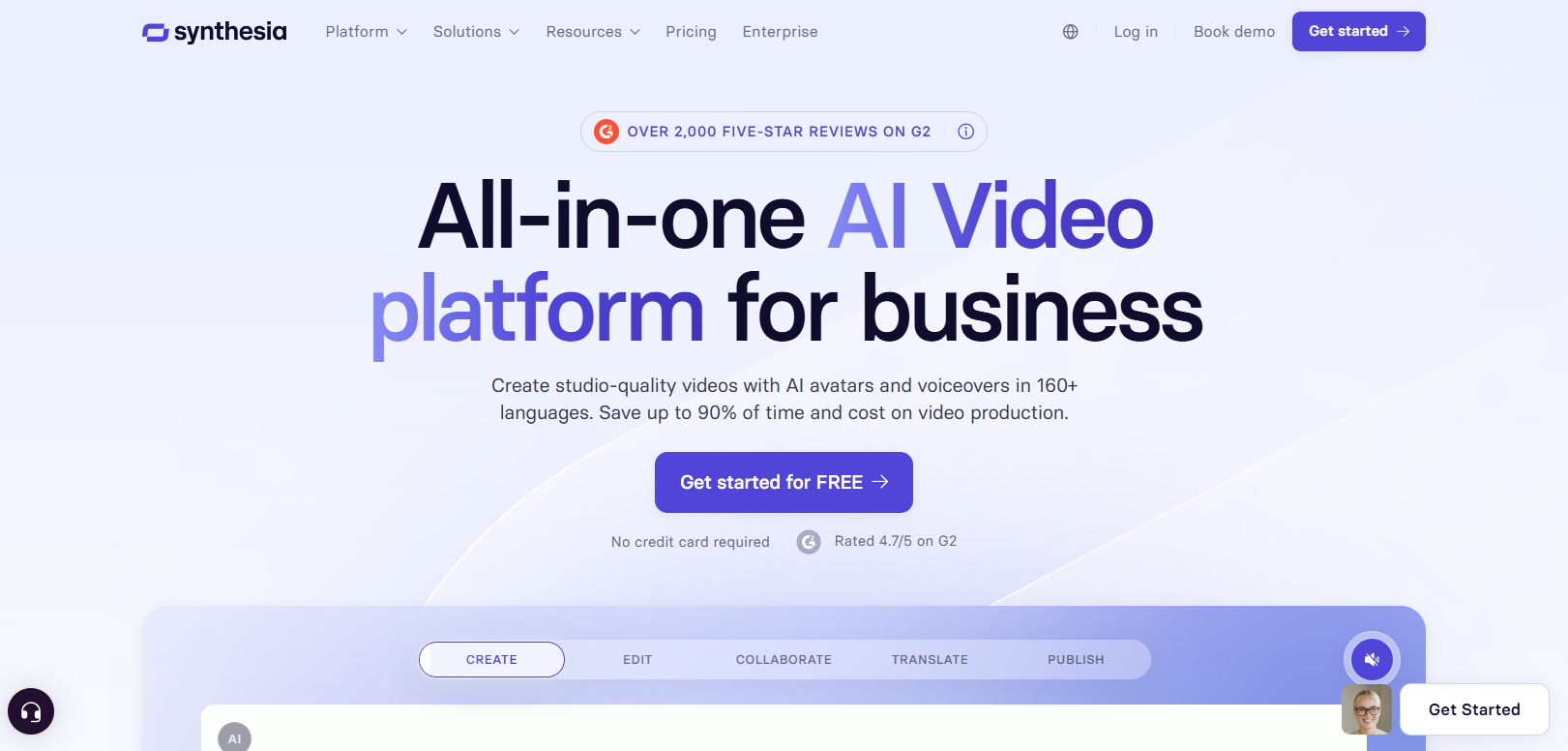
Synthesia is built entirely around one format, a script turned into a video presented by an AI avatar, rather than open-ended generative scenes. It draws from a stock library of avatars or a personal digital twin trained on the customer's own likeness. The company positions itself squarely toward corporate training, onboarding and internal communications rather than creative or marketing content. Output is billed in video minutes rather than generation credits, with the monthly allowance set by plan.
Major features
Personal digital twin avatars for a consistent, on-brand presenter across every project
One-click translation with lip-synced dubbing across more than 80 languages
Multiple avatars can appear in the same scene on the Creator plan, for dialogue-style videos with more than one presenter
Interactive video elements for embedding clickable choices, plus API access from Creator up
SCORM export on Enterprise for direct upload into learning management systems
Pricing & access
Free costs $0 for 3 minutes/mo. Starter costs $18/mo for 10 minutes.
Creator costs $64/mo for 30 minutes. Enterprise is custom priced with unlimited minutes.
Best for
L&D and internal comms teams producing multilingual training video at scale, where SCORM export and unlimited minutes matter more than cinematic range.
8. HeyGen
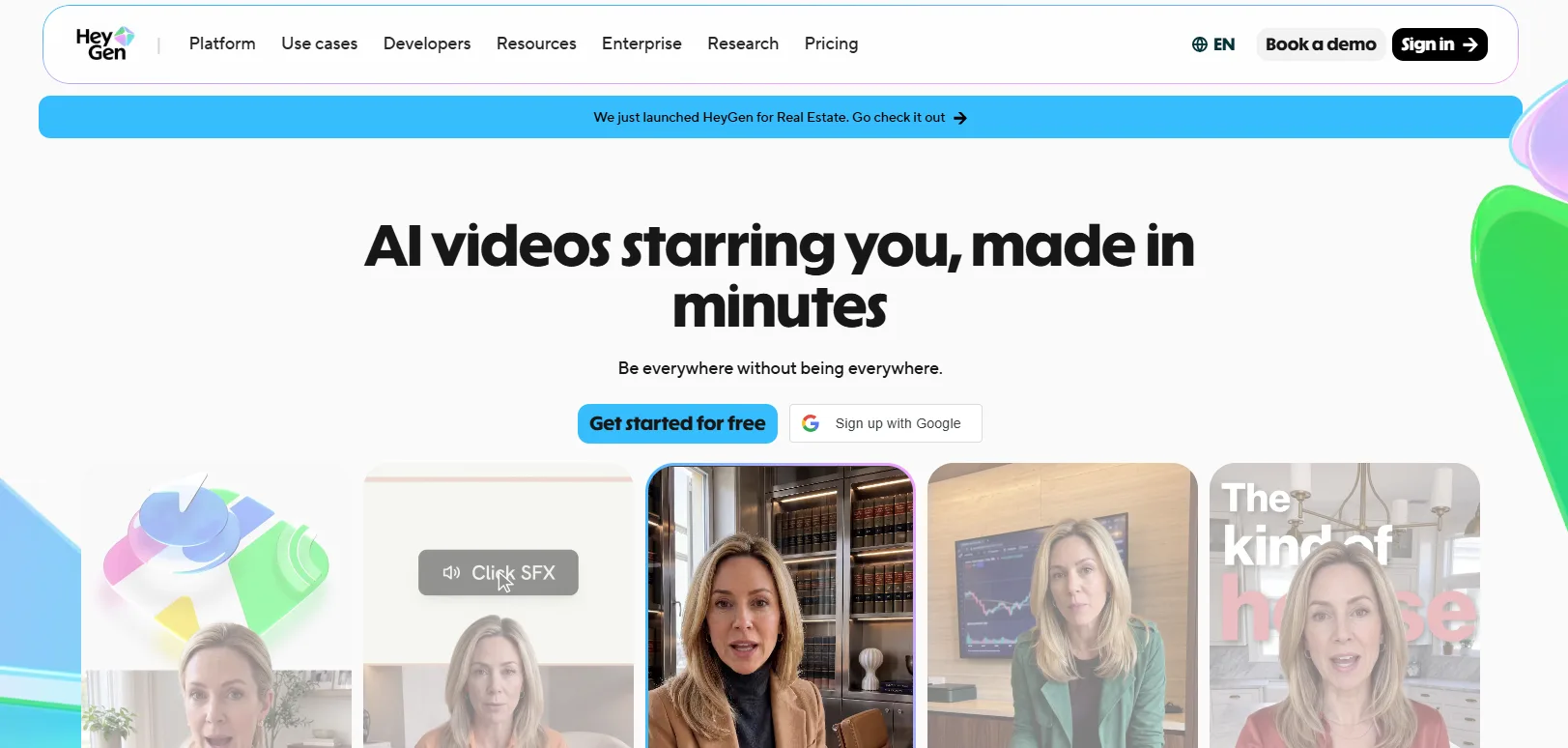
HeyGen competes directly with Synthesia in the avatar-video space, generating presenter-led video from a script rather than open-ended generative scenes. Its Avatar IV and V engines can build a lip-synced presenter from a single photo or a short recording of a real person. The company moved to a unified credit system across its plans in 2026, replacing an older unlimited structure. Generation draws from a shared Premium Credit pool spent across avatar rendering, translation and HeyGen's other video tools.
Major features
Avatar IV and V engines produce lip-synced video from a single photo or short clip
Video translation draws far fewer credits per minute than full avatar generation
Built-in AI video agents that can plan and assemble a full script-driven video, not a single avatar clip
4K export on Pro and above, for output beyond the 1080p ceiling on Creator
Workspace collaboration and centralized billing on Business, for teams managing multiple editors
Pricing & access
Free costs $0 for 1 to 3 one-minute videos/mo. Creator costs $24/mo for 600 credits.
Pro costs $49/mo for 1,000 credits. Business costs $149/mo plus $20/seat for 1,500 credits.
Enterprise is custom priced.
A separate pay-as-you-go API wallet handles developer access, billed independently from whatever web subscription a person holds.
Best for
Sales and marketing teams who need a realistic avatar built from a real person's face or voice, plus fast video translation for multiple markets.
9. Hailuo AI
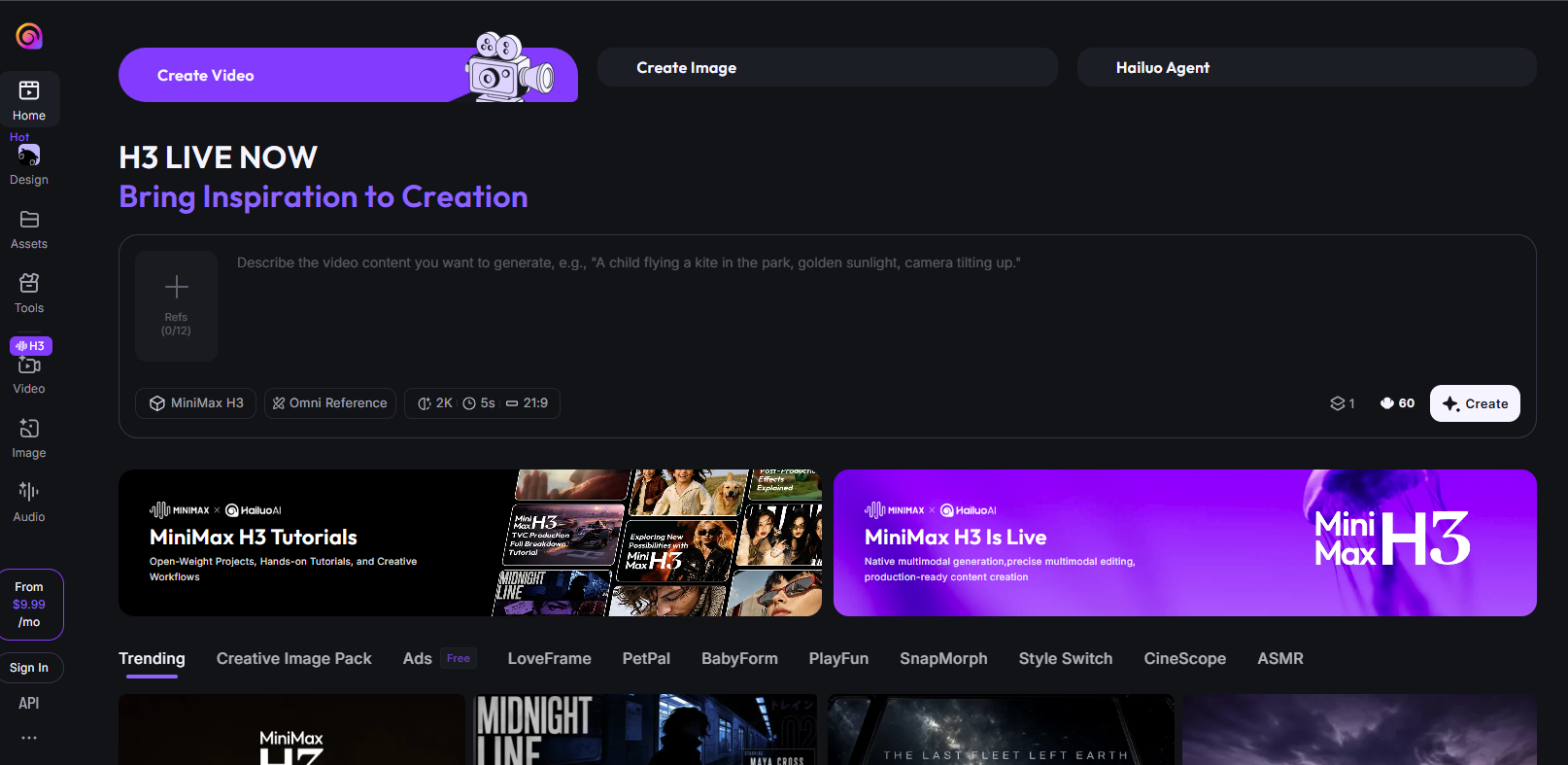
Hailuo AI is built by MiniMax, the Beijing-based AI company that completed a $619 million Hong Kong IPO in January 2026. The current model generation, Hailuo 2.3, released in February 2026 with several under-the-hood improvements over the prior version. Pricing has shifted more than once through 2026, including changes to the free tier's daily credit bonus, so the numbers below are closer to a current snapshot than a fixed rate. It competes mainly on cost and generation speed rather than editing tools or platform breadth.
Major features
Fast generation, typically 30 to 90 seconds per clip
Physics simulation and character motion that rank near the top of independent benchmarks like WorldModelBench
Support for anime, illustration and game-CG art styles alongside the realistic default look
Parallel generation queues on paid plans cut wait time when generating multiple clips
Relaxed Mode on the top tier keeps generating after the monthly credit pool runs out, at reduced speed
Pricing & access
Free costs $0 with a daily credit refresh. Standard costs from $9.99/mo for 1,000 credits (promotional, varies by region).
Pro costs $54.99/mo for 4,500 credits. Max costs $199.99/mo for 20,000 credits.
Best for
Creators who want to iterate fast and cheap, and can live with 1080p output instead of paying premium rates for 4K elsewhere.
Text-to-video AI comparison table
Tool | Best for | Entry paid price | Native audio | Max resolution |
|---|---|---|---|---|
Runway | Professional editing plus generation in one app | $12/mo (annual) | Via Veo/other routed models | 4K |
Google Veo | Native dialogue and sound synced to the clip | $19.99/mo (limited trial) | Yes | 4K (API) |
CoAnimator | Agentic, code-based demo and tutorial video | Free, or $99 one time | Via TTS plugin | 4K |
Kling AI | Motion quality and multi-shot consistency | $6.60/mo (annual) | Yes | 4K (edit mode) |
Luma AI | A multi-model creative canvas | $25/mo (annual) | Not native | 1080p |
Pika | Stylized effects and object editing | $8/mo (annual) | Via Pikaformance | 1080p |
Synthesia | Corporate training and L&D video | $18/mo (annual) | N/A, script-based avatar | 1080p |
HeyGen | Photorealistic avatar and translation | $24/mo (annual) | N/A, script-based avatar | 4K |
Hailuo AI | Fast, low-cost iteration | $9.99/mo | No | 1080p |
Before picking a plan based on the Max resolution column, confirm the platform's required aspect ratio first, since a 4K clip cropped for vertical social wastes half the resolution paid for.
Which text-to-video AI should you choose
Nine tools, three different jobs. Match the need to the tool rather than picking whichever model looks best in a demo reel.
Editing is already part of your workflow: Runway keeps generation and post-production in one app.
A character or product needs to stay consistent across scenes: Google Veo's Ingredients to Video handles this natively, and Luma AI's Master Reference Assets do something similar across a multi-model canvas.
Your team already runs a coding agent: CoAnimator turns that subscription into a video studio instead of a new one.
Motion quality and price pull in opposite directions: Kling AI leads on motion, Hailuo AI leads on cost, and the right pick depends on which tradeoff you can live with.
A specific named effect is the draw: Pika's Pikaswaps and Pikaframes stand out, not its general text-to-video quality.
You need a talking avatar, not generated footage: Synthesia bills by training minutes, while HeyGen builds the avatar from your own face.
If more than one factor applies, start with whichever tool has the most usable free tier and confirm the real pricing math before committing to an annual plan.
Native audio, model bundling and a thinner field
Native audio has stopped being a differentiator, since Veo and Kling AI both generate it in the same pass as the video while every other generative tool here still bolts it on afterward. Multi-model access is becoming the default too, with Luma's relaunch and Runway's growing list of third-party engines both bundling several models into one subscription. The field is thinning as well. OpenAI pulled consumer access to Sora in early 2026, and expect more consolidation into multi-model platforms like these over the next year.
Pick for the job in front of you, not for whichever model wins this month's benchmark. A video that needs updating every quarter belongs with an agentic or avatar tool, and a one-off cinematic clip belongs with a generative model built for exactly that.
None of these nine tools solve the harder problem, knowing what a video needs to say before a single frame renders. AllCapStudio still puts a human director on that decision, whether the finished piece is filmed, animated or AI-assisted. Start a project and you'll get a scope and a number back in writing, not a calendar invite.
Written by the AllCapStudio team. We publish what we would tell you on a call, which occasionally costs us the project.
Read next
All articles- Journal7 Best Cardboard AI Alternatives for Video EditingWe tested 7 Cardboard AI alternatives for editing, clipping, and building video, comparing pricing and who each tool best fits.
- JournalHow Long Video Production Actually Takes, Stage by StageSee how long video production takes by stage, format and company size, from a one-week simple video to a nine-week brand film, and…
- JournalWhat Animated Explainer Videos Actually Cost (Real Pricing)Building an animated explainer video looks straightforward until you start pricing it. A founder needs ninety seconds that make a…