Journal22 min read
10 Best Remotion Alternatives for Non-Developers (2026)
Compare 10 Remotion alternatives for non-developers, from free open-source tools to AI agent studios and template APIs, with verified 2026 pricing.
- Published
- Updated
- Written by
- AllCapStudio

Remotion is a React framework, code-first by design, so building a video means writing components and wiring up a renderer before anything plays back. That suits a dev team. It stops a marketer or a two-person startup that needs a product demo by Friday and has never opened a code editor.
Remotion alternatives for non-developers come in four kinds. AI agent studios build videos from a written brief, one visual editor runs on a code engine, template APIs render a single design with different data, and open-source frameworks keep the code-first model without Remotion's license. We make videos for product teams, so we judge every tool by what happens when the video has to change.
This guide ranks ten tools by how directly each one replaces what a Remotion project would have needed a developer to build, with current pricing and each tool's documented limits.
Where Remotion Falls Short for Non-Developers
These five gaps matter most to non-developers.
Every video still starts as React code: Remotion Studio now lets you drag elements, set keyframes and edit props visually, but only on compositions someone has already written in React, and the edits save back into that code. Agent Skills can draft the first version, but someone still has to maintain it.
Animations break unless they follow Remotion's frame rules: Each frame renders independently. CSS animations, transitions,
@keyframesand timers likesetTimeouttherefore cause flickering or blank frames. Every animation has to be driven byuseCurrentFrame().Licensing starts at four people: Remotion is free for individuals and for-profit companies of up to three people. After that you need a paid license. Creators costs $25 per seat per month and covers people who use agentic tools like Claude Code or Codex, and Automators costs $0.01 per render with a $100 monthly minimum.
Local rendering is slow and memory-hungry: Frames render in headless Chrome, and users report renders taking longer than the video itself, with memory limiting how many frames can render in parallel. GPU-heavy content like WebGL and blur effects renders slowly unless you configure the GPU.
Scaling needs your own AWS setup: Remotion doesn't host renders. Lambda rendering needs your own AWS account and IAM permissions, then runs into AWS limits. The default is 1,000 concurrent functions per region (lower on new accounts), with a 15-minute cap per function and no GPU. Higher quotas mean requesting increases from AWS.
The alternatives below each remove at least one of these gaps, so we grouped them by how they do it.
Four Types of Remotion Alternatives
Not every non-developer has the same job to do, and we'd pick the category before looking at any single product.
1. Agentic Video-as-Code Studios
CoAnimator and HyperFrames keep Remotion's core idea of a video as a project made of files, then hand the writing to an AI coding agent. Updates mean re-rendering one scene. That suits product demos, launch videos and tutorials that change with your product.
2. Visual Editors on a Code Engine
Midrender is the only tool here that pairs a visual motion-graphics editor with a programmatic engine underneath. It suits people who want to adjust scenes by hand and still give the same project to an agent.
3. Template and API Renderers
Creatomate, JSON2Video, Shotstack and Plainly cover the bulk side of Remotion's job. You build one design, then an API, a spreadsheet or an automation tool renders it again with new data. That fits personalized ads, localized videos and any project where volume matters more than direction.
4. Open-Source Remotion Alternatives
Revideo, Motion Canvas and Editly are free and stay close to Remotion's code-first model. They carry no per-seat or per-render fees, but they need someone who can write TypeScript or JSON and run Node.js. HyperFrames is open source too, though its agent-first design puts it in the first group.
The Remotion Alternatives That Made the Cut
We included only tools that do Remotion's actual job and left out general video editors like Canva, Powtoon and Vyond. Tools that turn a prompt into a finished clip, the text-to-video AI generators, are a different category and sit outside this list. The ten below are ranked by how directly each one replaces a hand-built Remotion project.
1. CoAnimator
CoAnimator is an agentic animation studio, a desktop app for macOS, Windows and Linux where a coding agent writes the video as project files while you direct it in plain language. It takes Remotion's video-as-code idea and puts an AI agent in charge of the writing, so nobody touches React. The app runs offline on your machine.
Its template library covers product demos, launch videos, tutorials, whiteboard animation, 3D explainers and recap videos, and screen capture, voiceover and publishing tools sit inside the studio.
Key Strengths
Create and edit by describing: You write a brief in plain language and the agent builds the video scene by scene, with no timeline to learn. Titles, captions and color treatments land on footage the same way, by describing the look.
Always-editable projects: Every scene is a plain local file. When the product UI changes, you re-render that one scene instead of rebuilding the video.
Live stage preview: The stage hot-reloads as the agent edits, which lets you redirect a scene before it is finished.
Works with your agent: Claude Code, Codex, Antigravity and OpenClaw all work, and you keep the coding agent you already use.
Unlimited local rendering: MP4s render on your own CPU or GPU with no credits, and the
coaCLI runs the same renders in CI.
Limitations
Requires a coding agent already installed: Claude Code, Codex, Antigravity, or OpenClaw has to be set up first.
Plugins need their own API keys: Voiceover, AI images, and research features connect through separate third-party accounts.
Pricing
Free: $0 forever, with no card and no expiry. It includes unlimited local renders at 720p with a "Made with CoAnimator" watermark, plus all templates and free tools
Best fit
Founders, marketers and product teams whose demos and tutorials change often. It is the wrong pick if your main need is thousands of data-driven renders.
2. HyperFrames
HyperFrames is an open-source video framework from HeyGen, the AI video company, released in April 2026. An agent or developer writes a composition as a web page, and HyperFrames turns it into an MP4 frame by frame. It was openly inspired by Remotion and aims at the same job.
HeyGen uses it in production, and the repository has more than 40,000 GitHub stars. A ready-made skill ports Remotion projects over, so teams already on Remotion can leave easily.
Key Strengths
Plain HTML instead of React: Compositions are ordinary HTML, CSS and JavaScript, which agents write reliably and people can read without React knowledge.
No license costs or thresholds: It is Apache 2.0 with no per-render fees and no company-size limit, which removes Remotion's three-person cap and seat pricing.
Built for coding agents: It installs as agent skills for Claude Code, Cursor, Gemini CLI and Codex, so the agent knows the framework's patterns.
Repeatable output: Frames are rendered by seeking headless Chrome to exact times. The same composition produces the same MP4 on every run.
Scales beyond one machine: An AWS Lambda SDK spreads rendering across workers once a laptop becomes the bottleneck.
Limitations
Pre-1.0 and fast-moving: It was still at version 0.8 in September 2026 and ships frequent releases, and APIs and workflows can change between versions. Pin your version and expect to revisit compositions.
One render at a time: Every aspect ratio or platform variant has to be authored and rendered separately, and the framework stops at the MP4, with no publishing step.
Pricing
Free: $0 under Apache 2.0, with no paid tier
Time cost: Developer hours for setup and upkeep, plus any voiceover or music services you connect
Best fit
Technical teams that want a free, open Remotion replacement. Nobody has to love React, but someone does need to be comfortable with a command line.
3. Midrender
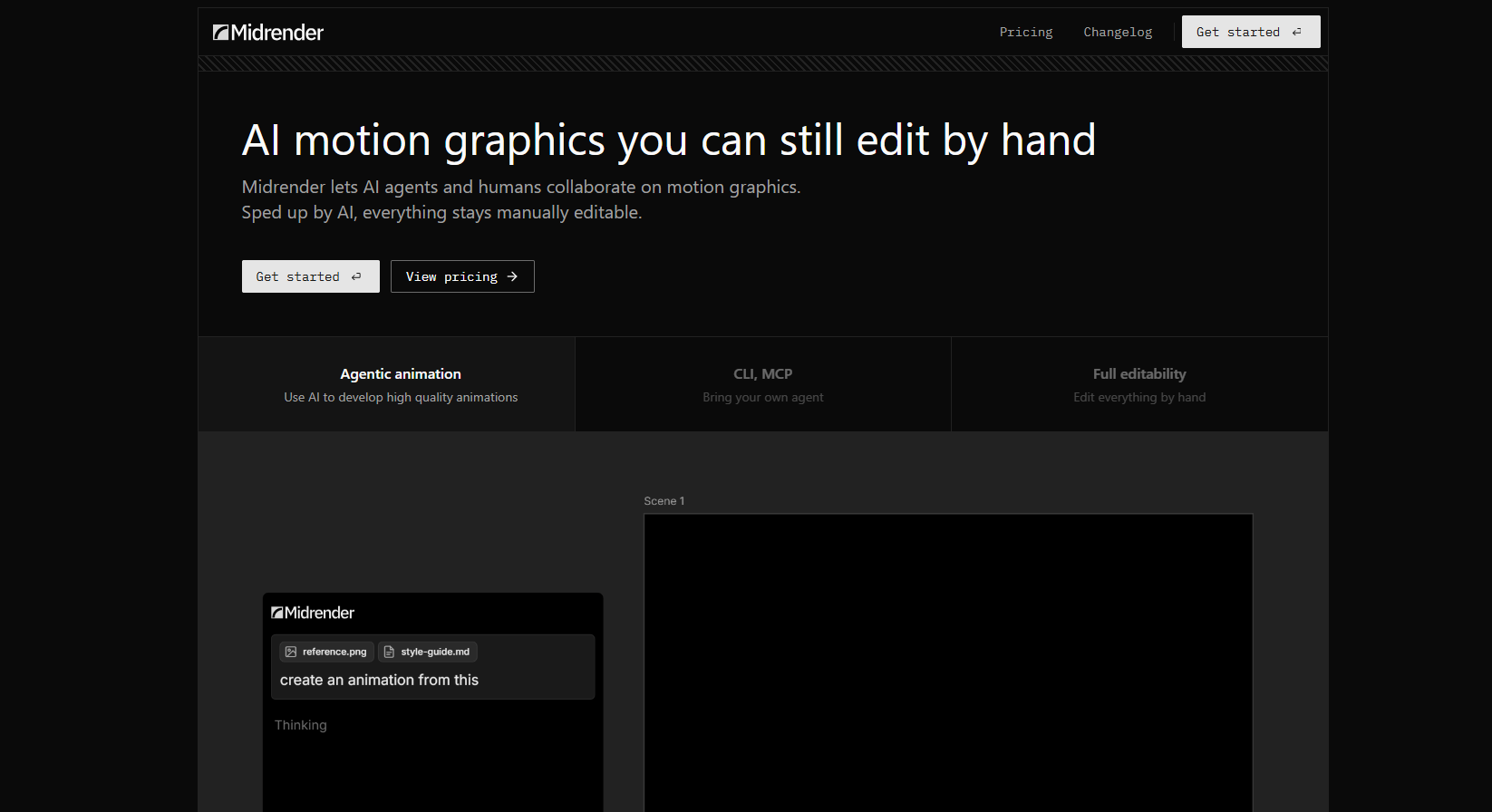
Midrender is a visual editor for motion graphics with an AI agent built in. Point the agent at your codebase and it reads the code, works out what a feature does and builds an animated walkthrough. A full timeline and design editor then lets you fine-tune every detail.
It comes from the team behind Revideo, the open-source framework covered later in this list, and carries Revideo's animation engine into a tool aimed at designers rather than developers. Midrender is a Y Combinator S23 company.
Key Strengths
Visual editing on a programmatic engine: You adjust scenes by hand in an editor while the project stays code-based, so code-level control is still available later.
MCP support: Agents like Claude Code and Cursor connect through MCP and can read and change your compositions directly.
Reads your codebase: Point the agent at your code and it drafts an animated walkthrough of a feature that you can edit on the timeline.
Cloud rendering: Added in 2026, renders run on Midrender's servers, so a long export does not tie up your computer.
Desktop app: A macOS app, added in mid-2026, lets you work locally instead of only in the cloud.
Limitations
No independent reviews yet: We could not find user reviews on the major software directories. That leaves little outside feedback on reliability, output quality or how it handles complex projects.
Usage-based pricing: According to a third-party directory, the free plan allows 100 MCP tool calls a week and Pro includes $20 of usage. Heavy agent use can cost more than the base price.
Pricing
Free: A free plan with weekly MCP tool-call limits, per a third-party directory
Pro: $20 a month for one user (Business is $100 a month shared across unlimited users)
Best fit
Designers and motion teams that want a visual editor on top of a shared, code-based project.
4. Creatomate
Creatomate is a template-based media automation platform that produces videos, banners and images from reusable templates. A template holds the layers, and each render swaps in new text, media or data. That makes it work more like a video service than an editor.
Typical uses include personalized ads and social clips generated from a spreadsheet, and credits on every plan cover videos, banners and images. Nobody on the team writes React or runs render servers.
Key Strengths
Visual template editor: A designer builds the layout once in a browser editor with no code, and every later render reuses it.
No-code automation: Zapier, Make and n8n trigger a render whenever a spreadsheet row, form or CRM record changes, so production runs without anyone clicking export.
Full API when needed: A REST API lets developers customize renders in code. A team can start no-code and move to code without switching tools.
Layouts that adapt: Elements reflow and resize when swapped-in text or media runs longer or shorter, which prevents broken layouts.
Pricing by usage, not seats: Credits cover render volume, so adding teammates does not change the bill.
Limitations
Layer positioning has a learning curve: Capterra reviewers single out how layers are positioned in the template editor as the hardest part to learn, and templates with many layers can get confusing.
Credits burn faster than expected: Cost rises with resolution and length, and one G2 reviewer reports burning through quite a few credits. Text-to-speech also needs your own provider account.
Pricing
Trial: 50 free credits, no card required
Essential: $54/month ($45/month billed annually), with higher tiers for more render volume
Best fit
Marketing ops teams that turn one template into many videos from rows of data. It is a poor choice for one-off creative work.
5. JSON2Video
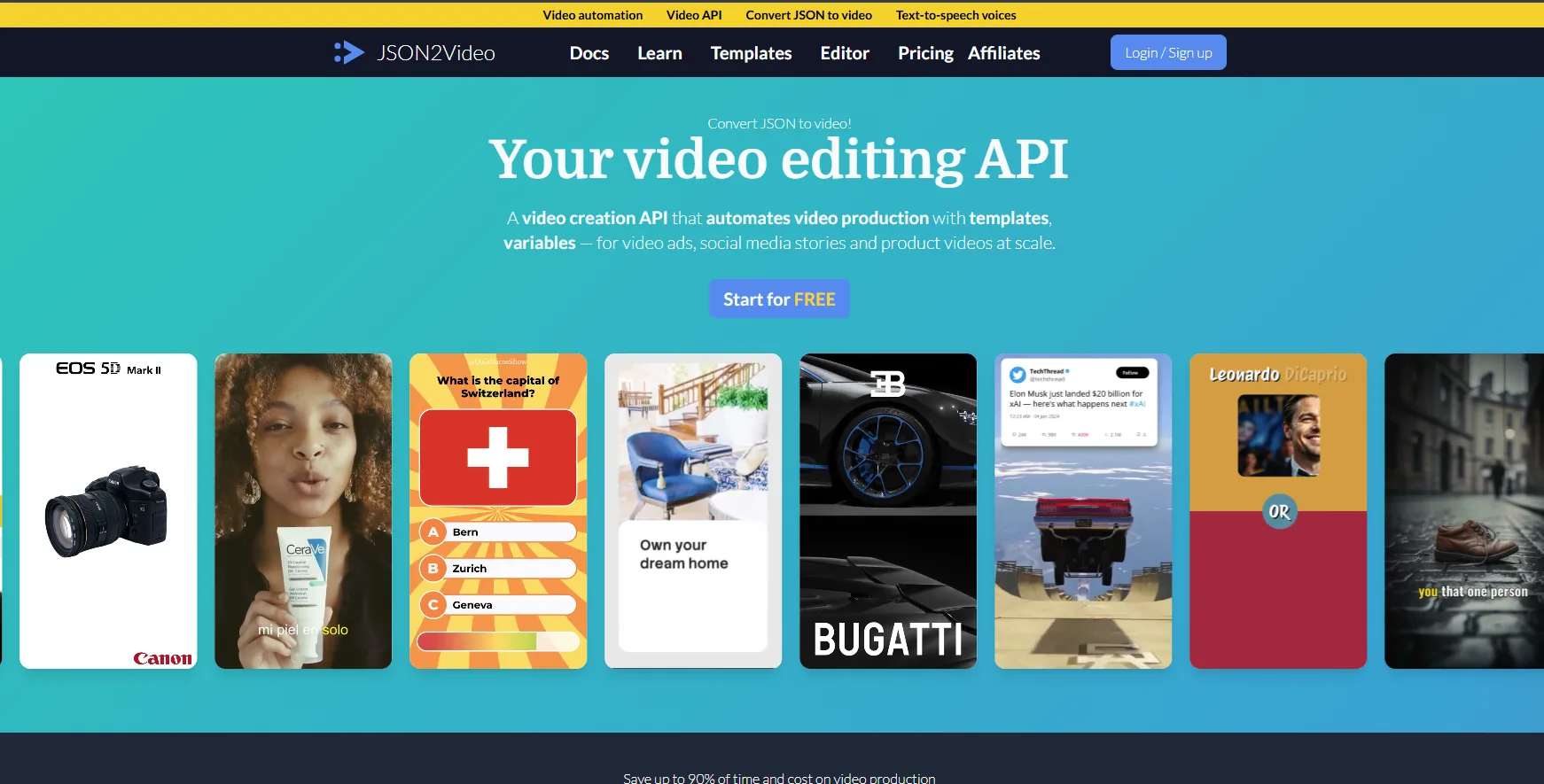
JSON2Video is a video editing API that creates and renders videos from a JSON specification sent to a REST endpoint. Each request describes a movie made of scenes, and each scene holds elements such as text, images, video and voice. Output is MP4 up to Full HD or 4K.
The spec also supports templates, variables, subtitles, transitions and AI-generated visuals, and webhooks report when a render finishes. Setup takes some technical comfort, but nothing close to a React project.
Key Strengths
Voiceover included: Azure and ElevenLabs text-to-speech run inside the render, so a script becomes a narrated video in one request.
Fits no-code automation: It connects with Make and n8n, which lets a spreadsheet or form trigger a video without backend code.
Prepaid packs that don't expire: Packs of 7,200 or 15,600 credits stay valid, which suits teams that make videos in bursts.
Predictable credit math: Full HD costs one credit per second of output and 4K costs four, so the cost of a video is easy to estimate.
Minute-based plans: Professional includes up to 200 minutes of Full HD a month, and Startup includes up to 500.
Limitations
Documentation can be unclear: Reviewers on Capterra and Software Advice say the docs could be clearer, which matters because the JSON structure is the whole interface you work with.
Thin template and stock libraries: Users have asked for more ready-made templates and more stock images and video in the media library, so most projects need your own assets.
Pricing
Free: 600 one-time credits for watermarked videos up to 60 seconds, meant for evaluation and not for commercial use
Professional: $49.95 a month with a 10-minute cap per video (Hobby starts at $16.95 a month billed yearly)
Best fit
Automation builders who want low-cost, API-driven video with built-in voiceover. Anyone who needs a visual design tool will be frustrated.
6. Shotstack
Shotstack is a cloud video-editing API where a video is defined as a JSON timeline of clips, images, text and transitions. You send the timeline in a request, and Shotstack renders the finished video on its own servers. It is aimed at software teams adding video creation to their own products or workflows.
It is the most developer-oriented tool in the template-and-API group, since the workflow is built around code rather than a visual interface. Non-developers usually reach it through a developer teammate.
Key Strengths
Built for volume: Shotstack says its infrastructure can render thousands of videos at once, and finished videos are served from its own CDN.
SDKs for common languages: Node, Python, PHP and Ruby libraries make it quick to plug into an existing backend.
Pay-as-you-go option: Credits cost $0.30 per rendered minute and stay valid for a year, so you can start small without a monthly plan.
White-label editor SDK: Every plan includes an embeddable video editor SDK, and subscriptions can remove the Shotstack branding.
Templates and a JSON editor: Pre-built templates and a JSON editor help you design a video and get a first integration running.
Limitations
A steep start with JSON and brief docs: Reviewers describe the JSON format as hard to get around at first and parts of the documentation as short or unclear for beginners.
No instant output: Reviewers note that videos must be pre-rendered rather than generated instantly, and one calls the API's positioning features clunky.
Pricing
Pay-as-you-go: $0.30 per rendered minute, with credits valid for one year
Subscription: From $39 a month for 200 credits, where one credit renders one minute (the sandbox starts with 10 free credits valid for 30 days)
Best fit
Teams with a developer who want API-first rendering for large batches. It is not for anyone who cannot work with an API.
7. Plainly Videos
Plainly is a video automation platform built around Adobe After Effects. Designers build a template in After Effects as usual, upload it through a plugin, and Plainly turns it into a repeatable video service. Anyone on the team can then request new versions without opening After Effects.
The design stays with the designers, and nothing has to be recreated as software. Plainly lists ISO 27001 certification for its cloud infrastructure, which can help with security reviews.
Key Strengths
Designer-grade motion: Templates come from After Effects, and output matches what a motion designer builds there, with no rebuild in another tool.
Data-driven variations: Google Sheets, Airtable, CSV files and API inputs fill each template, and text, images, audio, video and colors can all change per variant.
Cloud rendering up to 4K: Renders run on Plainly's servers, so there is no render farm to build or maintain.
14-day free trial: The trial includes Pro-level features such as batch rendering and API workflows.
Figma support emerging: Plainly Flows, in early access since September 2026, accepts Figma templates and adds AI layers.
Limitations
Steep learning curve without After Effects experience: Reviewers note the first projects are hard if you are not an experienced After Effects user, since every template is built there.
Short retention and few parallel renders on Starter: The Starter plan keeps rendered videos for 24 hours and allows two concurrent renders. Files must be downloaded quickly and large batches queue.
Pricing
Trial: 14 days free
Starter: $69/month ($48/month billed yearly) for 50 render minutes, with higher tiers for more minutes
Best fit
Teams that already own After Effects templates and want to scale them across hundreds of variants. If nobody on the team uses After Effects, look elsewhere.
8. Revideo
Revideo is an open-source TypeScript framework for programmatic video editing. Developers write scenes in TypeScript with components for video, audio and images. It began as a fork of Motion Canvas that turns the standalone editor into a library for building video apps.
It is the closest open-source counterpart to Remotion and suits teams that want a code-first approach under an MIT license. It works best as a building block for developers who generate videos inside their own apps, and less as a finished tool for marketers.
Key Strengths
MIT license: Free for commercial use with no headcount limit. Costs stay flat as the team grows or the video count rises.
Render from your own code: A library-first API lets an app call a render function and get an MP4 back, which suits products that generate videos for users.
Headless rendering: It runs on servers without a display, which is what automated and scheduled pipelines need.
Parallel rendering: A workers option in the render function spreads work across processes, and the docs include an example for Google Cloud Functions.
React player for previews: A player component embeds in a web app and lets users preview a video in the browser before it is rendered.
Limitations
Rendering speed depends on content: Its docs say fast frame extraction only works with MP4 files, while other formats fall back to slower decoding, so large images and videos slow renders further.
Uncertain direction: The team now works mainly on Midrender, and some recent engine changes have not reached the open-source project. Check recent releases before building on it.
Pricing
Free: $0 under the MIT license
Hosting cost: Your own servers or cloud functions for rendering, plus developer time to maintain the setup
Best fit
Developers who want a Remotion-style framework inside their own product. It is a poor fit for teams without a developer.
9. Motion Canvas
Motion Canvas is an open-source TypeScript library for building animated videos with code. It is also the project Revideo was forked from, so the two share an animation model. Its repository includes an official headless renderer that drives Puppeteer.
Remotion renders React markup frame by frame, while Motion Canvas animates vector graphics on a single canvas through an imperative API. That makes it a different kind of alternative, one that suits animators who code more than teams who automate.
Key Strengths
Real-time editor: An in-browser editor shows animation changes as you code, which keeps timing and easing work out of a render-and-wait loop.
MIT license: Free for commercial use, with no per-render fees or seat costs to track.
Precise timing control: Animations are written as generator functions, which gives exact control over sequencing and keeps complex motion readable in code.
Built-in LaTeX and code-block animations: Components for animating LaTeX and code ship with the library, which suits technical explainers.
Audio sync in the editor: You can line audio up with the animation through the editor interface.
Limitations
Slower rendering and weaker audio handling: Revideo's maintainers forked the project to add parallel rendering and audio export from video elements, which they say Motion Canvas lacked. Check whether those gaps still apply.
Canvas-only content: It renders only canvas-based graphics, not full web pages. Regular web layouts, elements and CSS effects are not available the way they are in browser-based tools.
Pricing
Free: $0, MIT licensed, with no paid tier
Learning cost: Developer time to learn the library and set up your own rendering
Best fit
Developers and technical educators making hand-animated explainer videos where timing matters more than volume, and who are comfortable writing TypeScript.
10. Editly
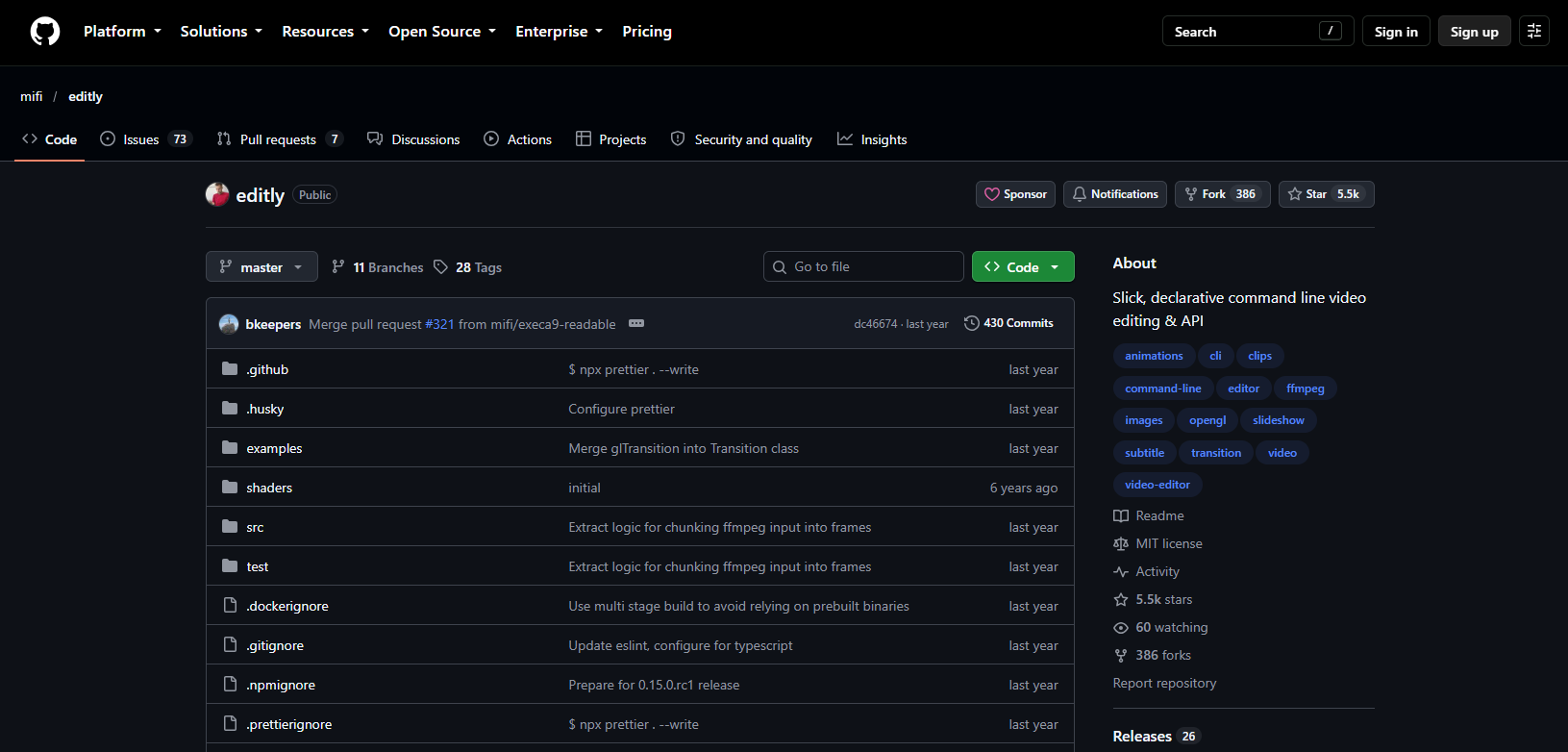
Editly is an open-source command-line tool for assembling videos from clips, images, audio and text. It takes the opposite approach to Remotion. Instead of building every frame from code, it stitches existing material together with transitions and titles. It also accepts custom HTML5 canvas and Fabric.js code for custom screens and overlays.
That makes it the simplest tool on this list and also the narrowest. It covers scripted slideshows, simple promos and bulk edits, but only a small slice of what Remotion does.
Key Strengths
Whole video in one config: A single JSON5 file or JavaScript object describes clips, images, titles and transitions, so a video is easy to read, version and regenerate.
No cost: It is free and open source, with no license fees, credits or per-render charges to plan around.
Light setup: It needs Node.js and FFmpeg, with no browser engine or render farm, though Linux servers may need extra headless-gl system dependencies.
Strong for batch assembly: Reusing a config with different clips or text produces many similar videos quickly.
GL transitions and shader layers: Transitions come from the gl-transitions library, and custom GL shaders, such as ones from Shadertoy, can render as layers.
Limitations
Slow renders in real projects: GitHub issues from 2023 report a 50-second video built from three images taking about 10 minutes, and a 12-second clip taking 21 minutes with dropped frames.
Concurrency and audio bugs: Issues from 2023 and 2024 report failures when running several renders at once on Linux, and the last audio track being cut off.
Pricing
Free: $0 and open source, with no license to buy
Server cost: Developer time for scripting, plus FFmpeg and any headless-gl dependencies on your machine or server
Best fit
Developers and technical creators who want scripted video assembly without a heavy framework. Animated product demos are outside its range.
Remotion Alternatives Comparison
Starting prices below are the lowest paid tier where one exists. Open-source tools are listed as free, but they still cost developer time to set up and maintain.
Tool | Type | Best For | Skill Needed | Main Limitation | Starting Price |
|---|---|---|---|---|---|
Agentic studio | Demos and tutorials that change with your product | Plain language plus a coding agent | Needs a coding agent installed first | Free (720p exports, watermark) | |
Agentic framework | Free, open-source agent workflows | Terminal and Node.js | Pre-1.0, so APIs can change between releases | Free (Apache 2.0) | |
Visual editor | Motion graphics edited on a timeline or by an agent | Timeline editing, agent optional | No independent reviews yet | Free, then $20/month (Pro) | |
Template and API | No-code, data-driven video at scale | No code to start, API optional | Credits burn fast at higher resolutions | $54/month ($45 annual), 50-credit trial | |
Template and API | Low-cost JSON API with voiceover | JSON, or Make and n8n | Unclear docs and a thin template library | Free (600 credits), then from $16.95/month billed yearly | |
Template and API | Managed rendering API for software teams | Developer comfortable with JSON | Steep start with brief docs | $0.30 per minute, or $39/month | |
Template and API | After Effects templates at scale | After Effects | Steep curve without After Effects skills | $69/month ($48 annual), 14-day trial | |
Open-source framework | Video features inside your own app | TypeScript developer | Direction uncertain as the team shifts to Midrender | Free (MIT) | |
Open-source framework | Hand-built technical explainers | TypeScript developer | Canvas-only, no full web pages | Free (MIT) | |
Open-source tool | Scripted slideshows and bulk assembly | Command line and JSON5 | Slow renders in reported issues | Free |
How to Test a Remotion Alternative Before You Commit
Most of these tools offer a free plan, a trial or an open-source download, which makes it tempting to click around for ten minutes and pick whichever feels least confusing. That's not enough to judge fit. We'd run three checks before settling on one tool for the year.
Test an actual update, not a first draft: Sketch one scene in a storyboard template so every tool gets the same brief, then change a button label, a price or a screen and time the fix. That is the exact job Remotion made painful.
Price the tier you'll really need: Credits, render minutes and per-render fees behave very differently at fifty videos than at five. If narration is involved, a script runtime calculator turns a script into minutes, so you can estimate usage before you buy.
Check what happens after cancelling or offline: Cloud APIs stop rendering when billing stops, while local tools such as CoAnimator and HyperFrames keep working once the files exist.
The whole test takes an afternoon, against the two to five weeks a studio production runs. Run it before you commit to an annual plan.
Video Keeps Getting Easier, Writing Code Was Never the Point
The tool matters less than one question. What makes this video change? If it changes because your product does, choose a project you can edit. If it changes because your data does, choose a template you can feed. Picking the wrong lane means rebuilding templates by hand or making hundreds of variants one at a time.
Remotion stays the right call if React is already part of your daily work. AI tools are fast at first drafts and rough assembly, but deciding what a launch film should argue still takes a person, so we'd weigh AI video tools against a studio before committing. A product demo starts at $2,800 with us, and if you are unsure a video is the right fix, send us the brief and we'll tell you.
Written by the AllCapStudio team. We publish what we would tell you on a call, which occasionally costs us the project.
Read next
All articles- JournalInstagram Reel Size Guide (2026): Dimensions, Safe Zones and Export SettingsInstagram Reel size is 1080 × 1920 in 9:16. See how feeds and grids crop it, where text stays visible and which export settings to…
- Journal7 Best Cardboard AI Alternatives for Video EditingWe tested 7 Cardboard AI alternatives for editing, clipping, and building video, comparing pricing and who each tool best fits.
- Journal9 Best Text-to-Video AI Generators Compared (2026)Compare 9 text-to-video AI generators for 2026, including pricing, native audio support, and which tool fits your video needs.